






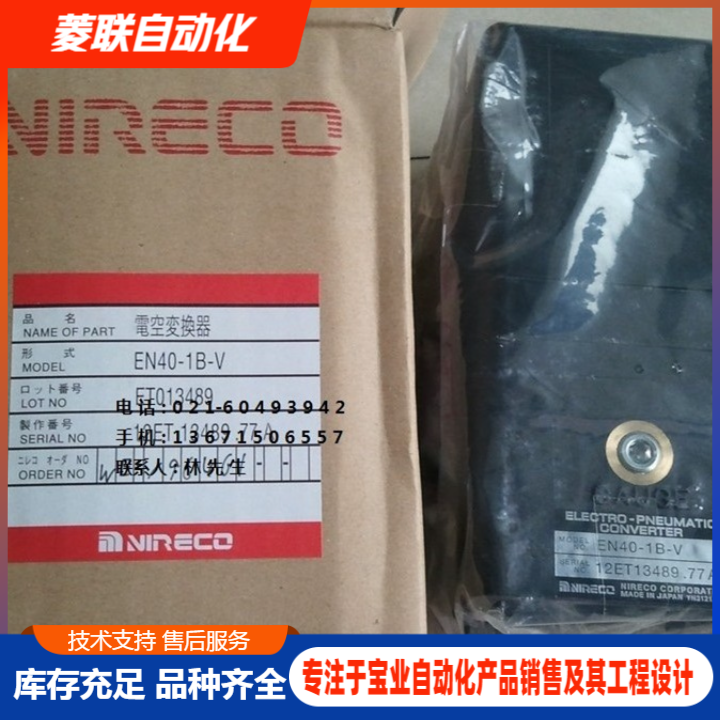

NIRECO Nihon Instruments Sensors Agent, in stock. NIRECO Sensor Manual. After-sales Service - Diamond Automation
When using a new touchscreen, you must reset various internal passwords. Method: 1. Locate the DIP switches DIP1, DIP2, DIP3, DIP4 on the back of the touchscreen (the corresponding labels can be seen by opening the touchscreen cover) and follow the manual for the appropriate operations. Set DIP Switch 1 to ON, and keep the rest of DIP2, DIP3, DIP4 switches OFF. 2. Power on the MT8000. It will switch to the screen touch calibration mode first, and after completing the calibration, a dialog box will pop up as shown below. This dialog box will ask if you want to restore the MT8000's system setup password to the factory settings. If yes, select YES; otherwise, select NO. After selecting YES, another dialog box will appear as shown below. This dialog box will confirm again if you want to restore the MT6000's system setup password to the factory settings, and it will require you to enter YES to confirm. Press OK after completing the input. 3. Close the touchscreen and flip the DIP switches to the position as indicated in the manual. (The factory default system password for the MT6000 series is 111111, but all other passwords must be reset, including the passwords used for download and upload.) Note: When resetting the MT8000, the screen program inside the touchscreen and all stored historical data will be deleted.