






Service Level
We offer personalized student services, including consultation and course scheduling.
2. Carefully schedule course times to flexibly accommodate student needs.
3. Provide tracking services, answer questions, and offer assistance to each student.
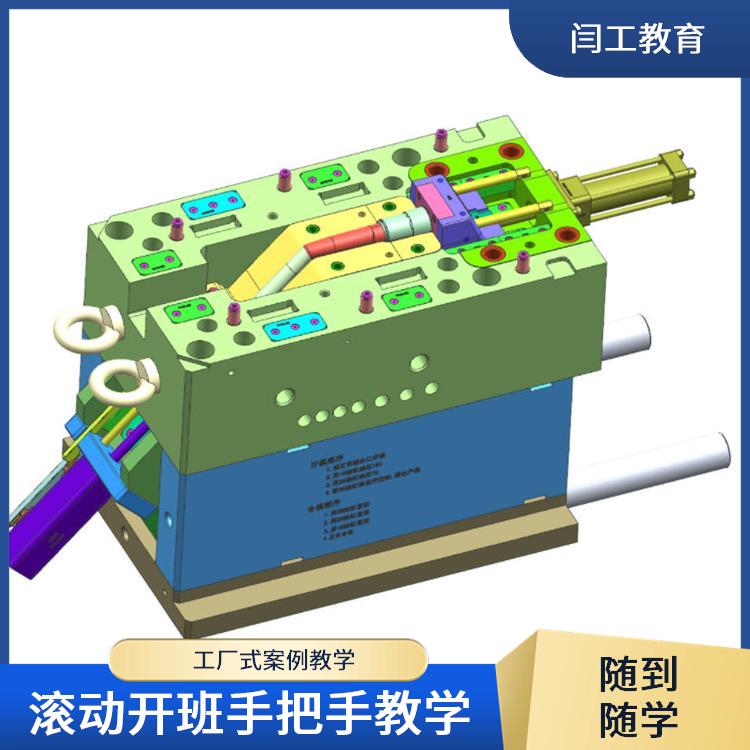
UG is a powerful 3D CAD software primarily used for product design, mold design, programming and machining, drafting, and even motion simulation for shape design. It supports both parametric and non-parametric design. UG's secondary development tools allow users to seamlessly integrate their development outcomes with UG's interactive interface, creating a unified, consistent user interface that simplifies operation and enhances usability.
UG Modeling Training is a training program aimed at enhancing skills in 3D Computer-Aided Design (CAD) and Computer-Aided Manufacturing (CAM).
UG software is renowned for its powerful modeling capabilities, flexible assembly design, and comprehensive simulation analysis functions. It supports the entire process from conceptual design to product manufacturing, enabling complex surface modeling, intelligent assembly of multiple components, and multidimensional simulation analysis such as kinematics and dynamics. For designers, mastering UG means being able to complete design tasks more efficiently, enhance design quality, and shorten the product development cycle.
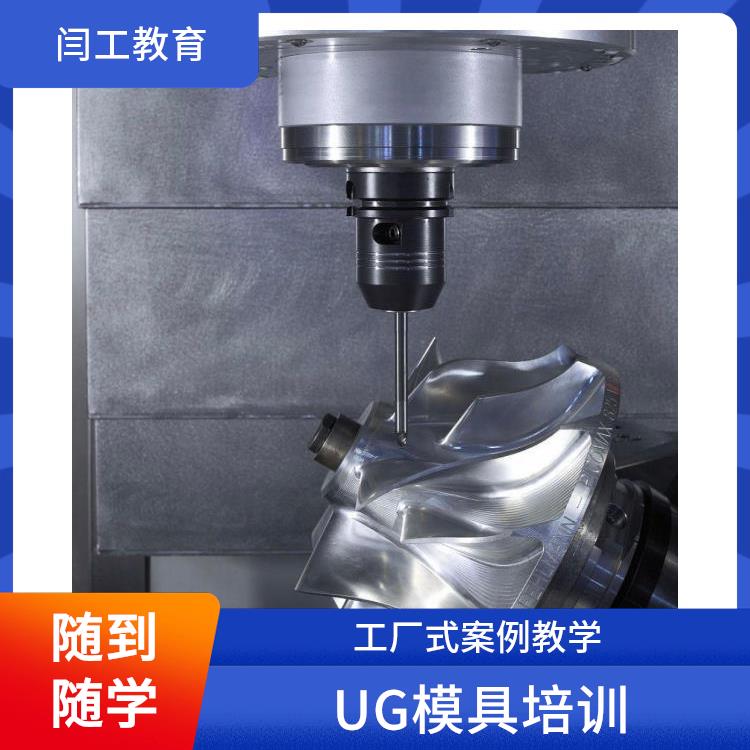
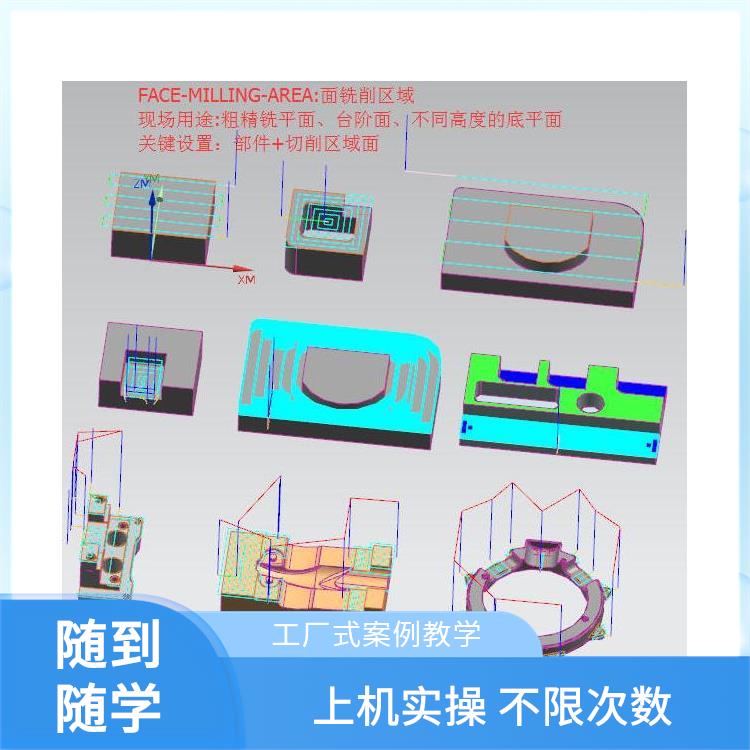
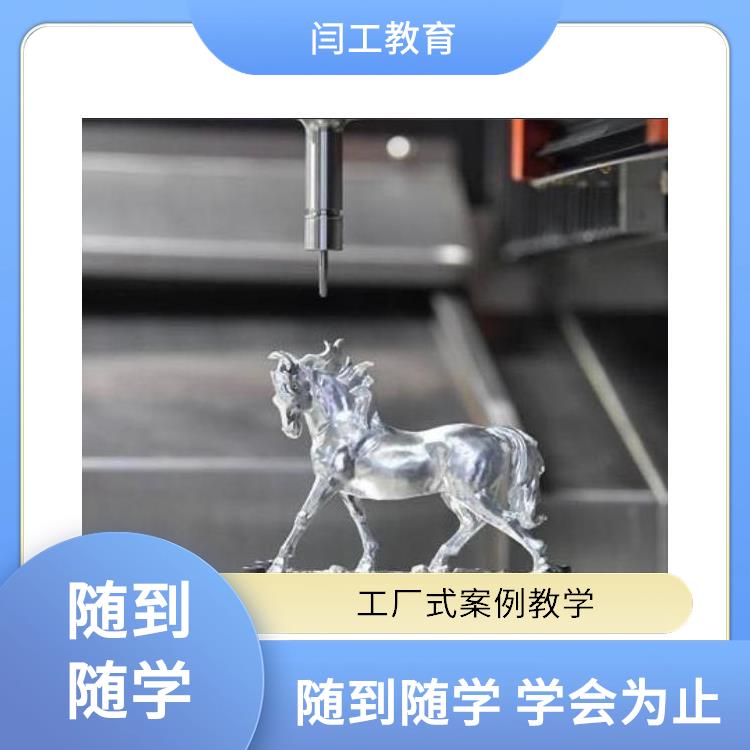
UG Programming Training Course Content: Explanation of common 4-5-axis curves, surfaces, and solids; curve-driven, streamline-driven, and surface-driven curve strategy guidance; non-cutting parameter explanation; tool axis control explanation; multi-axis roughing and rotating bottom surface roughing; general motion and sequential milling as well as multi-axis deburring; case study of enclosed impeller; impeller module and pipeline module explanation; 3+1 and 3+2 axis fixed-axis processing explanation; explanation of the Hercules Cup case; cam case study; uneven depth groove roughing techniques; explanation of the Pagoda Holding the River Demon case; Helmet Goddess case; 4-axis and 5-axis one-cut technique explanation.
Next, the training moves into the foundational modeling phase.
Students will learn how to use UG for 2D sketching and create 3D solid models.
At this stage, learners will master the skills to create basic geometric shapes, such as cubes and cylinders, using tools like rotation, stretching, and extrusion for solid modeling.
Additionally, students will learn to draw and edit curves, providing flexibility for complex modeling.
WeChat Official Account

Scan to follow Official Account