
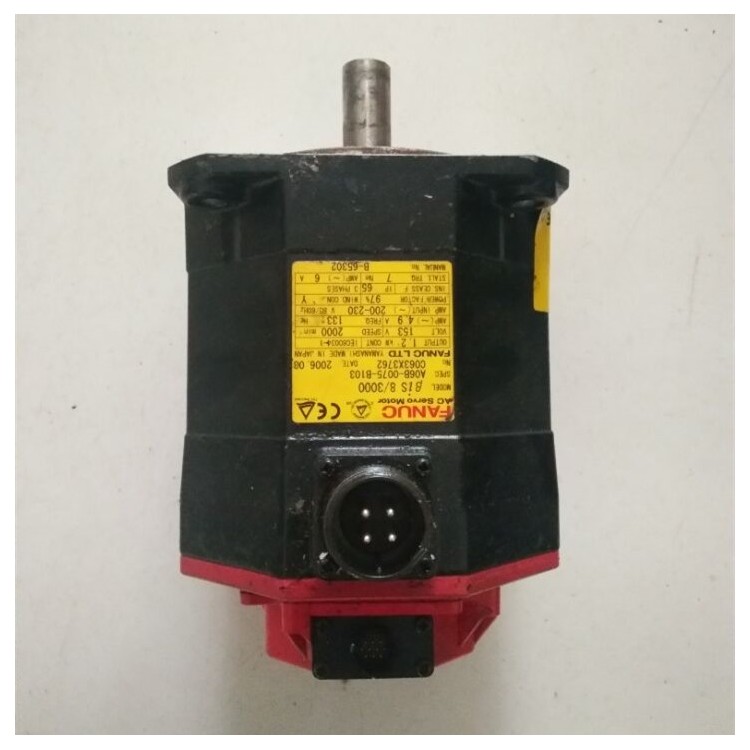










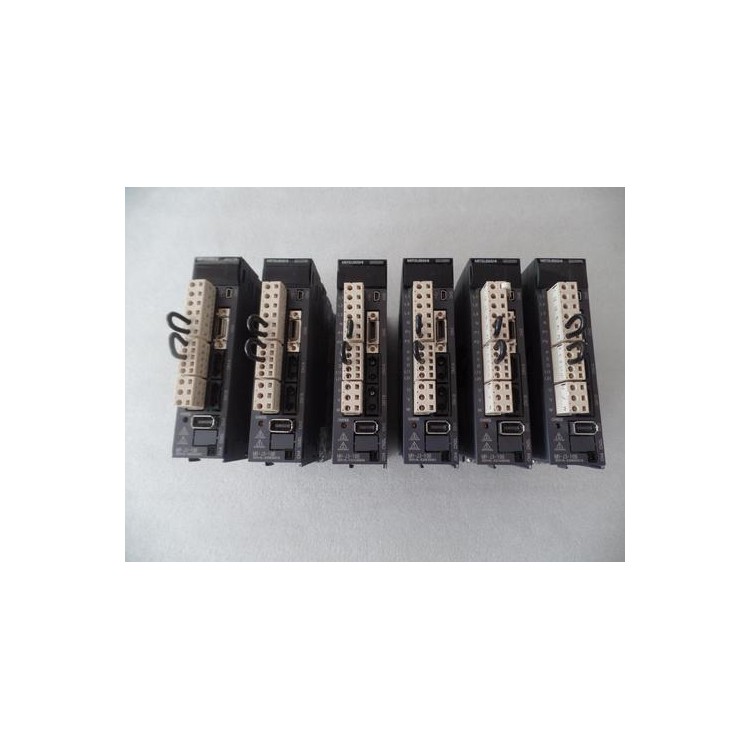
Typical steps for repairing Fujitsu servo drives include:
1. Fault Diagnosis: First, it's necessary to identify the type and cause of the driver's failure. Diagnosis can be carried out by checking the status of indicator lights, measuring voltage and current, etc.
2. Component Replacement: Depending on the type of failure, it may be necessary to replace some components, such as capacitors, relays, circuit boards, etc. When replacing components, attention must be given to matching with the original parts and proper installation.
3. PCB Repair: If the driver's PCB is damaged, you can attempt to repair issues such as soldering, connections, or components on the PCB. Repairing a PCB requires some electronic technology and soldering skills.
4. Parameter Adjustment: After the maintenance is completed, adjustments must be made according to the specifications and requirements of the driver. This includes setting parameters such as current, speed, and acceleration.
5. Functional Testing: After the repair is completed, a functional test must be conducted to ensure the driver operates normally. Testing can be carried out by connecting the servo motor and inputting control signals.
Note that the Fujitsu servo driver is a complex piece of equipment, requiring specific knowledge and skills for repair. If you lack relevant experience, it's advisable to seek repair services or consult Fujitsu's after-sales support for the servo driver.
If you encounter a fault with the FAG servo drive, here are some possible repair steps:
Check power connection: Ensure the driver's power connection is correct and stable. Inspect the power cable for damage or loose connections.
2. Verify communication line connections: Ensure the communication lines between the driver and controller are correctly and stably connected. Check for any damage or poor contact on the communication lines.
3. Verify Drive Parameters: Check if the drive's parameters are correctly set. You may need to reconfigure the drive parameters to meet your application requirements.
4. Check the drive error codes: If the drive displays an error code, refer to the user manual of the drive to understand the meaning of the error code and the solution.
5. Check the driver's heat dissipation: Overheating can lead to driver failure. Ensure the driver's heat sink is clean and free of obstructions.
6. Check the motor connection of the driver: Ensure the connection between the driver and the motor is correct and stable. Inspect the motor wires for any damage or poor contact.
7. Verify the motor parameter settings of the driver: Check if the motor parameter settings of the driver are correct. It may be necessary to reconfigure the motor parameters of the driver to meet your application requirements.
If the above steps do not resolve the issue, we recommend contacting the technical support team for FAG servo drives or a qualified maintenance personnel for further troubleshooting and repair.
To repair the Kobe servo drive, please follow these steps:
Check the power supply: Ensure the power connection to the Kobe servo drive is normal and inspect the power cable for any damage. If the power cable is damaged, it needs to be replaced.
2. Inspect connection lines: Check if the科比 servo driver's connection lines to other equipment are loose or damaged. If there are loose or damaged lines, they need to be reconnected or replaced.
3. Check Fault Codes: Kobe servo drives typically display fault codes. Refer to the Kobe servo drive user manual to locate the corresponding fault codes and follow the solutions provided in the manual for troubleshooting.
4. Restart the Device: Sometimes, a simple restart can resolve temporary issues. Try restarting the Kobe servo driver and observe if the problem is resolved.
5. Contact Repair Services: If the above methods fail to resolve the issue with the Kobe servo drive, it is recommended to contact Kobe servo drive's service or a repair technician for further inspection and repair.
Please ensure that you have read and understood the user manual for the Kobe servo drive and followed the corresponding safety operation guidelines before performing any maintenance procedures. If you are unsure about how to carry out the maintenance, it is recommended that you seek assistance from a professional.
If you need to repair a Heidenhain servo drive, follow these steps:
Check power and connections: Ensure the power connection of the servo driver is correct and there are no disconnected or damaged cables. Also, inspect other connections such as control and feedback signal lines.
2. Check error codes: If the servo driver displays an error code, refer to the product manual or contact the manufacturer for the meaning of the error code and resolution methods.
3. Cleaning and Maintenance: Inspect the servo drive for dust or dirt accumulation. If present, clean with compressed air or a soft brush. Also, check if the fan is operating normally; if not, it may require replacement.
4. Reset Parameters: If the parameters of the servo driver are accidentally changed or lost, you can try to restore them to the factory settings. This may require specific software or tools.
5. Contact Manufacturer or Repair Service: If the above steps do not resolve the issue, please contact Heidenhain or an authorized repair service provider for repairs and support.
Please note the knowledge and skills required to repair servo drives; therefore, if you are unsure about the repair process, please seek assistance as needed.