









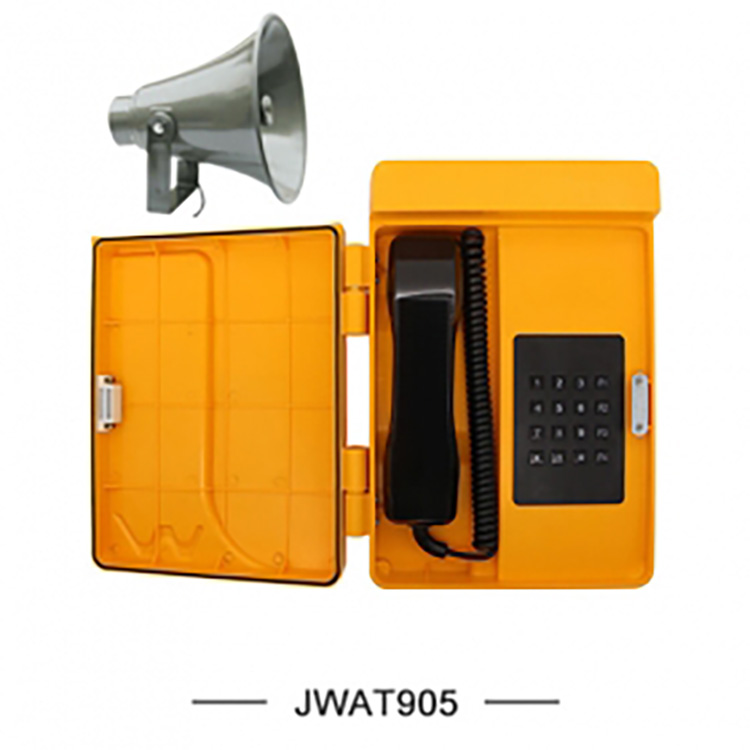
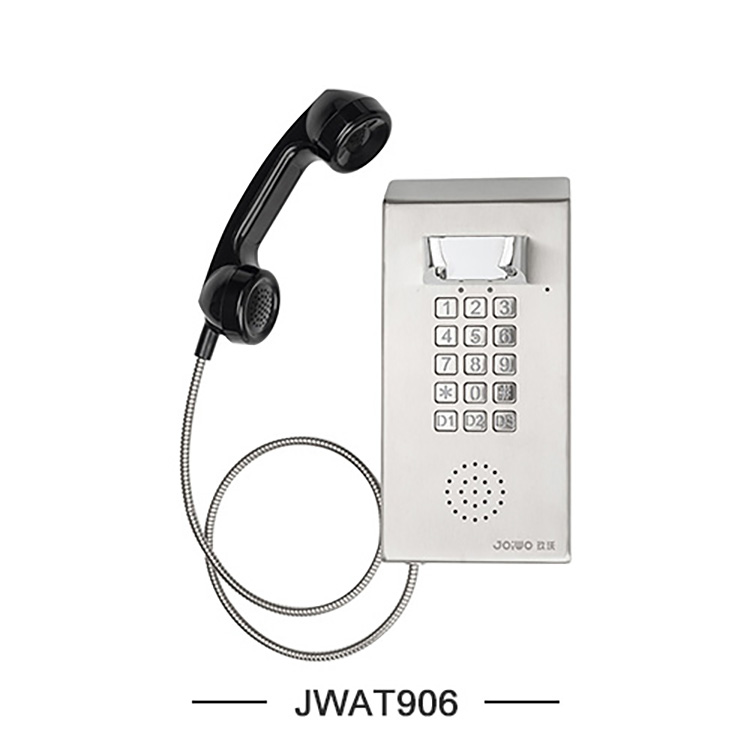
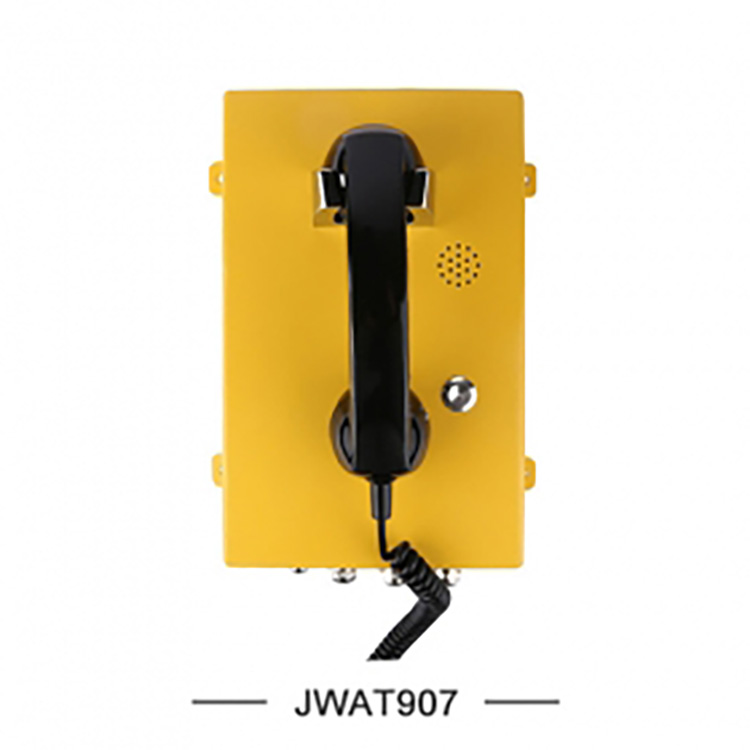
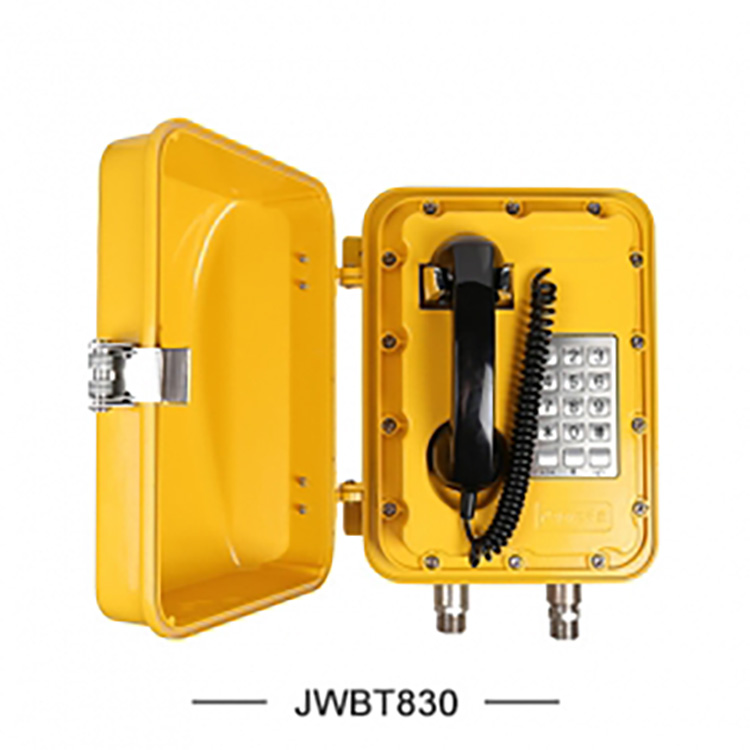


1. Utilizes the standard SIP2.0 protocol, compatible with various IPPBX and VoIP voice platforms (such as: IMS, softswitch systems, call centers, etc.), capable of meeting diverse network environments
Networking application requirements below.
2. Adheres to standard communication protocols: Supports SIP/IAX protocols, allowing interoperability with various IMS/softswitch systems.
3. Rich voice coding: Supports a variety of codec algorithms including G.711 (alaw/ulaw), G.722, G.723, G.726, G.729A, GSM, and ADPCM.
4. High-Quality Voice: Utilizes advanced G.168 telecommunication-grade echo cancellation for superior voice quality.
5. High Reliability: Supports TLS/SRTP/HTTPS and other encryption methods, providing encryption/decryption for signaling and media streams.

Working Voltage | AC220V±10%,50Hz |
Standby operating current | ≤0.2A |
Frequency Response | 250~3000Hz |
Ringing Level | ≥100dB |
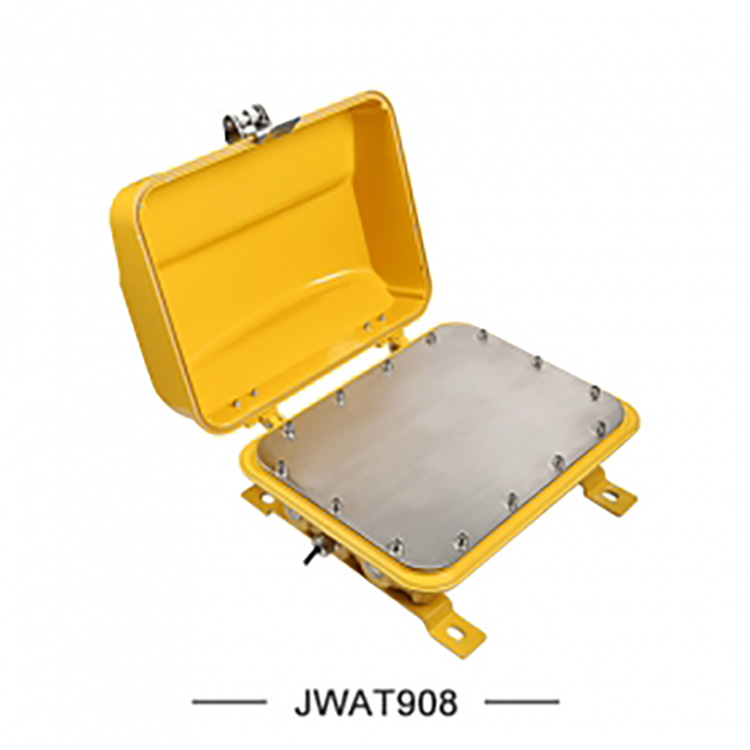
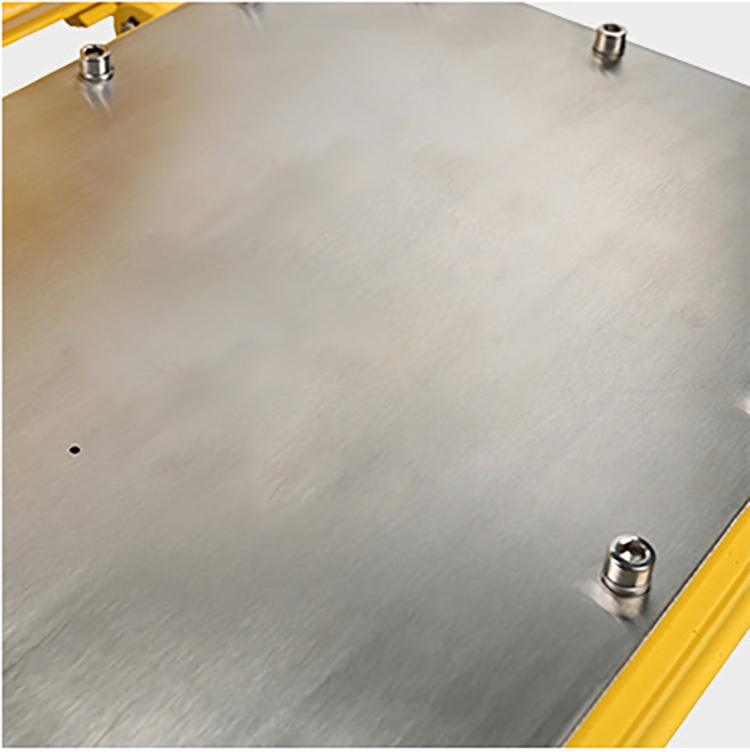
Ingress Protection (IP) Rating | IP66 |
Corrosion Resistance Grade | WF1 |
Ambient Temperature | -20~+60℃ |
Atmospheric Pressure | 80~110KPa |
Relative Humidity | ≤95% |
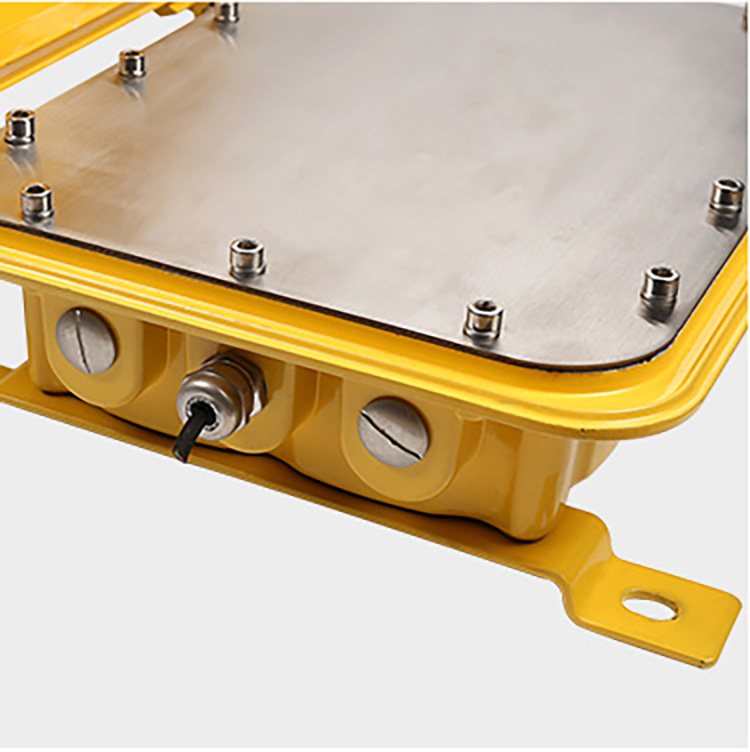
Leader hole | 3-PG11 |
Overall Weight | 10Kg |
Installation Method | Wall-mounted |

1. Suitable for environments with specific requirements for moisture resistance, fire prevention, noise reduction, dust prevention, and frost protection, such as subway systems, highways, power plants, oil stations, ports, and steel companies.
2. Suitable for high-noise environments.


Usage Instructions:
Factory IP Address: Supports web-based system administrator and user management interface; users can configure and manage devices through the web-based system administrator interface.
IP Address: 192.168.1.128 Username: admin Password: admin
Log into the system admin interface: First, confirm that the IP address of your PC and network interface is on the same subnet. Executing "Ping the IP address" from your PC should establish connectivity.
Then, on your PC, launch a web browser and enter the IP address http://192.168.1.128 in the address bar. Press Enter to access the login page. On the login page, enter
Enter the administrator username and password to access the system management interface. Through the system administrator interface, administrators can manage system configurations for the host, including network
Configuration (LAN, VPN, DDNS, VLAN, etc.), by registering directly to the server to dial extension numbers or connect to switches via IP addresses. After dialing in, directly
Enter broadcast mode, upon completion of the broadcast, the amplifier is turned off and the power supply disconnected, effectively ensuring safety and extending the lifespan.