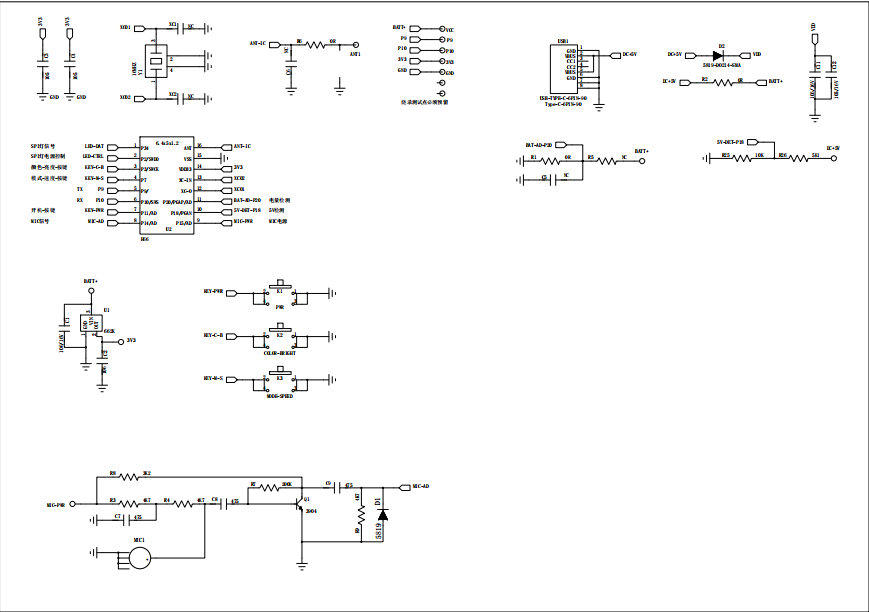
With the rapid development of the times, lighting has gradually integrated with product texture, aesthetic design, and quality of life. Currently, LED products are present in all industries. As a major product in the LED series, the Bluetooth pickup light finds applications in various fields such as industry, commerce, homes, and entertainment. Whether for decorative lighting effects or illumination, the Bluetooth pickup light can handle it effortlessly. The new Bluetooth pickup light is controllable via a mobile app, supporting music playback and microphone synchronization.
Feature Highlights: Built-in high-sensitivity microphoneWind Activated (Sound Activated), 32 vibrant LED beads, over 8 display modes, 5-level brightness adjustable, 5-level speed adjustable, 18 color modes adjustable, with built-in AGC automatic gain control and intelligent noise reduction algorithm, suitable for use in noisy environments.
Usage Instructions:
One,OpenPower Off: Briefly press the ON/OFF button
Toggle mode by briefly pressing the M/S (mode key)
Three: Press C/B (Color button) for color change
Speed Setting:
1. Hold down the M-S key for about 2 seconds
2. The indicator light is blinking continuously; release the button.
3. Press and hold the M-S key briefly to slow down the LED cycle speed.
4. Press and hold the C/B button to increase the LED speed (total of 5 speeds)
5. Press and hold the M-S key, then briefly press the ON-OFF button to shut down and exit the setup.
Brightness Setting:
1. Hold down the C/B button for about 2 seconds
2. Release when all the indicator lights are on
3. Press the M-S key briefly to dim the LED brightness.
4. Press the C/B button briefly to increase the brightness of the LED beads (total of 5 levels)
5. Press and hold the C/B key, then briefly press the ON-OFF key to shut down and exit the setup.
Sound field switching:
1. Press the M-S button and the C/B button simultaneously for over 2 seconds to record in noise reduction mode; release the buttons to finish the noise reduction.
Sensitivity Adjustment:
1. The product is in shutdown mode.
2. Hold down the C/B button for about 2 seconds without releasing, then press the ON-OFF button to enter the sensitivity adjustment mode.
3. Press the C/B button briefly to increase sensitivity (all lights on indicate the highest sensitivity)
4. Press the M-S key briefly to reduce sensitivity (only one indicator light is on at this point, indicating the lowest sensitivity)
5. Briefly press the ON-OFF button after adjustment, and the device will restart after powering off, completing the sensitivity settings.
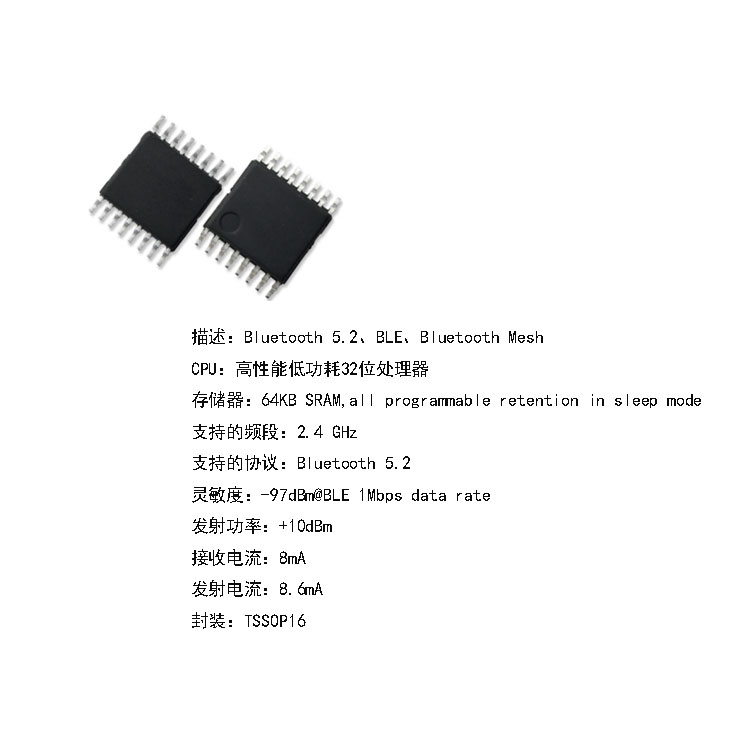
Applicable Chip