












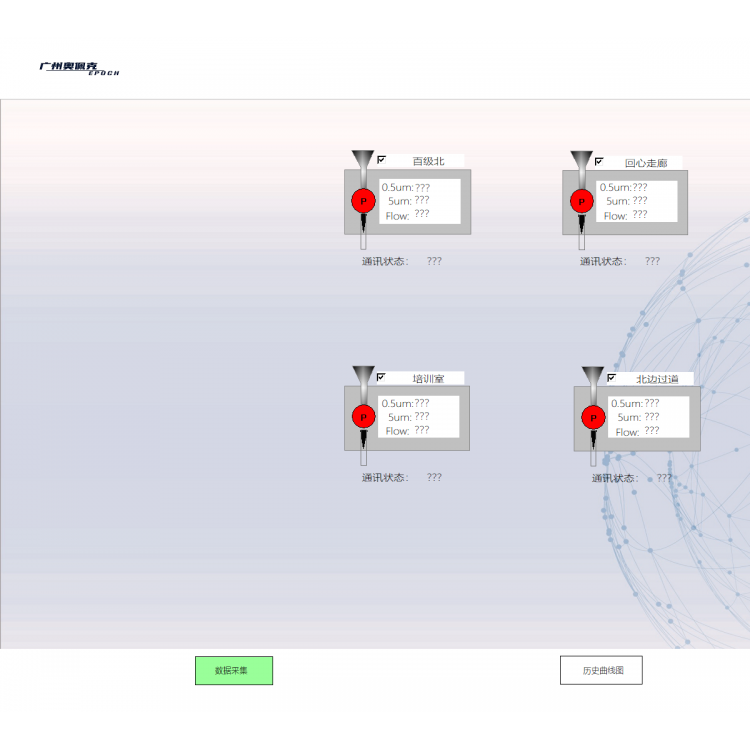
(One)Installation Guide
1. In the Config King installation package, double-click the "Setup.exe" application (as shown in Figure 1.1).

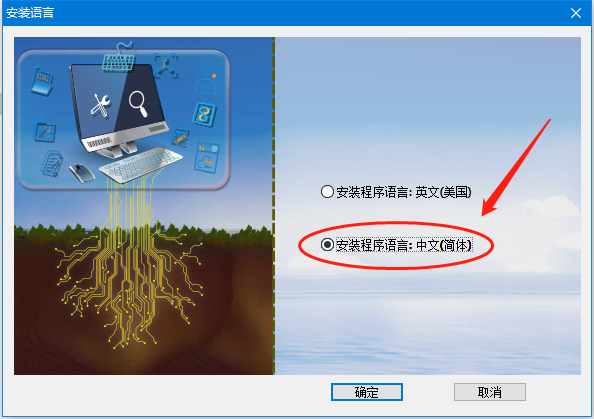
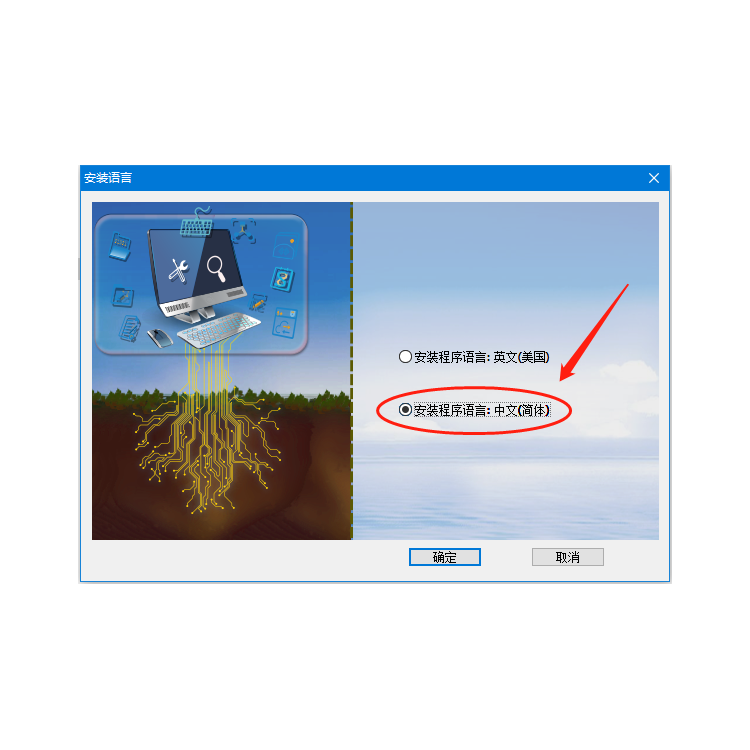
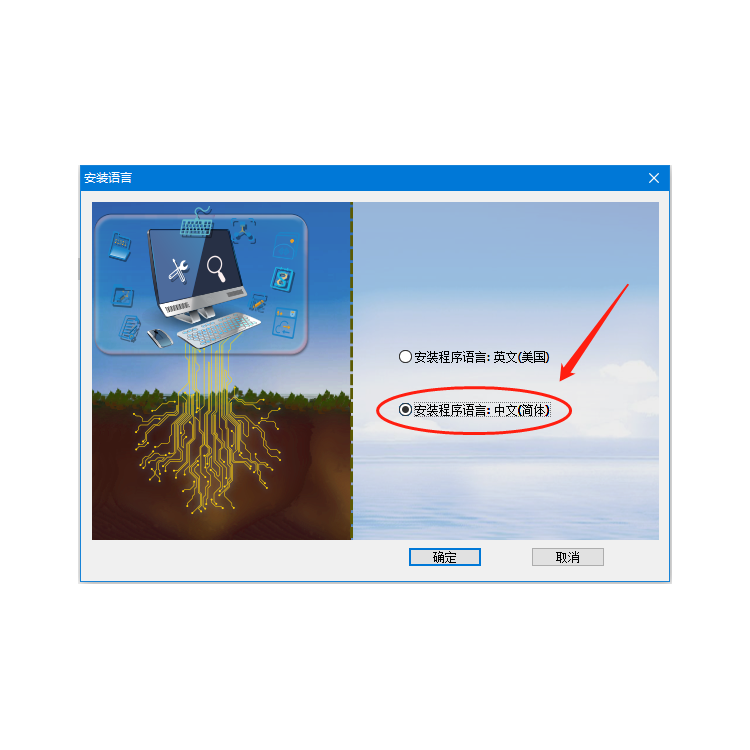
2. In the pop-up interface, select Chinese language, and click Confirm (as shown in Figure 1.2).

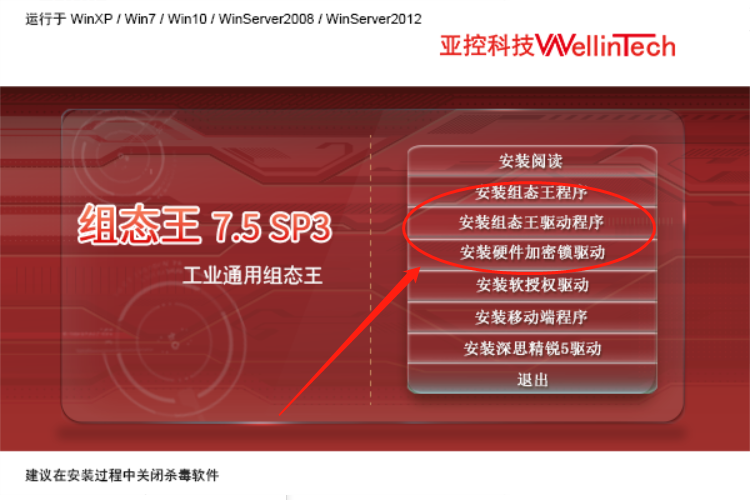
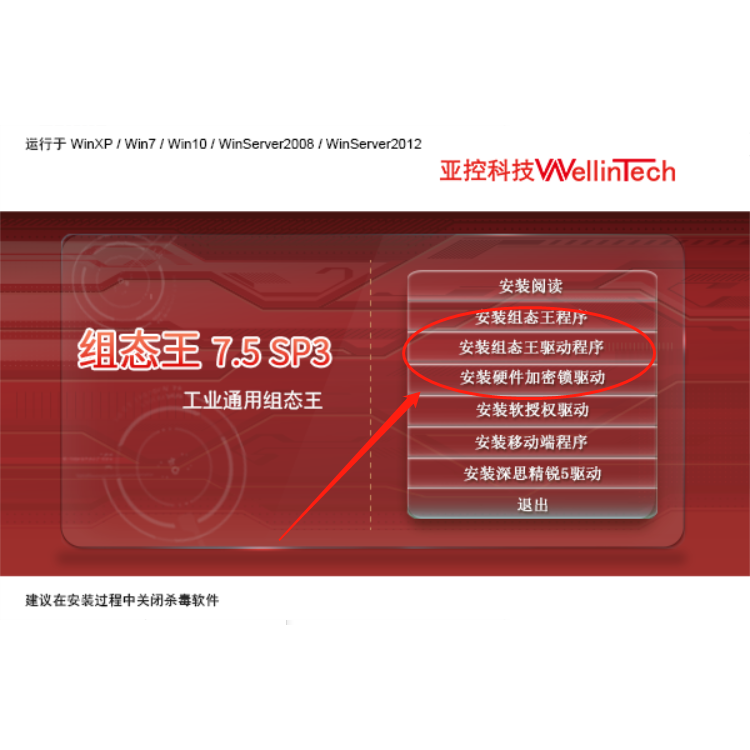
3. Install the options in the boxes (Configuration King program, Configuration King driver, hardware encryption lock driver) separately. (As shown in Figure 1.3)

No setup required for this software; it is recommended to disable antivirus and firewall during installation. Just click 'Next' to proceed.
(1) Configuration King program installation as follows:


(2) Configuration King driver installation program is as follows


(3) Hardware encryption lock driver installation as follows: