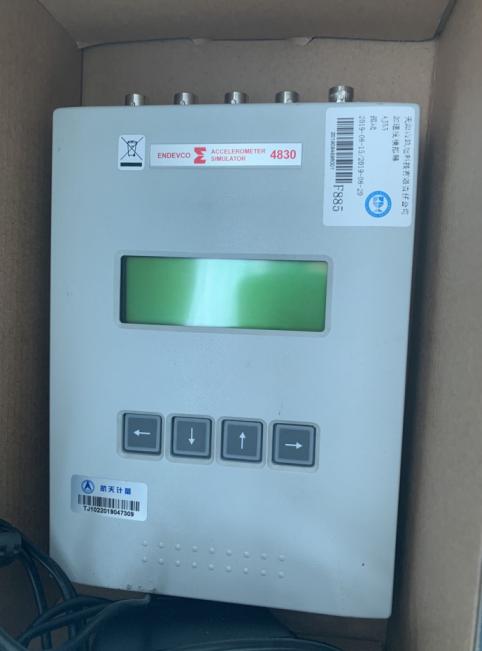

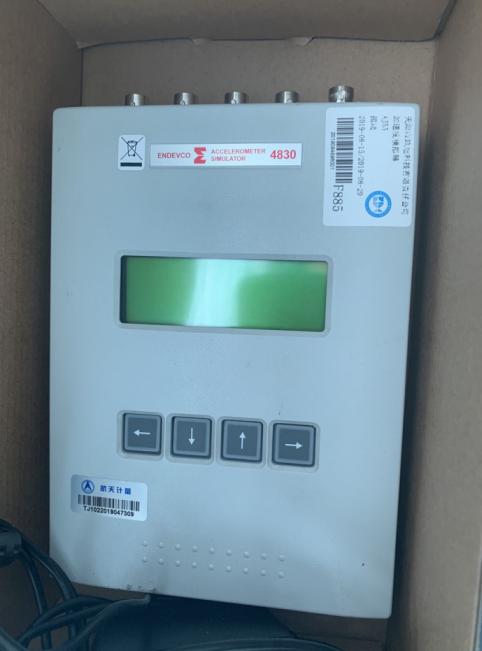
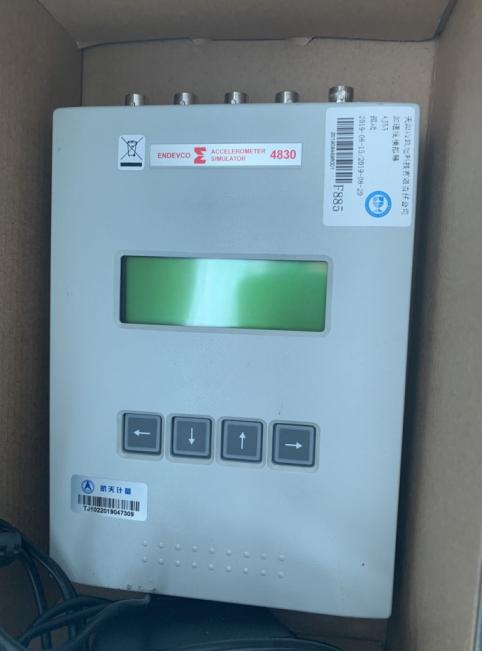









For the maintenance of the ENDEVCO vibration simulator model 4830, the following is a systematic troubleshooting and repair guide, covering common issues and solutions:
1. Preliminary inspection
Power and Connections
Confirm stable power input (check if the voltage meets the equipment requirements, such as ±15VDC).
Inspect all cables (power lines, signal lines, ground lines) for integrity; ensure interfaces are tight and free of oxidation.
Test the backup power source (such as battery-powered) for proper operation.
Appearance inspection
Inspect the equipment housing for any physical damage (drops, impact marks).
Inspect for burned components, capacitor bulging, or solder joint detachment on the internal circuit board.
2. Common Faults and Repair Procedures
A. No output signal
Possible Causes
Power module failure
Signal Amplifier Damaged
Sensor connection error
Solution
1. Measure the output voltage of the power module with a multimeter (e.g., ±15V).
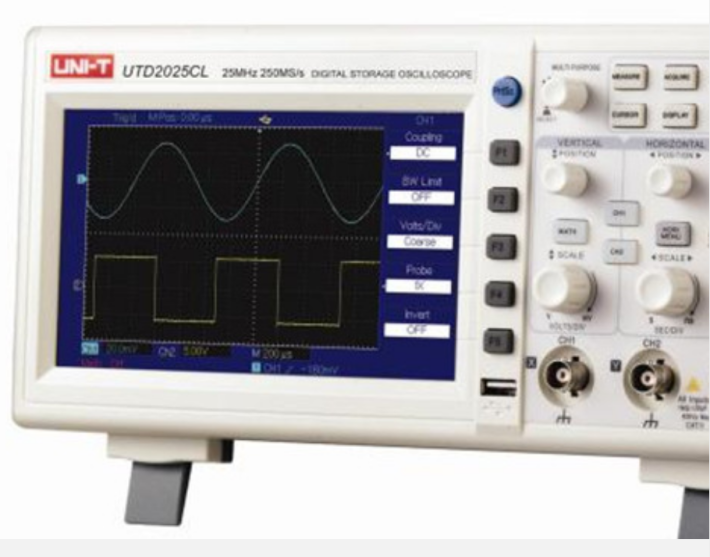
2. Check the input/output signals of the signal amplifier IC (e.g., OPA541) (requires an oscilloscope).
3. Reinsert and remove the sensor connector, clean the contacts, or test with a spare sensor.
# B. Excessive Signal-to-Noise Ratio
Possible Causes
Poor grounding (ground loop interference)
Electromagnetic Interference (from nearby motors, inverters)
Sensor aging
Solution
Ensure the equipment is grounded at a single point with ground wire resistance <1Ω.
Keep away from sources of interference or use shielded cables.
3. Compare test the new sensor to confirm if it's a sensor issue.
C. Unstable Vibration Frequency
Possible Causes
Control circuit failure (such as abnormal DSP or FPGA chip)
Mechanical component wear (bearings, drive belts)
Solution
1. Restart the equipment and observe if it recovers (temporary software issue).
2. Check the firmware version of the control panel, and upgrade if necessary (contact the manufacturer for firmware).
3. Manually rotate mechanical components to check for any binding or unusual noises.
3. Advanced Diagnostic Tools
Essential Tools
Oscilloscope (for analyzing signal waveforms)
Spectrum Analyzer (Identifies Noise Frequency Components)
Multimeter (for measuring voltage/resistance)
Key Test Points
Power module output terminal
Amplifier Input/Output Terminals
Sensor feedback signal (e.g., IEPE interface)
4. Replacement Parts Recommendations
List of Vulnerable Parts
Power filter capacitors (e.g., 1000μF/25V)
Power Amplifier IC (refer to manual for model)
Sensor Cable (High Frequency Shielded Cable)
Replacement Steps
1. Discharge after power-off (to avoid residual voltage from capacitors).
2. Weld new components using anti-static tools.
3. Test static current after replacement to ensure no short circuit.
5. Manufacturer Support & Calibration
Contact ENDEVCO
Please provide the equipment serial number and fault description to apply for technical documents (e.g., circuit diagrams).
Calibration Service: Vibration parameters require regular calibration (recommended annually).
6. Safety Precautions
High Voltage Warning: Certain circuits may contain high voltage; do not disassemble by unauthorized personnel.
Static Protection: Wear an anti-static wrist strap during maintenance.
Document repair process: Photograph the wire sequence and component placement to prevent incorrect assembly.
7. Post-repair testing
No-load test: Confirm stable signal output.
Load Testing: Connect to standard load (such as a vibration table of known quality) to verify amplitude/frequency response.
If the issue has not been resolved,