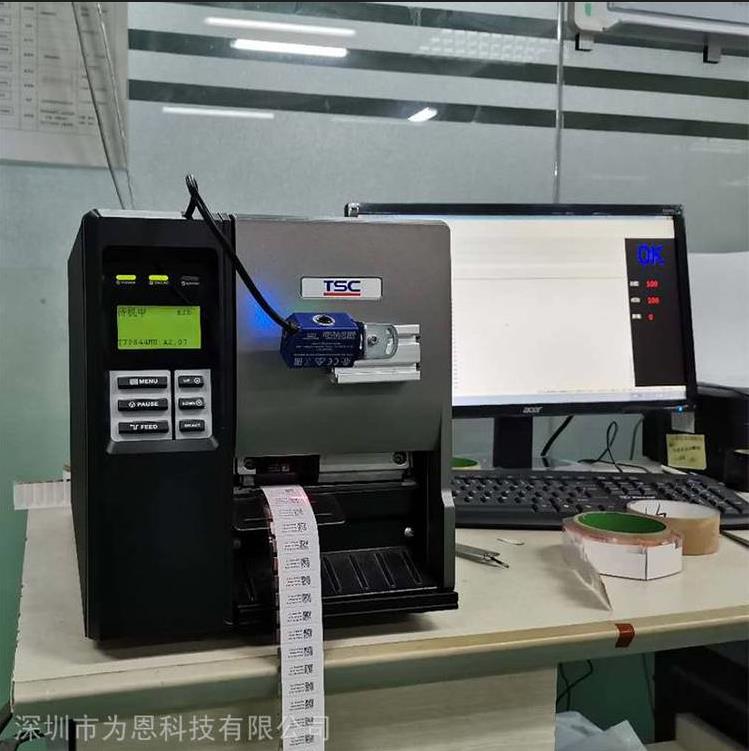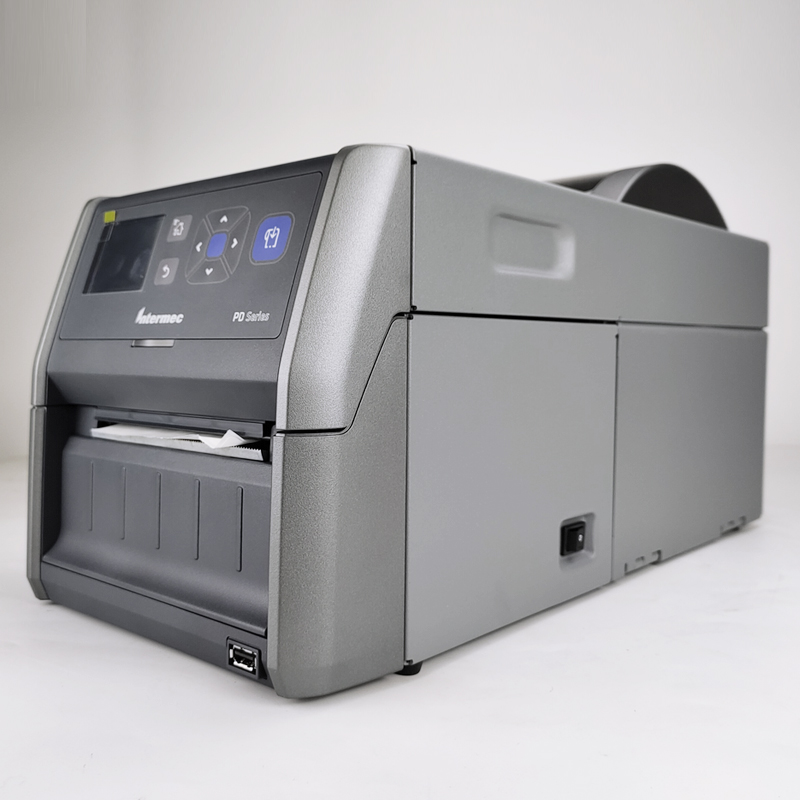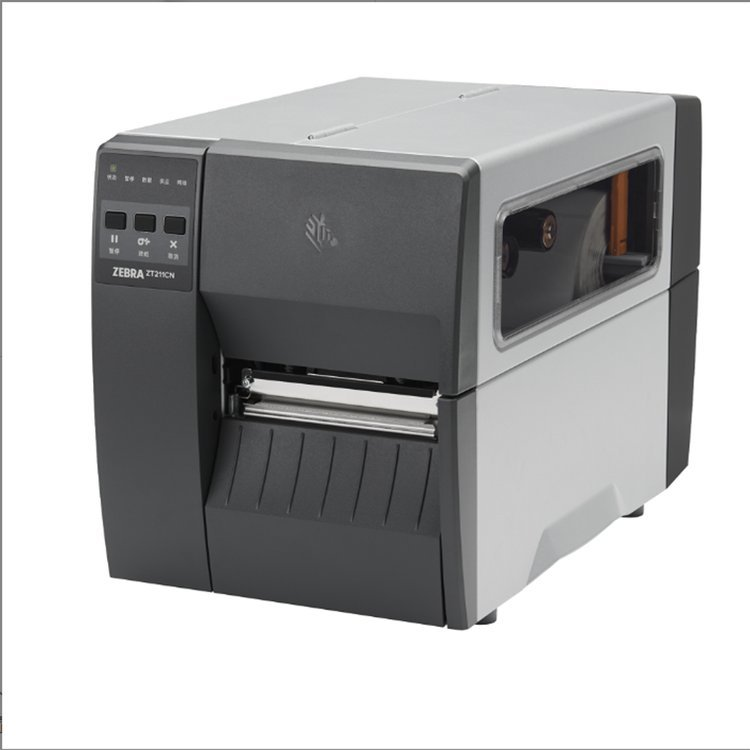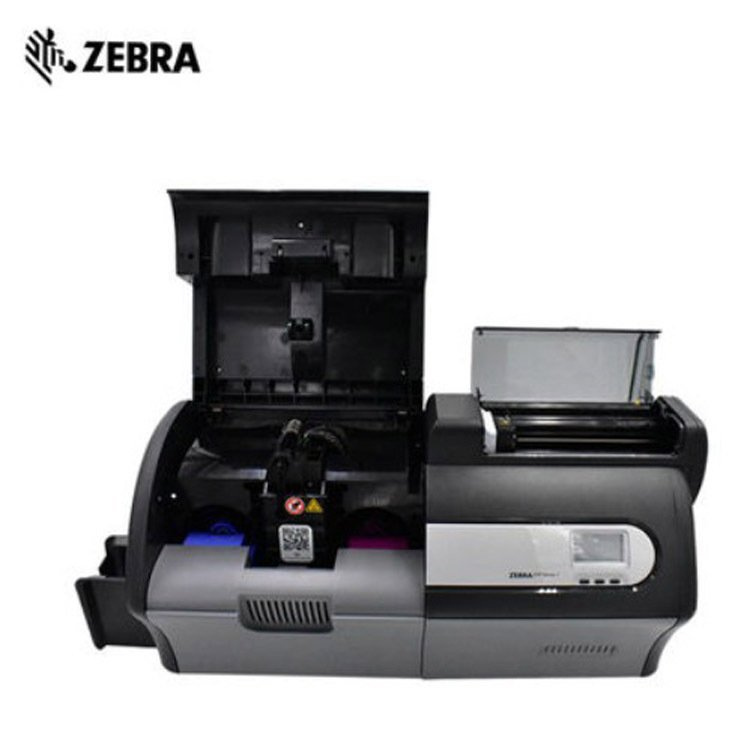







Company specializes in: repair of various brands of printers and copiers, brand computer assembly repair, monitoring network installation, repair, and debugging, recycling of new and old printers, new and old computers (high-end computers, student computers, corporate computers, Internet cafes), recycling of network monitoring equipment and other electronic products, rental of various configured computers and printers, wholesale and retail of full series printers and computers, toner and ink cartridges for various printing consumables. The company undertakes various low-voltage projects (monitor installation, network wiring). Delivery, installation, repair, and recycling services are available within Zhengzhou. Welcome government agencies, schools, companies, institutions, and individuals with related needs to call for consultation. Our service aims to satisfy every customer, and we strive to establish an excellent brand image in the industry with customer praise as our continuous motivation. We are dedicated to providing excellent services to all sectors of society. Quality is the cornerstone of our development. Just make one call, and we'll take care of the rest. Quick response and lightning-fast action; customer satisfaction is our ultimate goal!

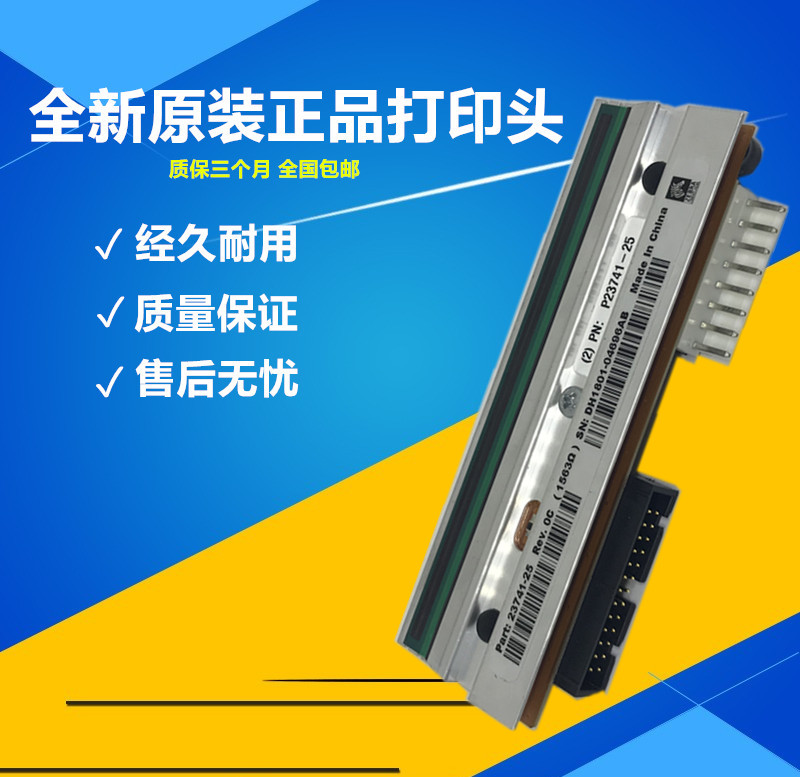
The basic structure of an inkjet printer consists of the printhead, ink cartridge, carriage, guide rails, cleaning mechanism, paper feeding mechanism, mainboard, power board, and frame. 1. Printhead and Ink Cartridge: The printhead and ink cartridge are critical components of the printer, directly affecting print speed and quality. Their structures can be divided into two types. One type integrates the printhead with the ink cartridge (refer to Figure 4-1), which is simple, compact, and has a lower overall cost. However, replacing the ink also means replacing the printhead, increasing the overall cost of consumables. The other type separates the printhead from the ink cartridge (refer to Figure 4-2). When the ink runs out, only the ink cartridge needs to be replaced, resulting in lower consumable costs.
2. The character carriage is driven by the carriage motor via a belt, moving back and forth on the guide rail to achieve print positioning. The print head and ink cartridge are mounted on the carriage and move along with it. The carriage structures vary greatly, but their functions are the same. 3. Cleaning Mechanism The cleaning mechanism consists of a brush, a shield, and a pump. It is primarily used for cleaning and maintaining the print head, including both washing and suction operations. The washing action is performed by using a brush to remove paper particles and dried ink from the nozzle. The suction action is achieved through a pump and the shield connected to it, which extracts ink from the nozzle and flows it into the ink absorbent (waste ink felt). The purpose is to remove impurities, air, and thickened old ink from the nozzle, replacing it with new ink to ensure the nozzle is clear and filled with ink, thus guaranteeing print quality. 4. Paper Feeding Mechanism The paper feeding mechanism is composed of a feeding motor, a friction roller, a pressure roller, a conveying roller, and sensors. It operates in sync with the carriage and print head under the control of synchronization signals to print an entire sheet of paper. 5. Mainboard The mainboard includes the main control circuit, drive circuit, sensor detection circuit, and interface circuit. In some machines, these functions are separated and placed on different circuit boards. 6. Power Board The power board is used to convert AC power to DC power for supplying power to various parts of the printer. In some models, the power board is integrated with the mainboard. 7. Frame The frame is used for installing and supporting all other components. Some frames have a control panel, while others do not.


BIOS is an acronym for "Basic Input Output System." It is a set of programs that are permanently stored on a ROM chip on the computer's motherboard. These programs contain the essential basic input/output routines, system setup information, startup diagnostic programs, and system boot-up programs. Its primary function is to provide the computer with direct hardware settings and control.
The most popular motherboard BIOS types on the market currently are Award BIOS, AMI BIOS, and Phoenix BIOS.
Award BIOS is a BIOS product developed by Award Software Co., Ltd. and is widely used in motherboards today. Award BIOS offers a comprehensive set of features, supporting numerous new hardware types, and is adopted by the majority of mainboards available on the market.
The AMI BIOS is a BIOS system software developed by AMI Corporation in the mid-1980s. Early 286 and 386 systems predominantly used AMI BIOS, which is adaptable to various software and hardware, ensuring stable system performance. By the 1990s, as energy-efficient green computers became widespread, AMI failed to release new versions promptly to keep up with the market, allowing Award BIOS to dominate a significant portion of the market. Of course, AMI has also performed quite well recently, with new versions still boasting powerful features.
Phoenix BIOS is a product of Phoenix Company. "Phoenix" refers to the mythical bird or the eternal phoenix in Egyptian mythology, symbolizing perfection. The Phoenix BIOS is commonly used in high-end 586 original brand computers and laptops, featuring a simple interface and ease of operation.
Activation Process
Upon BIOS activation, it first verifies the correctness of the data in the CMOS. If correct, it integrates the previously stored user data in the CMOS with existing or found hardware information into a table, writes it to memory, known as SMBIOS. If errors are detected, it automatically replaces the CMOS-provided data with default values. Therefore, the SMBIOS table written to memory is all the information visible or selectable when the user enters the BIOS options.
All operations that occur before the BIOS are only the Power On, which is the moment you press the power button on the computer. At the beginning of the Power On stage, the BIOS activation process begins. As soon as the power button is pressed, the CPU is first activated to locate the BIOS. Then, the BIOS executes first in the Flash Memory, followed by the CMOS settings preferred by the user. After that, the BIOS decompresses itself into the computer's main memory. At this point, if the user presses the DEL key, they can access the BIOS's setting options and view all the settings; or, after the user enters the operating system, the OS can refer to the BIOS data in memory to access each hardware address.
In addition to manufacturers' new BIOS versions, we can actually make certain modifications to the BIOS to gain new features, such as changing the Energy Star logo, altering the full-screen boot-up image, accessing specific functionalities of certain brands of motherboards (e.g., adding Jetway's recovery wizard module to non-Jetway motherboards), adding a graphics card BIOS module to rescue damaged graphics cards, enabling chipsets that are blocked by motherboard manufacturers, even supporting new CPU types, and directly supporting large-capacity hard drives without the need for DM software, etc. However, these modifications require a deep understanding of BIOS, as well as hands-on skills and experience.