












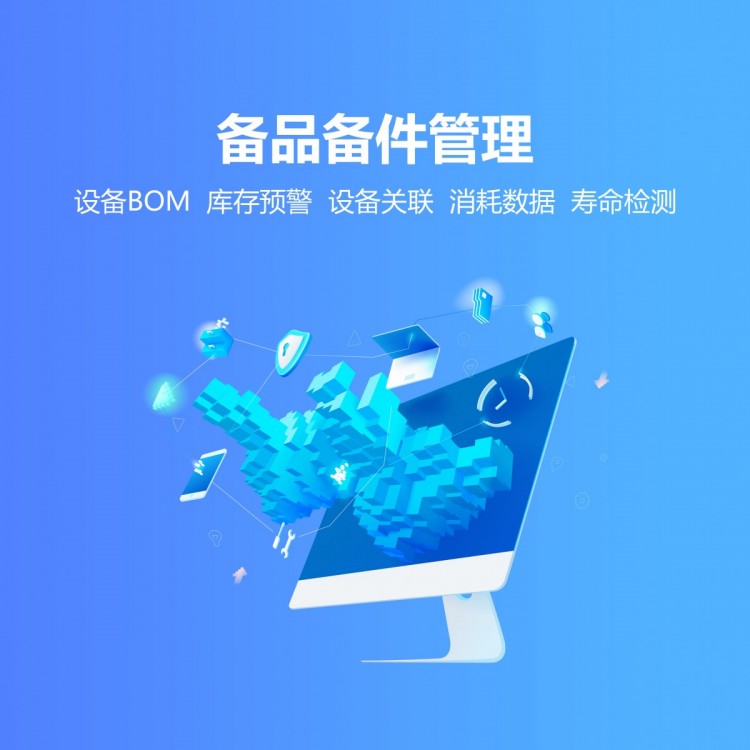

The Qizhi Equipment Management System is a powerful full-life cycle equipment management solution, starting from the actual needs of the enterprise. It links all aspects such as equipment procurement, contracts, operations, maintenance (including maintenance, inspections, repairs), spare parts, warehouses, allocation, and scrapping into a seamless process, creating a closed-loop management system.
Scan to Report RepairManagement is an efficient and convenient repair reporting method in modern equipment management systems, based on QR code technology, it simplifies the repair process of equipment as much as possible.
Core process of scanning for repair reporting management
Equipment QR Code Generator:
In the equipment management system, generate a unique QR code for each piece of equipment. This QR code typically includes basic information such as the equipment name, model, and location.
QR codes can be printed and affixed to the equipment, or displayed electronically (such as on the device's screen, corporate app, etc.).
Scanning and Recognition Devices:
When equipment malfunctions or requires maintenance, maintenance personnel can use smartphones, tablets, or dedicated scanning devices to scan the QR code on the equipment.
The system will immediately identify the device information and display it on the scanner's screen.
Fill in the repair information:
Maintenance staff can fill in repair information on the pop-up page after scanning the code, including descriptions of the fault, repair time, and name of the person reporting the repair.
If needed, you can also upload fault images or videos for the maintenance staff to better understand the fault situation.
Submit repair request:
After filling out the repair information, the maintenance staff clicks the submit button, and the repair request will be sent to the equipment management system.
The system automatically logs repair requests and assigns them to the appropriate maintenance personnel or team.
Maintenance Progress Tracking:
Upon receiving a repair request, maintenance staff may begin to address the fault.
During the repair process, technicians can update the repair progress in the system, such as "Received," "In Progress," and "Completed."
Maintenance personnel or relevant staff can view the repair progress in real-time through the system, gaining insights into the equipment's repair status.
Maintenance Results Feedback:
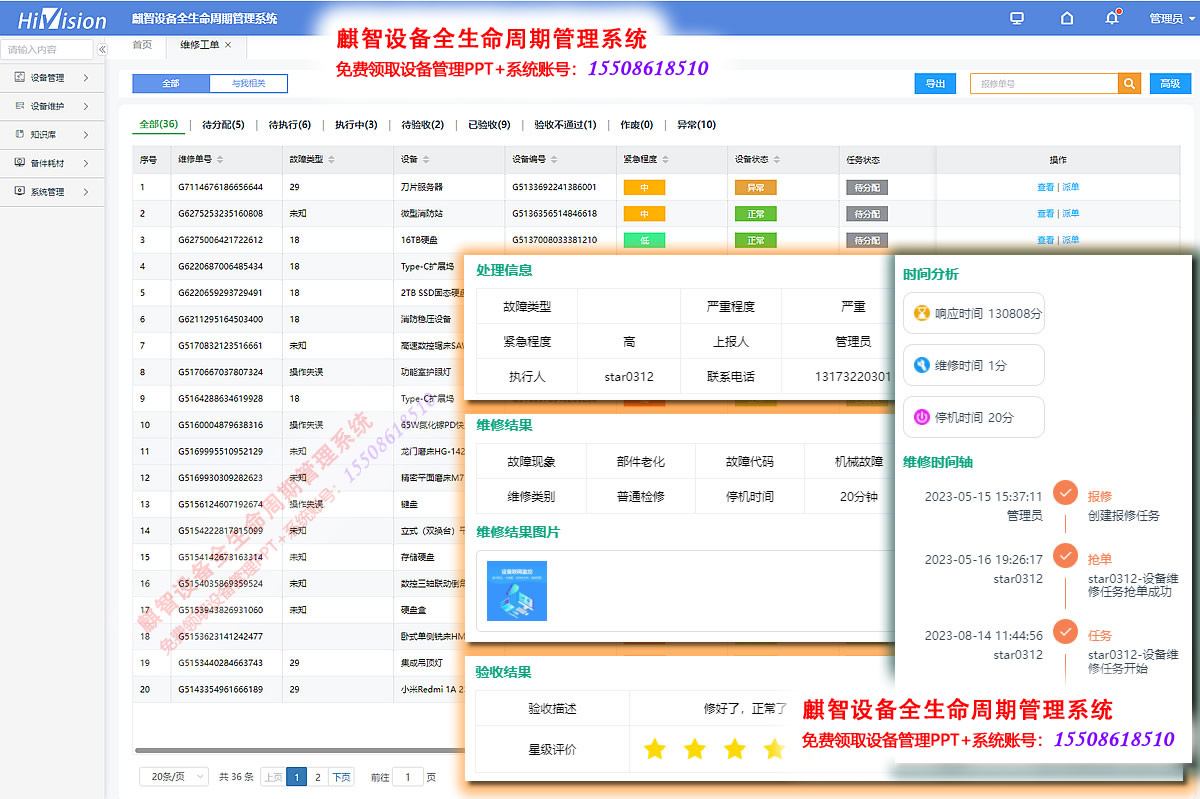
After completion of the repair, the repair personnel can fill in the repair results in the system, including the repair measures, replaced spare parts, and repair costs.
The system will automatically record this information and generate a maintenance report.
Maintenance personnel or relevant staff can review the maintenance report to understand the equipment's repair status.
II. Advantages of QR Code Repair Reporting Management
Enhance repair efficiency:
Scanning for repair management streamlines the repair process, reducing the time spent on filling out and transmitting paper reports.
Maintenance staff can report repairs anytime, anywhere by scanning the QR code, enhancing the timeliness of repair reporting.
Reduce management costs:
Scanning for repair management reduces the workload of manual statistics and recording, lowering management costs.
The system can automatically generate maintenance reports and statistical data, providing robust support for equipment management.
Enhance equipment management level:
Scan and report for repair management can record the maintenance history and fault conditions of equipment in real-time, providing data support for equipment maintenance.
By analyzing maintenance data, companies can promptly identify potential equipment issues, implement preventive measures, and enhance the lifespan and reliability of the equipment.
Optimize resource allocation:
Scan and Report Maintenance Management can allocate maintenance personnel and equipment resources reasonably based on the equipment's failure conditions and repair requirements.
The system can update maintenance progress and staff work status in real-time, providing real-time data support for resource allocation.
One code per item
One Code per Item refers to assigning a unique identification code to each individual device for identification and tracking purposes. This coding method effectively prevents confusion in device identification, enhancing the accuracy and efficiency of device management. Additionally, it helps businesses establish a comprehensive database of equipment information, providing reliable data support for equipment maintenance.
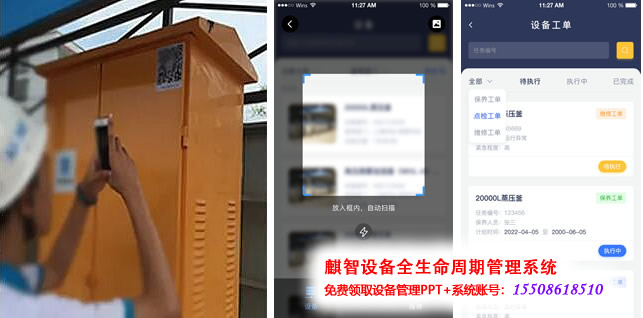
Scan to report repair
One code per item, each device has its own unique QR code.
Users scan the QR code to submit fault information.
Select a similar fault from the knowledge base to automatically generate a description.
If the equipment has existing work orders, prompt the user
When users encounter equipment malfunctions, they can scan a QR code on their phone to submit a repair service request. The system automatically sends a notification to the service personnel, who will prioritize each service request and arrive at the scene as soon as possible for repair, without any manual intervention, significantly reducing time and communication costs. During the repair, service personnel can update the processing status at any time, ensuring timely service and process transparency. After completion, service personnel can fill out and submit return information directly on their phone, enhancing service efficiency.

Scan and Report for Repair Management
In the Qizhi Equipment Management System, the Scan-to-Repair Management is a key feature. By assigning a unique QR code to each piece of equipment, maintenance staff can quickly scan and identify equipment information, thereby initiating repair requests or checking maintenance records. This method greatly simplifies the repair process and enhances the efficiency of maintenance personnel. Additionally, the system can update equipment status and maintenance records in real-time based on scanning data, achieving dynamic updates and closed-loop management of equipment information.
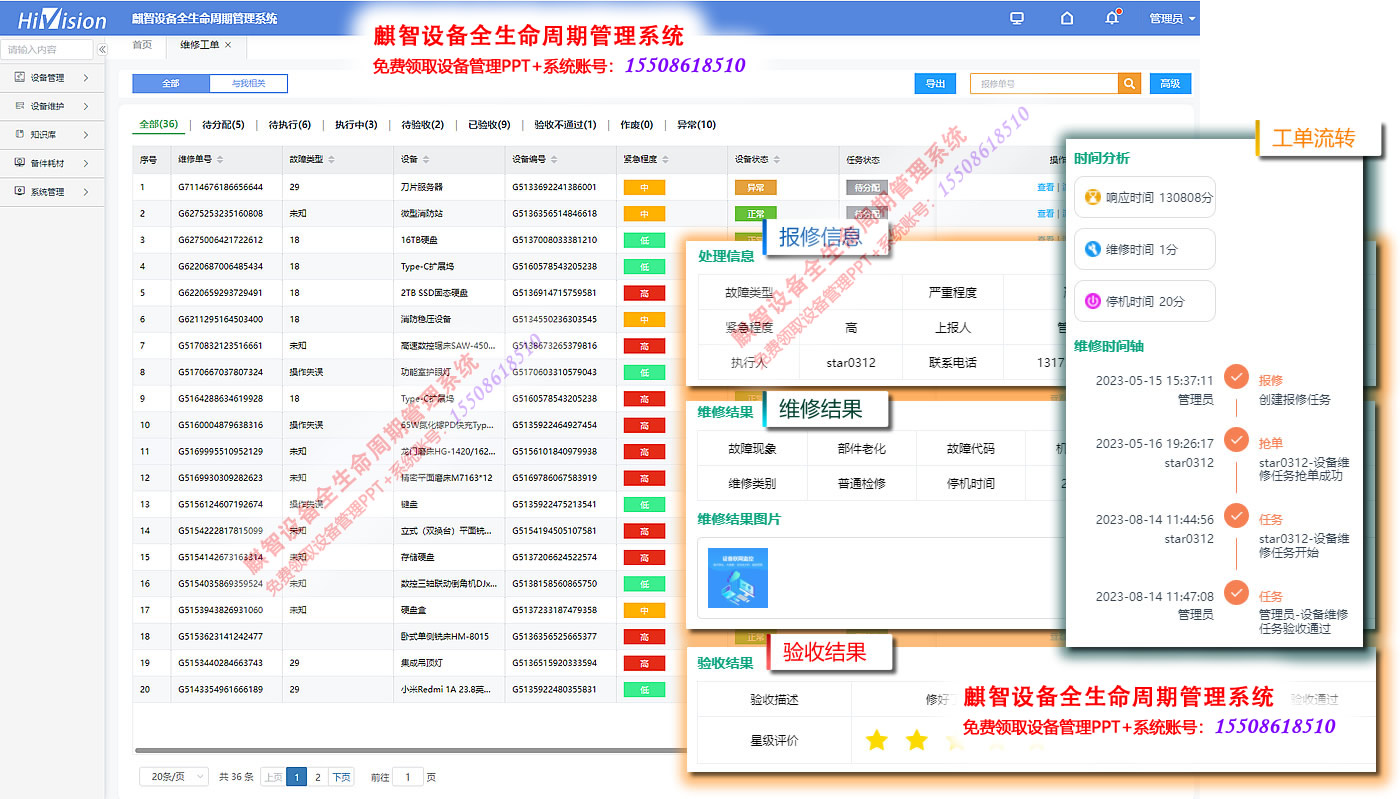
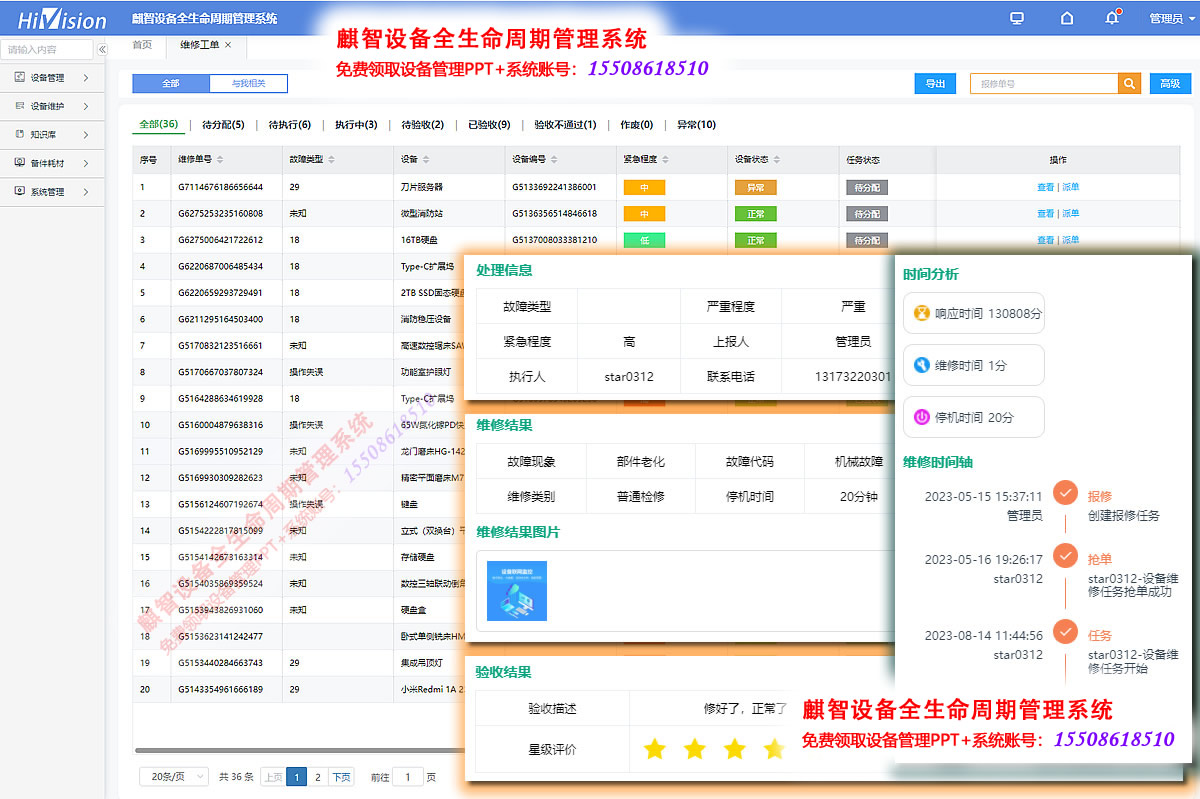
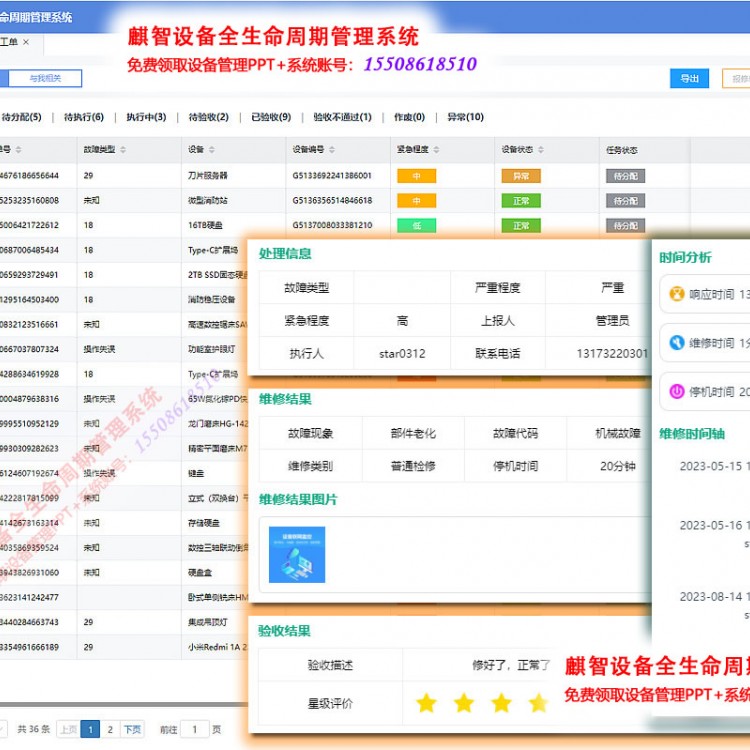
Work Order Management
Maintenance and inspections are automatically generated as scheduled maintenance work orders.
Scan for repair reporting, and the system will automatically create a repair work order.
Work order includes equipment information, fault description, repair person, and repair time.
Task Assignment: Manual Assignment, Automatic Assignment by System, Bidding Mode
Real-time Work Order Status Tracking
Task order management is one of the core functions in the equipment management system, designed to effectively organize and manage the equipment maintenance process. It encompasses the entire process from fault reporting to task allocation, execution, and documentation.
Through the task ticket feature, businesses can achieve standardized and transparent equipment maintenance processes. This feature also helps to enhance maintenance response speed, reduce downtime, thereby optimizing equipment availability and production efficiency.

Task Assignment
Task Allocation Rules: Assigned by dedicated personnel, manually assigned by management, automatically allocated by the system, and grab-the-order mode
Task Assignment Notification: App Notification, SMS Notification, In-system Short Message
Task Acceptance and Order Transfer: If the maintenance staff is currently unable to handle the task, they can transfer it to someone else.
Task Priority: The task order displays the priority, and the maintenance staff schedules work based on the priority.
Real-time tracking of task order status
The aforementioned functional equipment management system can allocate maintenance tasks efficiently, ensuring that faults are resolved promptly, thereby reducing downtime and enhancing equipment availability and productivity. This feature not only speeds up the response to repairs but also aids in optimizing the utilization of maintenance resources, bringing tangible economic benefits to the enterprise.

Task Execution
Task Details View: View equipment information, fault description, and repair suggestions
Equipment Information Retrieval: Model Number, Maintenance History, Knowledge Base Information
Big Data Support: The system automatically suggests maintenance plans based on the content of the knowledge base.
Operation Instructions: Manual, Rule Library, Standard Library, etc.
Replacement Parts: System automatically links part information, simply select to apply
Unique Product Code Scanning Repair Management System Software Features:
1) One-tap repair reporting via mobile app, with features like photo and video capture, accurately and swiftly conveying on-site perspective information.
2) Wide Coverage: SupportedDingTalkWeChat, WeChat Work, and Feishu, etc.
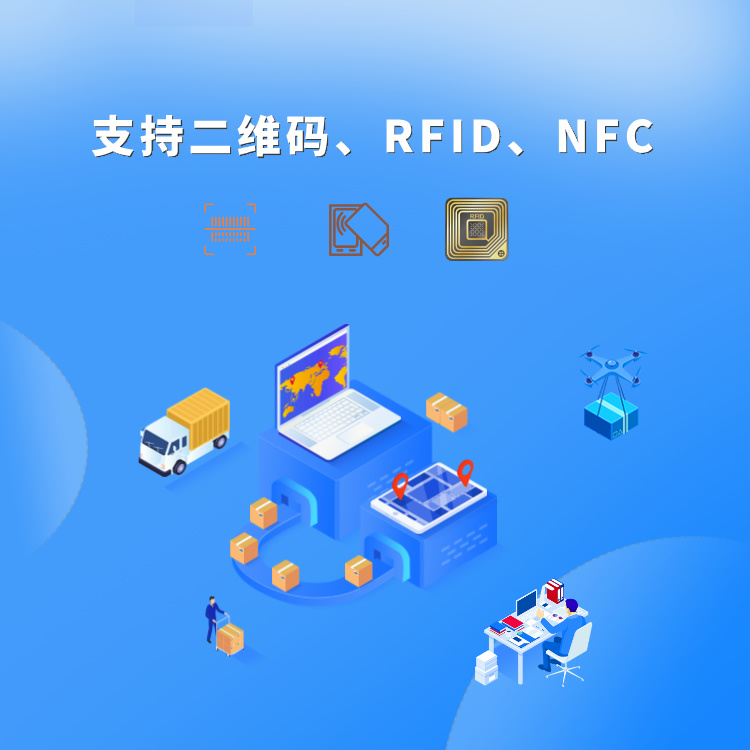
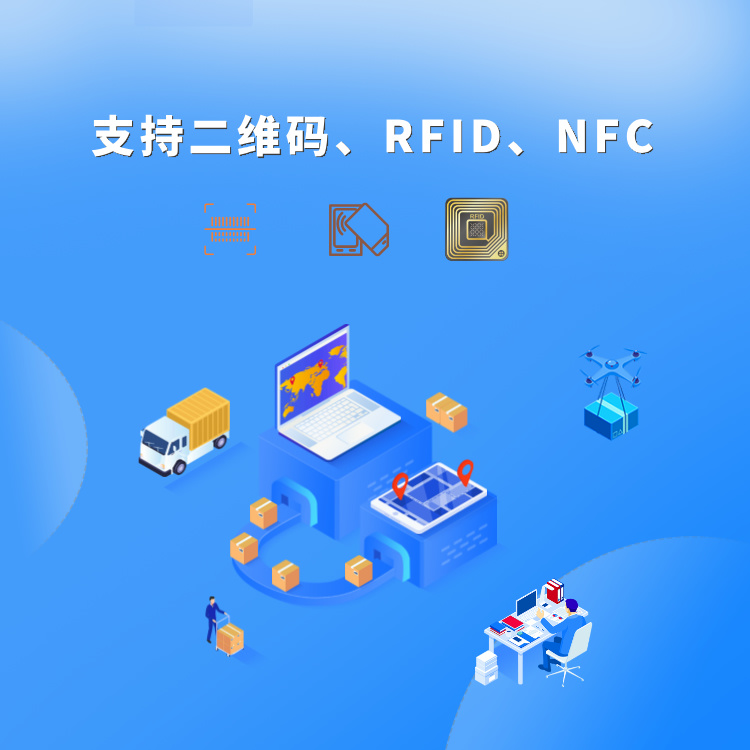
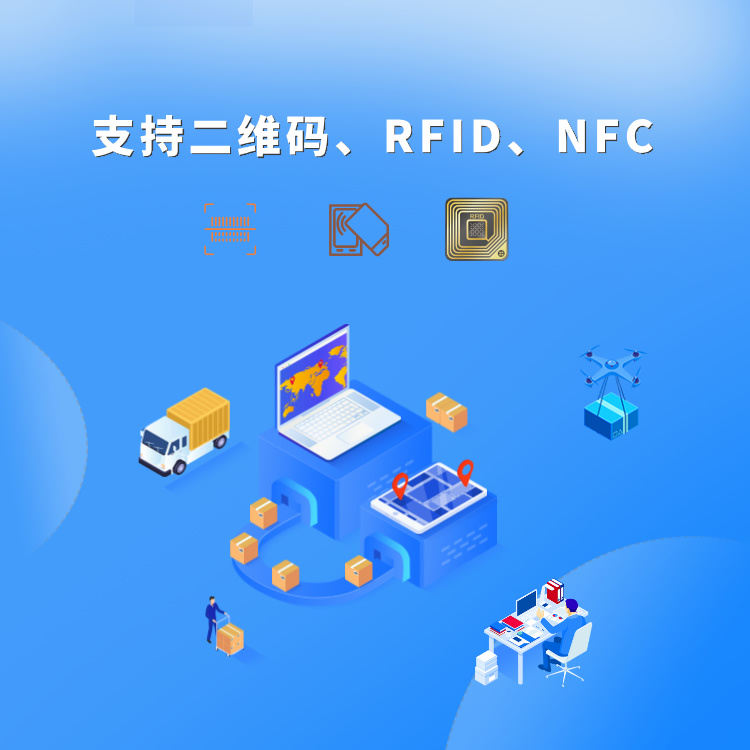
3) Supports QR codes, NFC, and RFID; flexible options available.
4) Supports multimedia methods: Scanning, photography, voice, and video are all supported.
5) Compatible with various devices: smartphones, computers, mobile PDAs, tablets, and more.
6) Dumb-proof design, easy to operate; learn within 30 minutes.
7) Supports Android, Apple,Hongmeng。
8)Supports domestic operating systems such as Kylin and UnitedOS, as well as domestic databases like Dameng and Gauss.。
9) Pure domestic software system.Comply with "Xin Chuang" requirements。
The QiZhi Equipment Management System integrates one-item-one-code and scanning repair management features, offering businesses an efficient and accurate solution for equipment management. Through digital and automated management methods, companies can reduce costs, enhance management efficiency, and continuously optimize equipment management strategies to improve overall production and operational performance.