










I. Application Scenarios
1. Take photographs for evidence collection
- Photo evidence of Models A, B, and C products.
2. Photo Evidence Collaboration
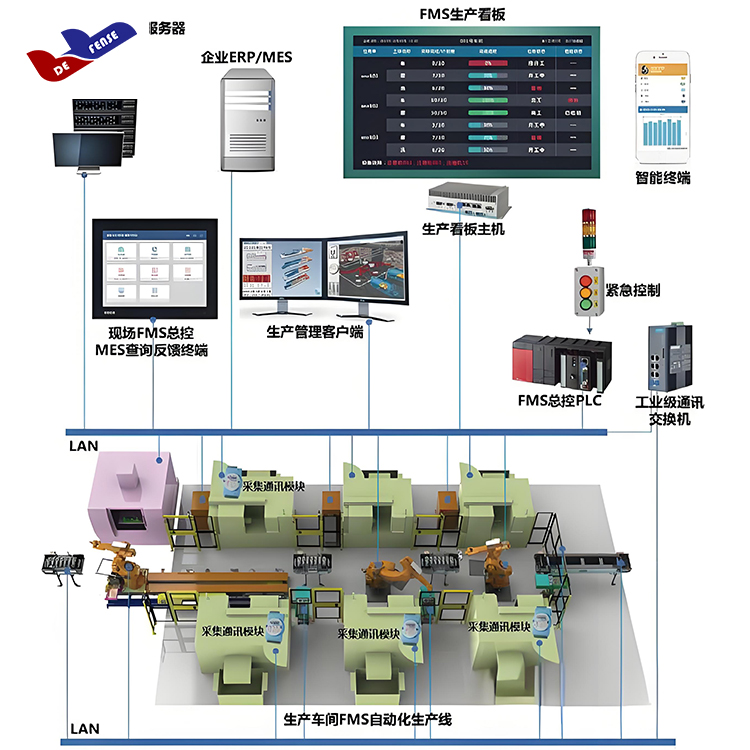
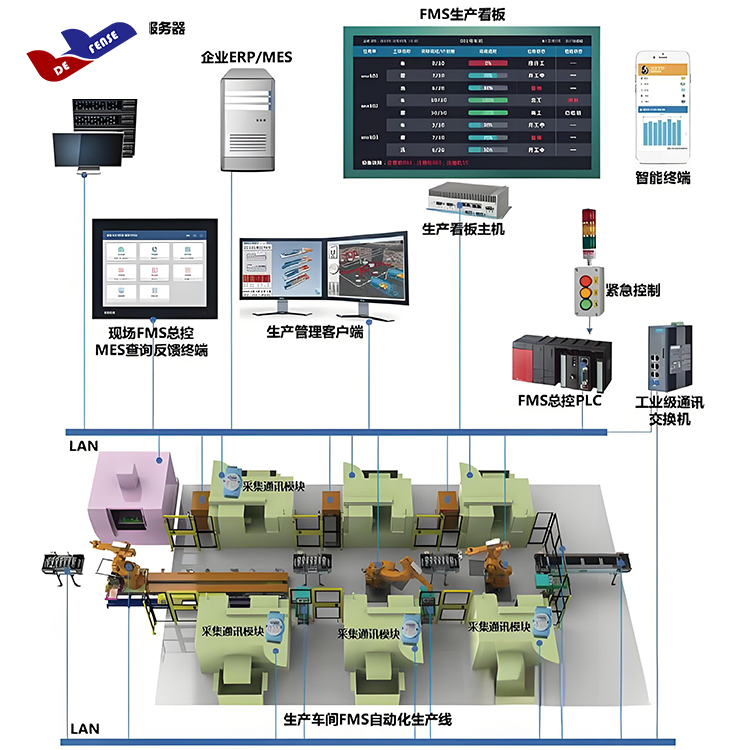
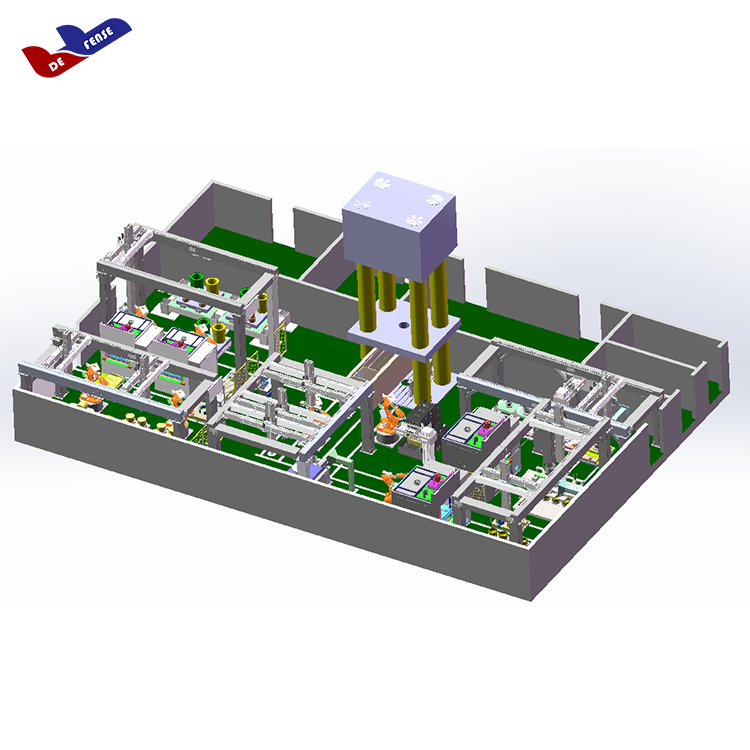
- The camera takes photos and interacts with PLCs via network interfaces, initiating photo requests based on the process program requirements. The PLC sends the images over the local area network using TCP protocol, stores them in designated folders with standardized naming, and manages the storage.
(1) Camera Operation: Upon the start of the process at this work station by the main control system, the camera is simultaneously sent an activation command. The camera begins recording the work station. During the process, when a photo needs to be taken at the start of a specific operation and at the beginning of the next operation, the main control system sends a photo-taking command to the camera, which captures and saves the image.
(2) Storage: After the entire process at the work station is completed, the captured images and videos will be transmitted to the central control center for storage, categorized by work station and in chronological order.
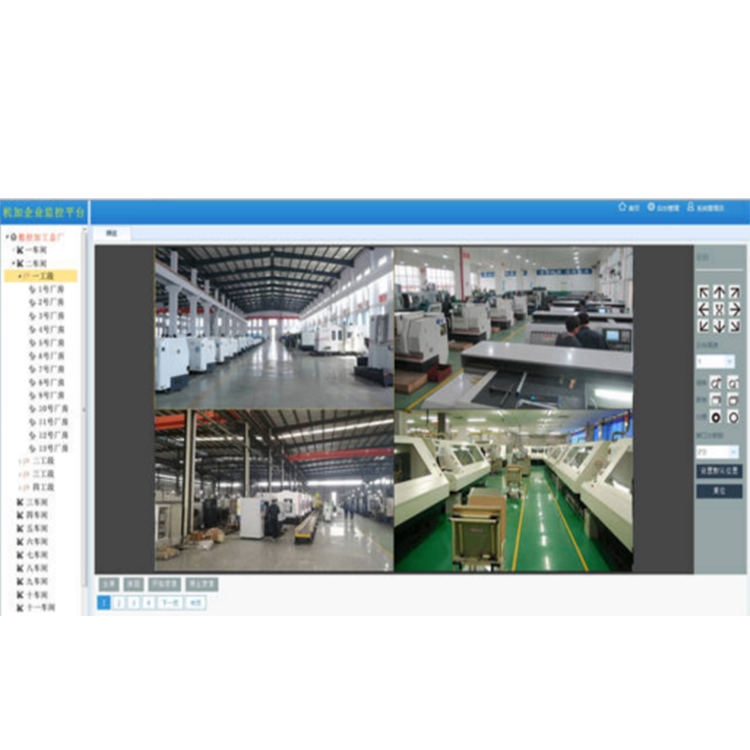
(3) Management Software: Video images from workstations can be viewed through the management software, allowing for detailed inquiries by time, workstation, and process. For instance, to search for the B process at Workstation A on XXXX/XX/XX at XX:XX, you can directly obtain the corresponding screenshot.
3. Photo Evidence Management System
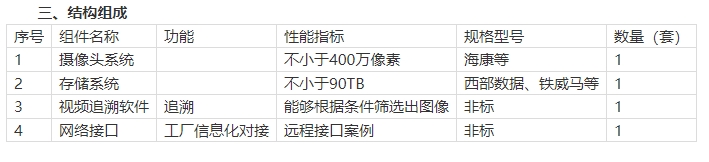
Storage Equipment Design: Requires storage for over 90 days of 4MP work station surveillance video. A 4MP camera generates 120MB of files per minute, with the work station surveillance running no more than 4 hours a day, totaling a storage requirement of 45TB.
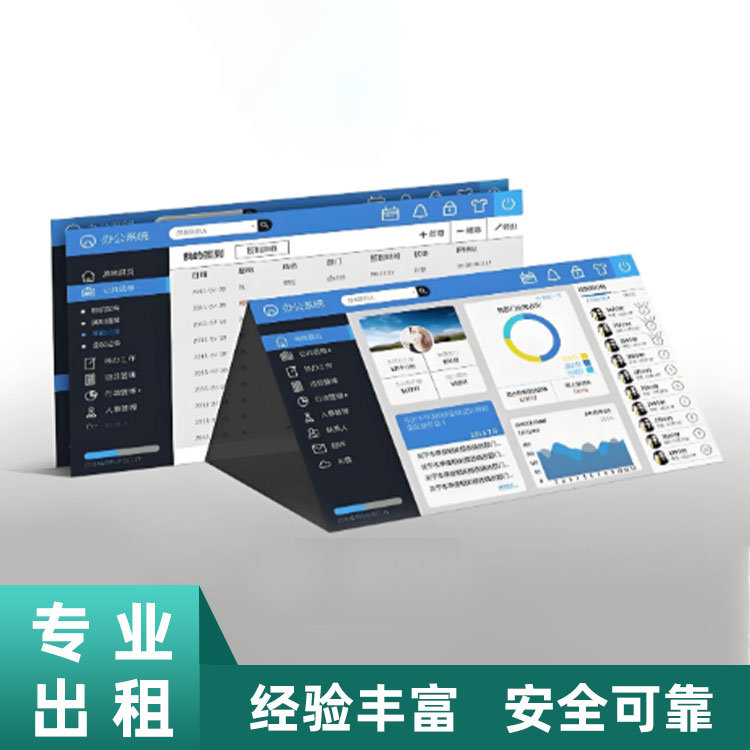
(2) Image Management Software: The image management software is installed at the master control center, managing videos and images stored there for easy retrieval.
- Select the workstations you wish to view on the left, then choose the process and time in the top right corner (supports individual and merged filtering). The system will display the filtered content for review.
II. Main Functions
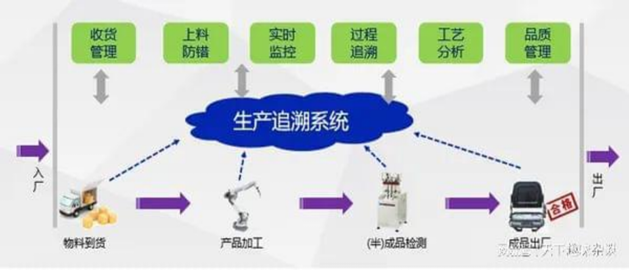
1. The network camera records real-time footage of the production site, uploads it to the video server, where the network video recorder captures the images to generate quick record video files, stored on the server for easy post-event review and traceability.
2. The network video recorder converts production process videos through frame interpolation, captures frames from real-time video received from the video server based on pre-set parameters, and generates quick clips in real-time.
3. Store quick record videos on the video server, establishing a production process quick record video library for post-event rapid traceability.
4. System Configuration