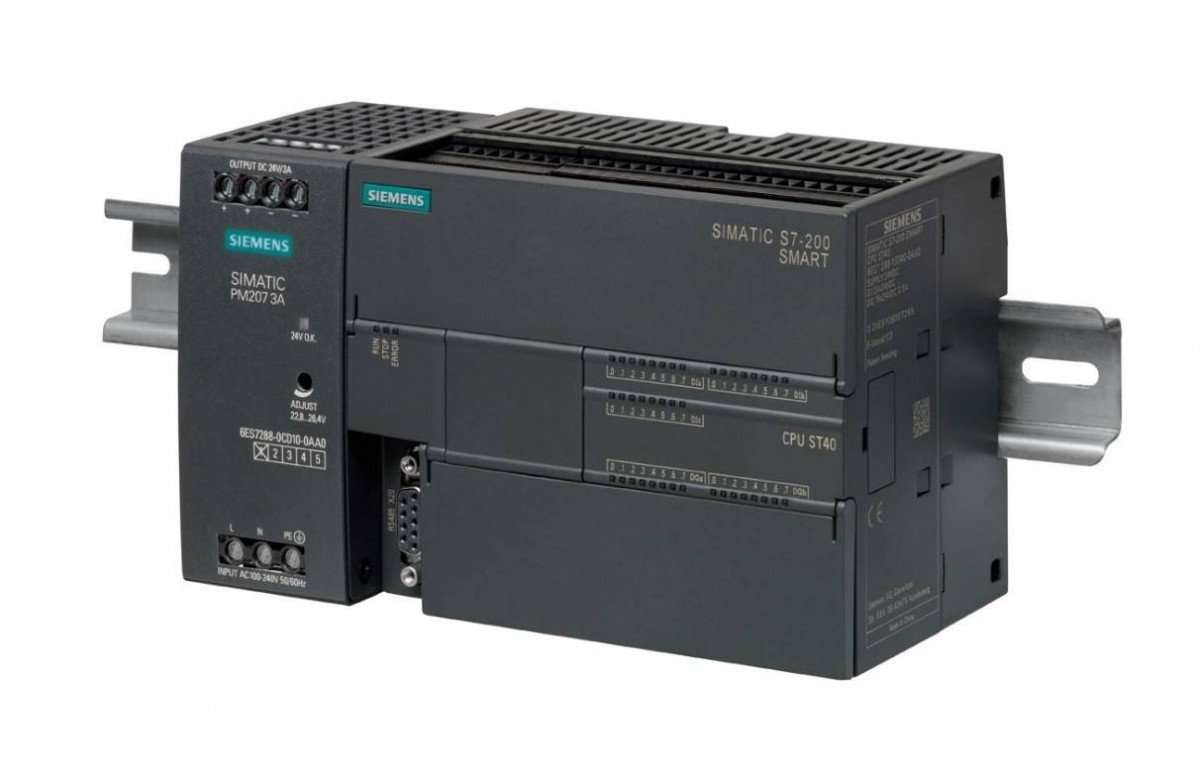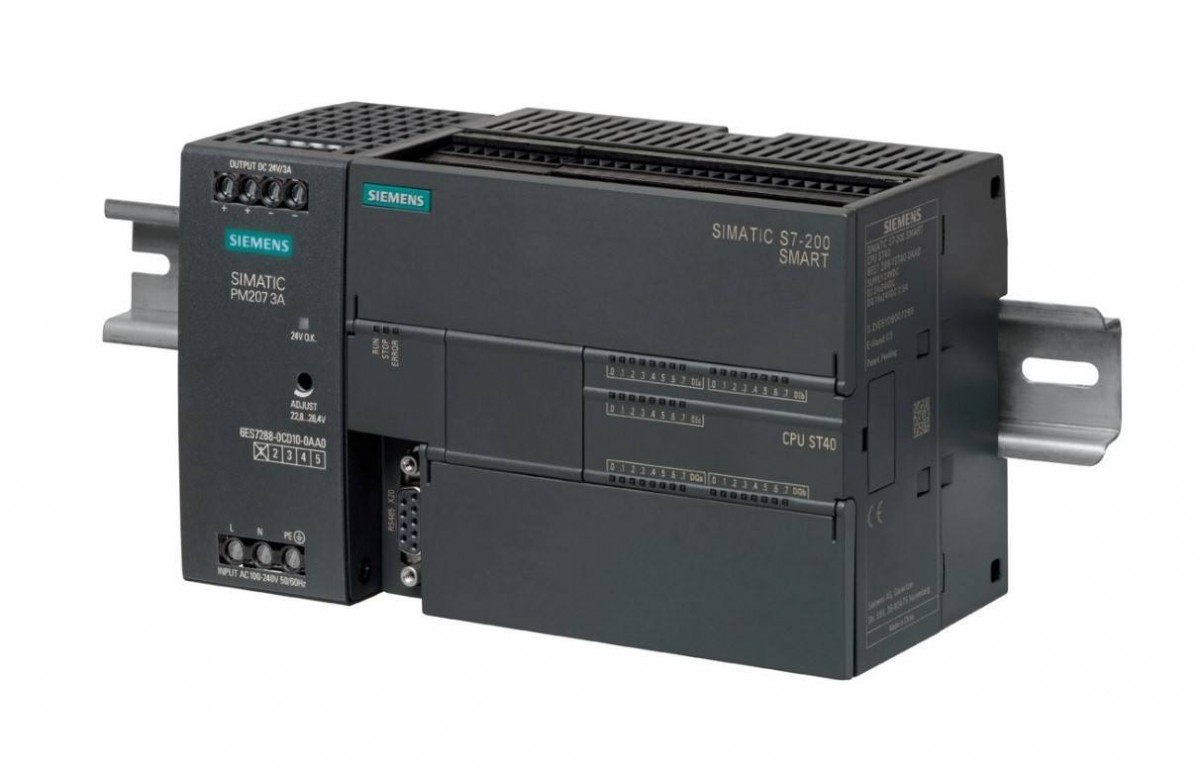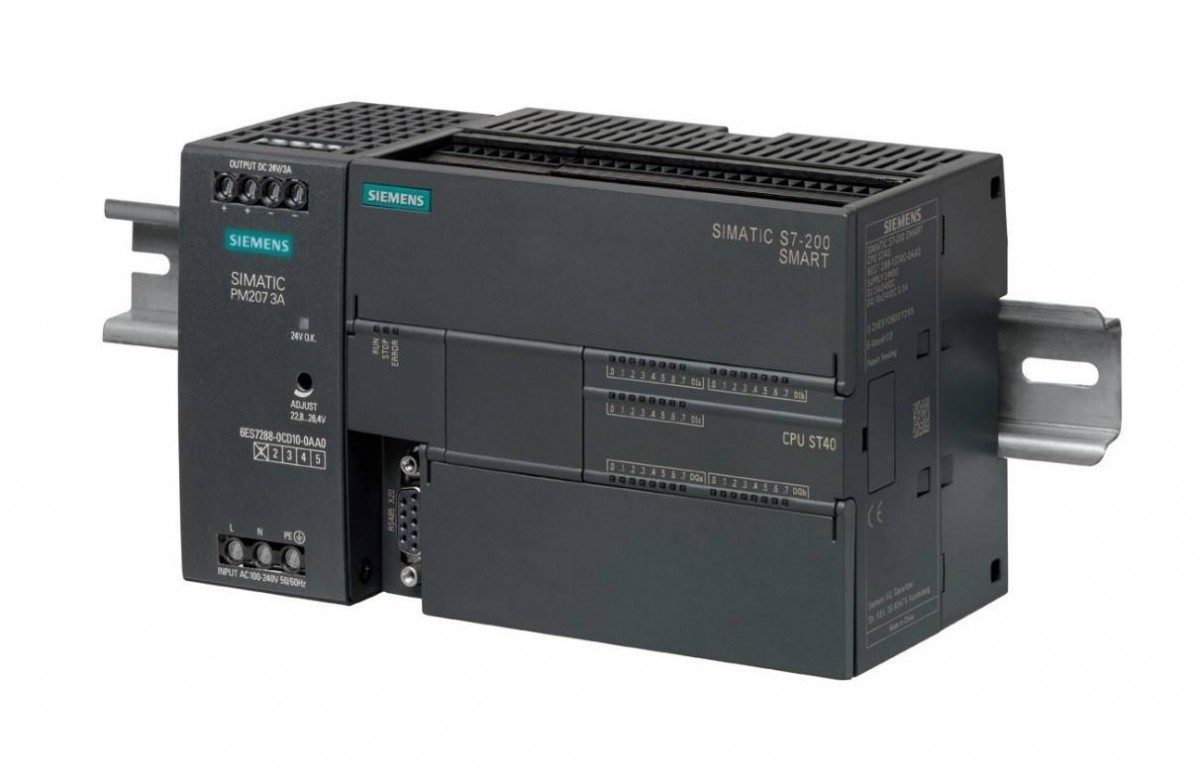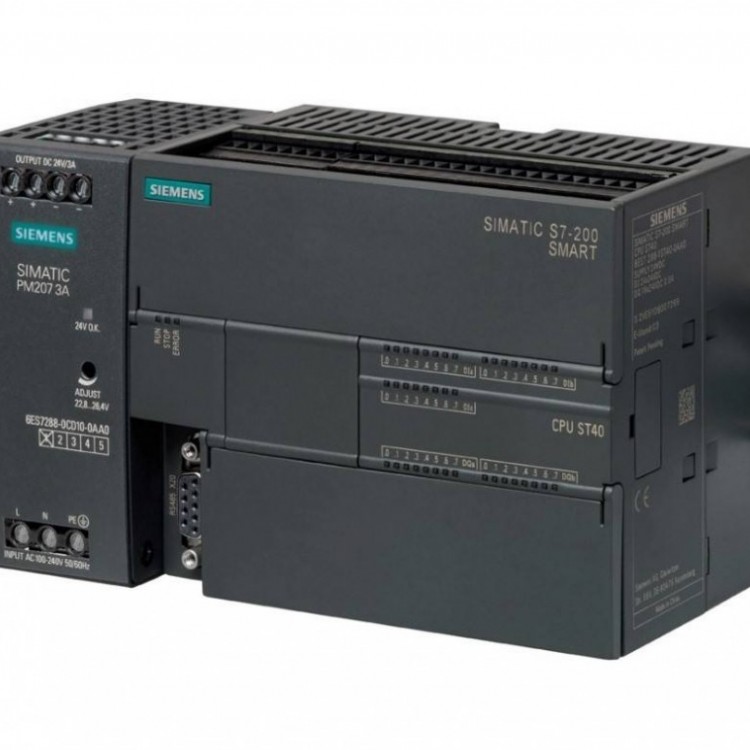

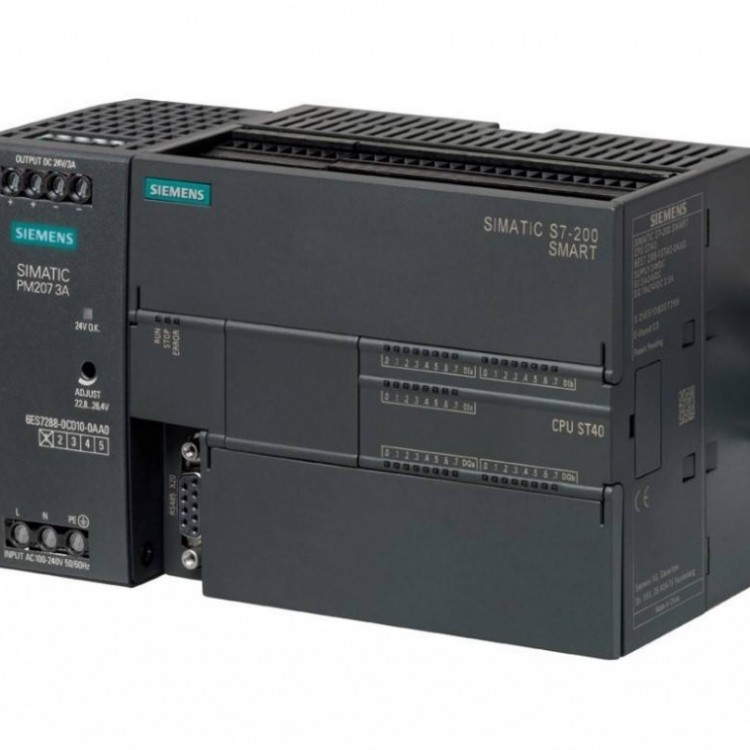
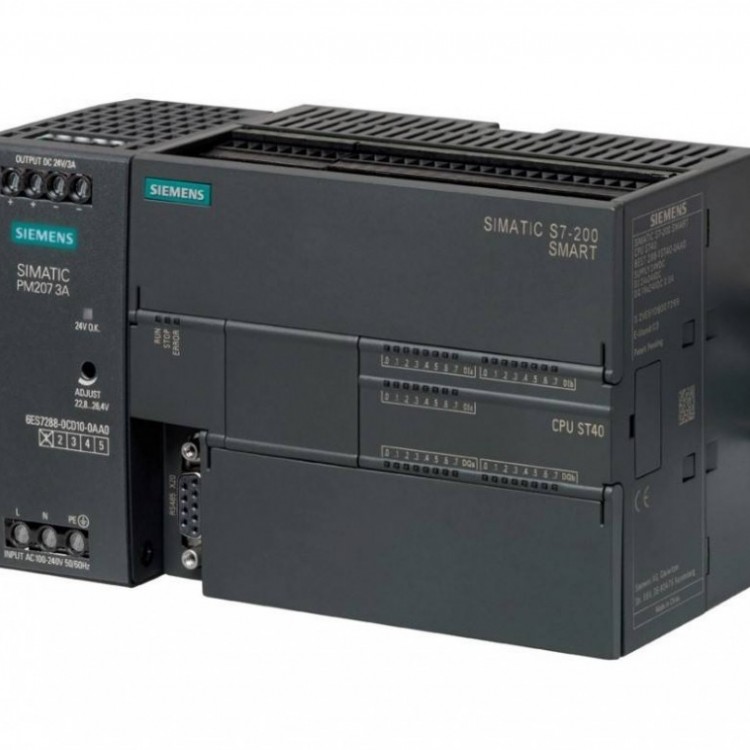
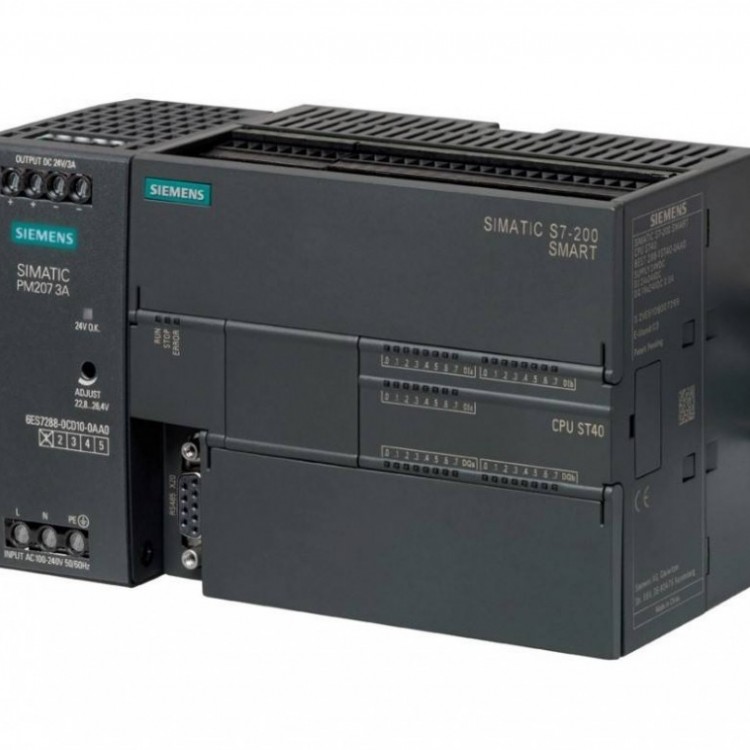









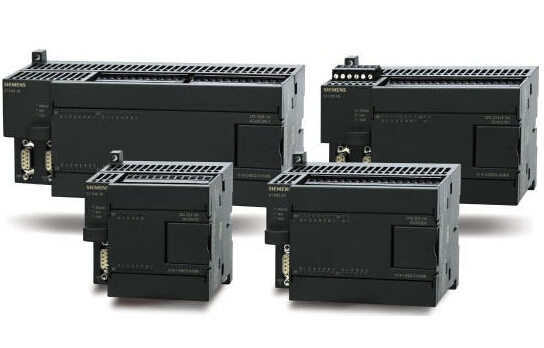
The S7-200 SMART CPU module directly provides a three-axis 100kHz speed pulse output, and can be configured as PWM through a powerful and flexible setup wizard.Unified solution for stepper or servo motor speed and position control, catering to positioning requirements.
The S7-200 SMART CPU offers three open-loop motion control methods:
• Pulsed Train Output (PTO): Built-in speed and position control within the CPU. This feature is onlyOffer pulse train output; directional and limit control via application using PLCIntegrated or provided by expansion modules for I/O. See Pulse Output PLS.Command.
• Pulse Width Modulation (PWM): Built-in CPU control for speed, position, or load cycles.If configured for PWM output, the CPU will set a fixed cycle time for the output, controlled by the program.Pulse duration or load cycle. Pulse duration variations can be used for control.Set the speed or position for the actuator. See PLS command for pulse output.
• Sports shaft: Built into the CPU, used for speed and position control. This feature providesSingle pulse train output with integrated directional control and output disable, including programmableEnter and provide various operation modes, including automatic reference point search.PWM and Motion Control Guide SettingsTo simplify the use of the positioning function in your application, STEP 7- Micro/WIN
SMART's position control wizard can help you complete PWM setup in just a few minutes.PTO configuration. This wizard can generate position control commands, which you can use to...Dynamic control of speed and position in the application.PWM guide settings are generated based on the number of PWM pulses selected by the user.PWMx_RUN subroutine framework is for editing.Motion Control Guide provides 3-axis pulse output settings, with pulse output speed ranging from。
Motion Control Monitoring
To assist users in developing motion control solutions, STEP 7-Micro/WIN SMART offersSporting control panel. The settings for operation, configuration, and envelope configuration allow users to easily manage during operation.Easily monitor the operation of the motion control function during the startup and testing stages of the dispatch process.
• The use of the motion control panel can verify whether the wiring of the motion control function is correct, canAdjust configuration data and test each moving envelope
• Display the current speed, position, and direction of the display position control operation, as well as the input andOutput LED (excluding Pulse LED) status
• View the configuration settings for the bit control operations stored in the CPU module