


- AllProduct Category
-
Motor Protector
High Voltage Microcomputer Integrated Protection Device
Multi-functional Power Instrument
Dehumidification Unit
Electrical Valve
Motor Protector
Robotics
Switchgear
Motor Monitoring and Protection Device
Motor Protection Device


详情描述


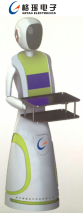
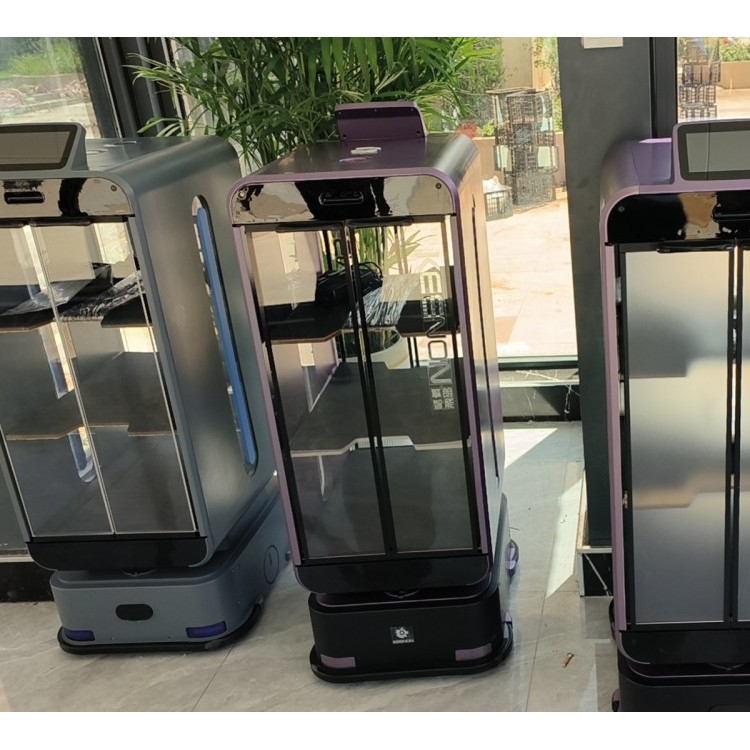
1.Press the power button to turn on the device and wait for the startup self-check to complete. When the screen displays"Robot is ready" or "The robot has completed self-check after the voice broadcast" indicates that the robot has been powered on successfully.
2.Press Start"Start Navigation" button, the robot begins to power up the vision system, start comparing environmental features. If the robot is correctly placed within a mapped environment that has already been constructed, it will display "Tracking," indicating the robot has successfully identified its position. If the robot is in the current environment for the first time and the map of this environment has not been constructed, the vision system will not be able to track successfully, and the map construction process is required.
3.When the visual system is successfully inWhen the status is "In Progress," you can start controlling the robot to reach the desired location by entering the target site number and then clicking the "Start Navigation" button. During the navigation, you can cancel or pause the task by pressing the "Cancel" and "Pause Navigation" buttons, respectively. Upon arrival at the target site, the screen will prompt that the task is completed. You can then enter a new site number and start the navigation command to initiate a new task.