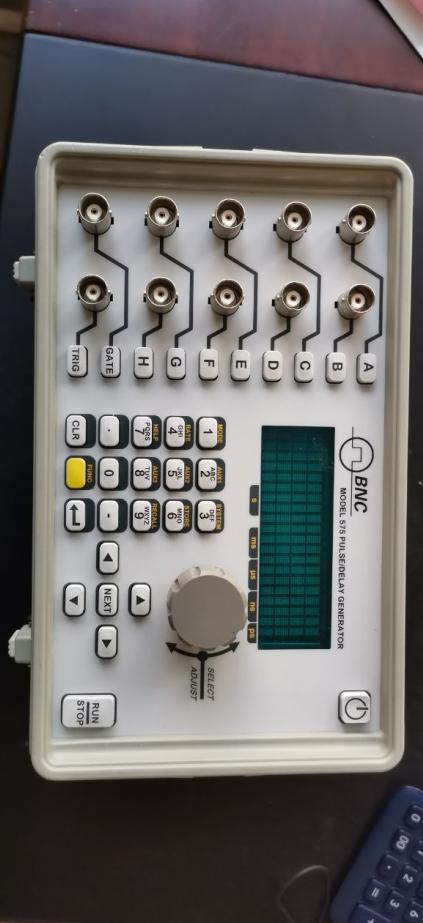
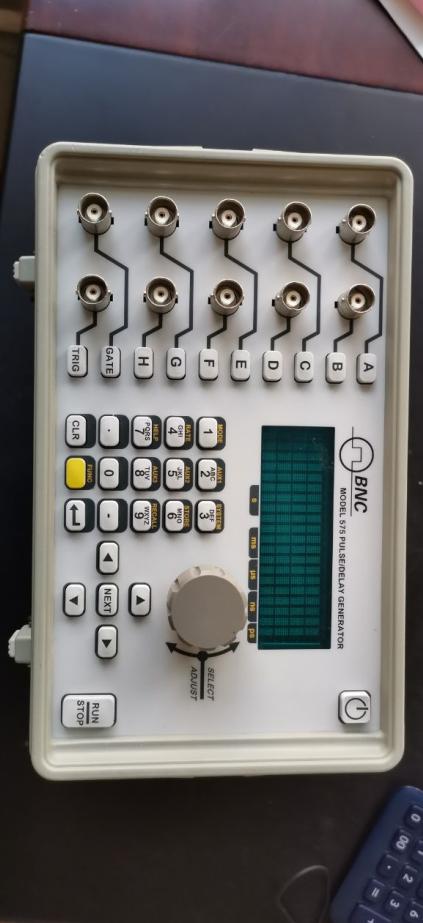
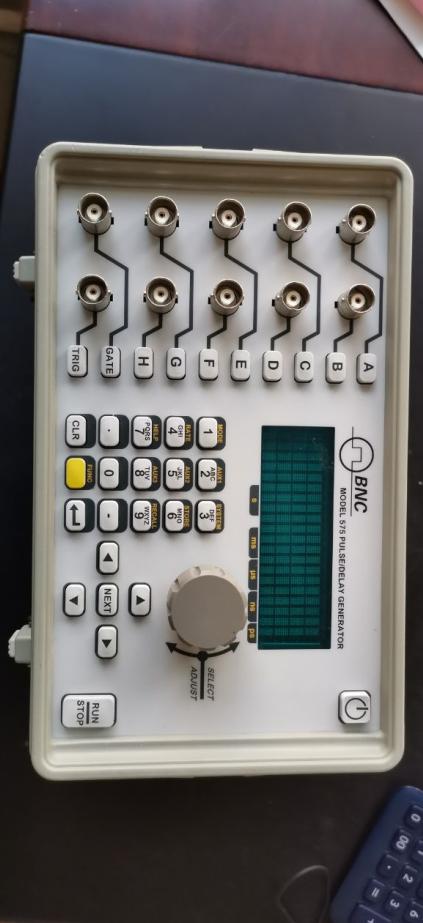
For the maintenance of the BNC Delay Signal Generator 575 8C, here is a systematic troubleshooting and repair guide for reference:
1. Preliminary inspection
Power Verification
Check if the power indicator light is on, confirm normal power supply (such as AC input or battery).
Measure the output voltage with a multimeter to ensure it meets specifications (such as ±15V, +5V, etc.).
If there is an abnormal power supply, check the wire, rectifying circuit, voltage stabilizing chip (such as LM317), and filter capacitors (for any bulging or leakage).
Visual Inspection
Inspect for burned components, cracked solder joints, loose connectors, or PCB corrosion marks.
Gently shake the equipment to listen for any loose internal parts (such as relays, transformers).
2. Common Faults and Repair Procedures
A. No output signal
Signal Path Inspection
Trace the signal from the output end using an oscilloscope, and inspect each stage of the circuit (such as delay lines, amplifiers, and switching ICs) sequentially.
Key test for delay lines (such as SAW devices in SMD packaging) to check for damage (no delayed output after input signal).
Check the switching status of the relay or analog switch (such as the DG series) to ensure it is normal.
Troubleshooting Control Circuit
Verify the operation of the microprocessor/FPGA (check clock signals, reset circuit).
Check if the DAC (such as AD9767) output is normal, and verify the accuracy of the voltage/current used for setting the delay time.
B. Output Signal Distortion/High Noise
Simulation Circuit Debugging
Inspect power supply and output waveform of operational amplifiers (e.g., OP07, AD8620), and replace any faulty components.
Check if the RC network of the low-pass filter has deteriorated (increased capacitor ESR, resistance value drift).
Shielded Wire Inspection: Ensure BNC connector ground is good, check for any internal coaxial cable damage.
# C. Delay Time Inaccurate
Clock Calibration
Adjust calibration circuit for oscillators or TCXOs (may include adjustable capacitors or EEPROM configuration) as referenced in the manual.
Verify the accuracy of pulse counting in the control logic circuit (such as the counter IC).
3. Component-level Maintenance Techniques
Key Component Replacement
Delay Line: In case of damage, use the original factory or equivalent with the same parameters (note delay time and impedance matching).
Aged Capacitors: Focus on replacing electrolytic capacitors in the power section (such as Nichicon brand) and MLCCs in the high-frequency area.
Relay contacts: Clean with alcohol or replace (e.g., Omron G6K series).
Welding Precautions
Process precision components with a constant-temperature soldering iron (temperature ≤ 300℃) to prevent static damage.
Caution is required when desoldering multi-layer PCBs to prevent through-hole detachment.
4. Calibration and Testing
Delay Accuracy Verification
Input standard pulse signals (such as 10MHz) and measure the delay error using a high-precision oscilloscope (such as Keysight InfiniiVision).
Adjust the potentiometer or calibrate through software (if RS 232/GPIB interface is available).
Temperature Stability Test
Operate at high temperatures (50℃) and low temperatures (0℃) to observe if the signal drift exceeds the standard.
5. Repair Resources
Manuals and drawings
Contact BNC manufacturers for the Service Manual (some older models may require a fee).
Refer to the circuit design of similar models (such as 575 6B).
Alternative Component Procurement
Recommended Platforms: Digi-Key, Mouser (search for key IC models); delay lines are available for quotation at API Technologies.
6. Cautionary Notes
Safe Operation
Discharge high-voltage capacitors (such as large capacity capacitors in power modules) after power failure.
Avoid accidental contact with high-impedance nodes (such as delay line input terminals) to prevent static damage.
Support
If the FPGA program is lost or the ASIC encounters a fault, it is recommended to return the product for factory repair.
If you provide more specific failure symptoms (such as error codes, abnormal waveform photos), we can further narrow down the troubleshooting scope.

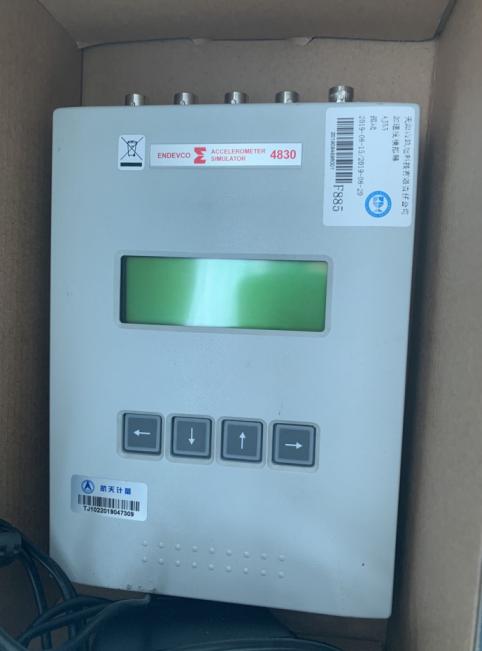 ENDEVCO Vibration Simulator 4830 Maintenance
 ALNOR Instruments Wind Speed Meter Repair
 Analyzer GPR-1200 Maintenance

 Brainchild Touchscreen 15HMI2011010-SN Maintenance
 Repair BALDOR Motor 0105300033-000010
 Repair Newark Digital Oscilloscope 54AH4789
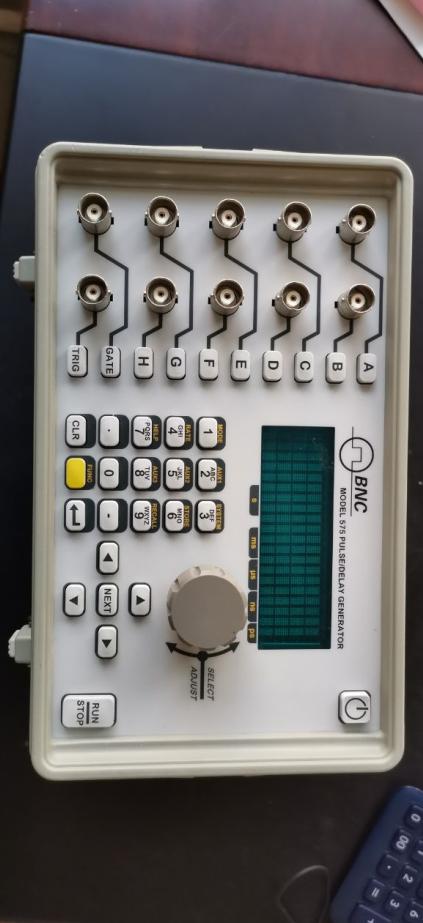 BNC Delay Signal Generator 575-8C Repair