

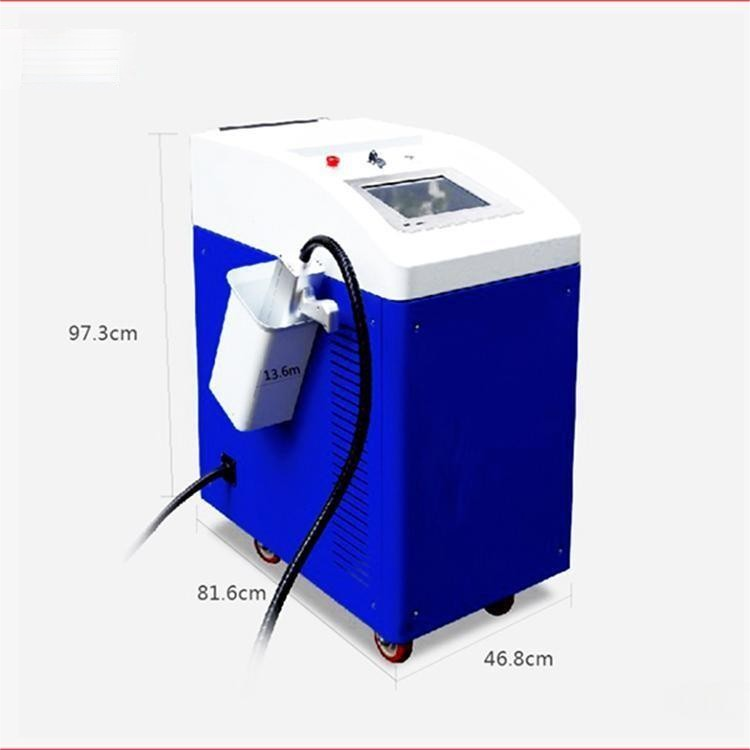
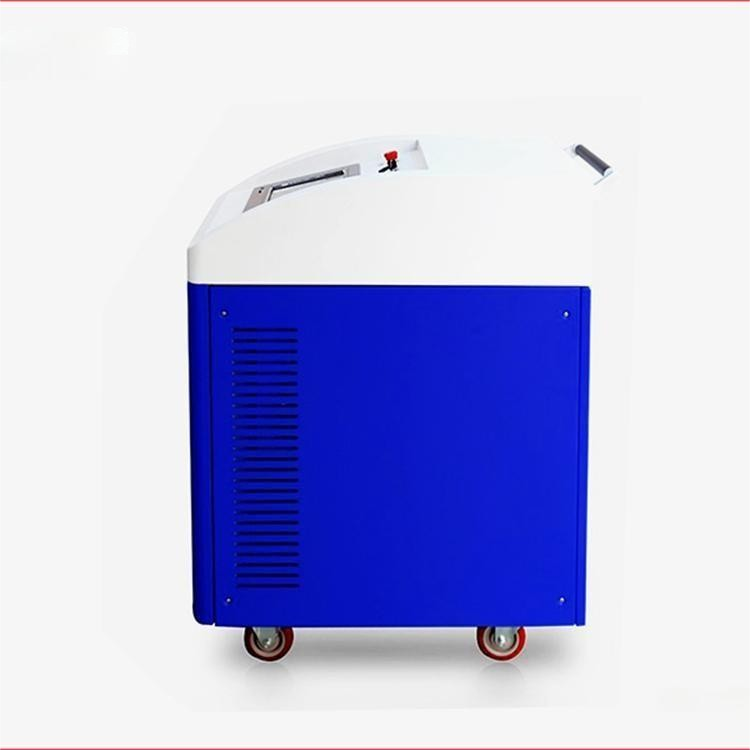
Product Introduction:
Equipment Technical Specifications
Input Power:
Input Voltage: 220V ± 10%.
Frequency: 50 Hz.
Input Power: 1500W.
Laser Output:
Wavelength: 1064 um.
Power: 20 W.
Unsteady Degree: <5%.
Beam Quality: M2<2
Modulation Frequency: 20kHz to 80kHz.
Main Unit Weight: 200 kg
Cleaning Width: 110 mm.
Cleaning Speed: 1-7,000 mm/s.
Fine wire width: 0.1 mm.
Line Depth: 0.01~3 mm (subject to material).
Cooling Method: Fan Cooling.
Equipment System Composition
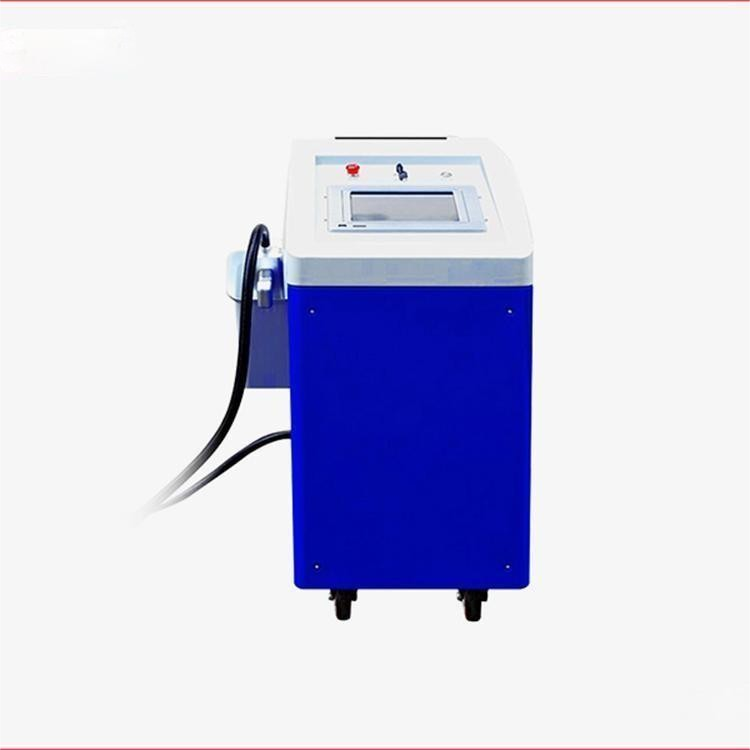
The HT-FB100W-S Fiber Laser Cleaning Machine is a high-tech product that highly integrates laser, computer, automatic control, and precision mechanical technology. Mainly includes:
Include the following sections.
1) Laser Power Supply
2) Fiber Laser Devices
3) Mirror Scanning System
4) Auto-focus system
5) Computer Control System.
Installation and positioning requirements for equipment
The HT-FB100W-S Fiber Laser Cleaning Machine should be installed in a well-ventilated, clean, and bright room. To ensure good ventilation and for maintenance purposes, maintain a minimum distance of 0.6 meters between the machine and the wall and other obstructions.
Unboxing and Inspection
Only authorized personnel from our company are permitted to open the packaging, install, and tune the equipment.
Unboxing should be done safely, ensuring to avoid damaging the equipment and its accessories.
Prior to unpacking, if any damage to the packaging is found, or if any damage to the machine's components is detected during installation, please immediately notify our company's relevant personnel.
Equipment Installation
Place the main unit of the fiber optic cleaner flat on a pre-prepared surface, which must have adequate load-bearing capacity and stability. Securely attach the surface to the main unit of the fiber optic cleaner using 6 (or 4) M6 screws.
Check if the power and cable connection lines are correctly and securely fastened.
Safety Precautions for Machine Maintenance
1) Disconnect the power to the marking machine and computer when the unit is not in operation.
2) When the machine is not in use, cover the field lens with its lens cap to prevent dust from contaminating the optical lens.
3) The circuit is at a high voltage when the machine is in operation. Non-professionals should not perform maintenance while the machine is turned on to avoid electric shock accidents.
4) In the event of any malfunction, immediately disconnect the power supply.
5) Over time, dust in the air can accumulate on the lower surface of the focusing lens, which can slightly reduce the laser's power and affect cleaning efficiency; in severe cases, it can cause the optical lens to overheat and crack. When the cleaning effect is not satisfactory, carefully inspect if the focusing lens surface is contaminated.
If the objective lens surface is contaminated, remove the objective lens and clean the lower surface.
Remove the focusing lens with extreme caution; be mindful not to damage or injure yourself; also, do not touch the lens surface with your hands or any other objects.
The cleaning method involves mixing anhydrous ethanol (analytical purity) with ether (analytical purity) in a 3:1 ratio. Dip a long-fiber cotton swab or lens paper into the mixture, gently wipe the lower surface of the focusing lens, and replace the swab or lens paper after wiping each side.
6) Do not move the washing machine during operation to prevent damage to the machine.
7) Do not cover the machine with piles or place other items on it to avoid affecting the machine's heat dissipation.