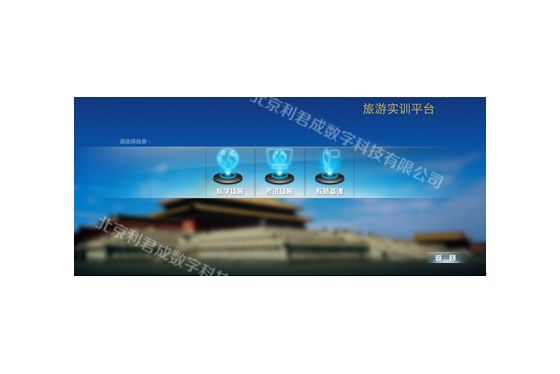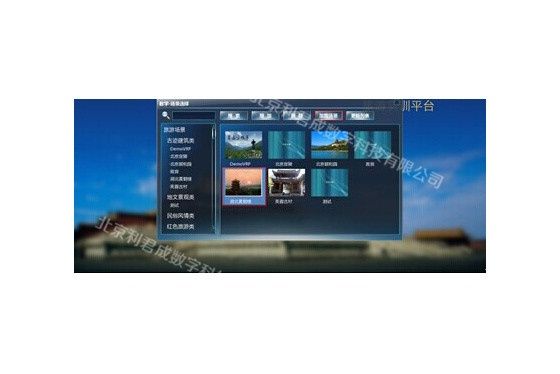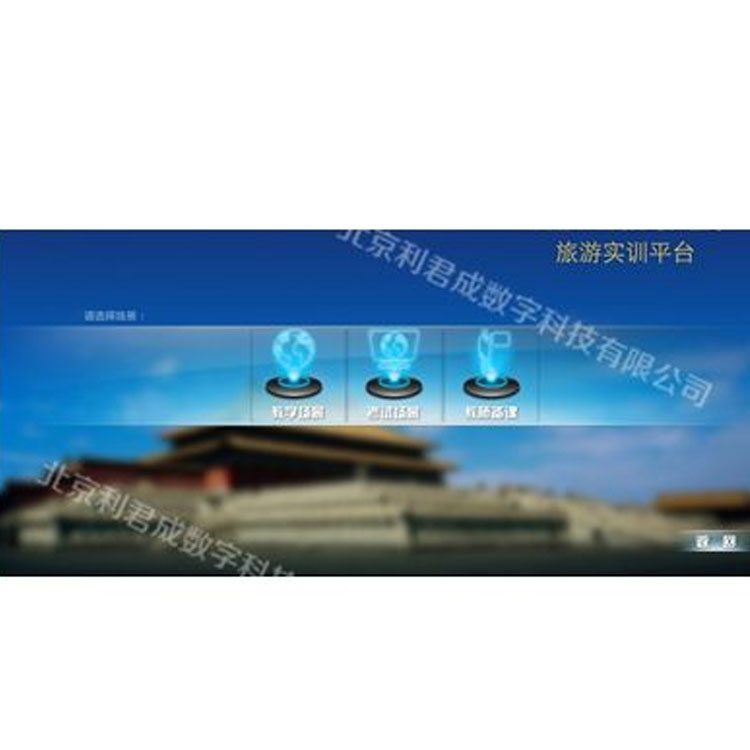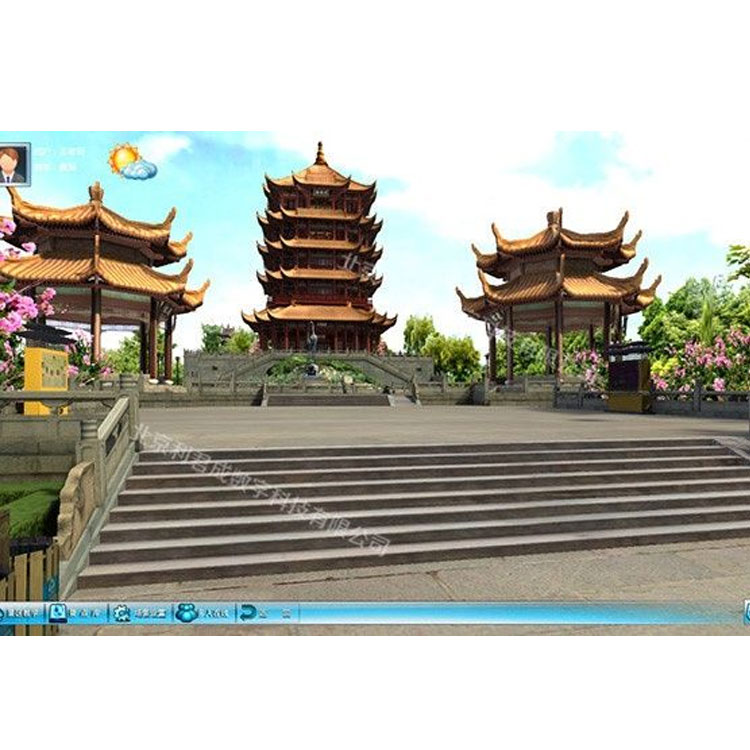

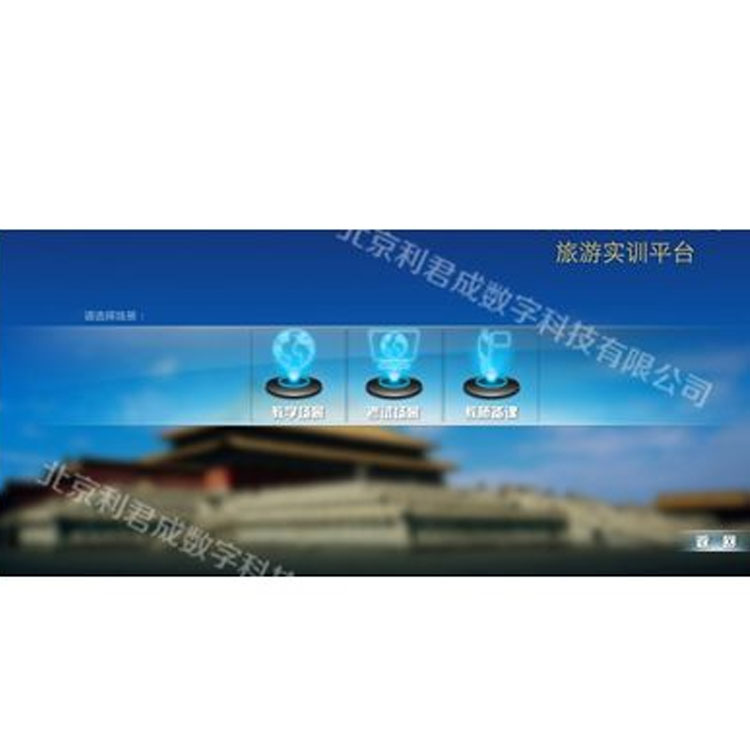
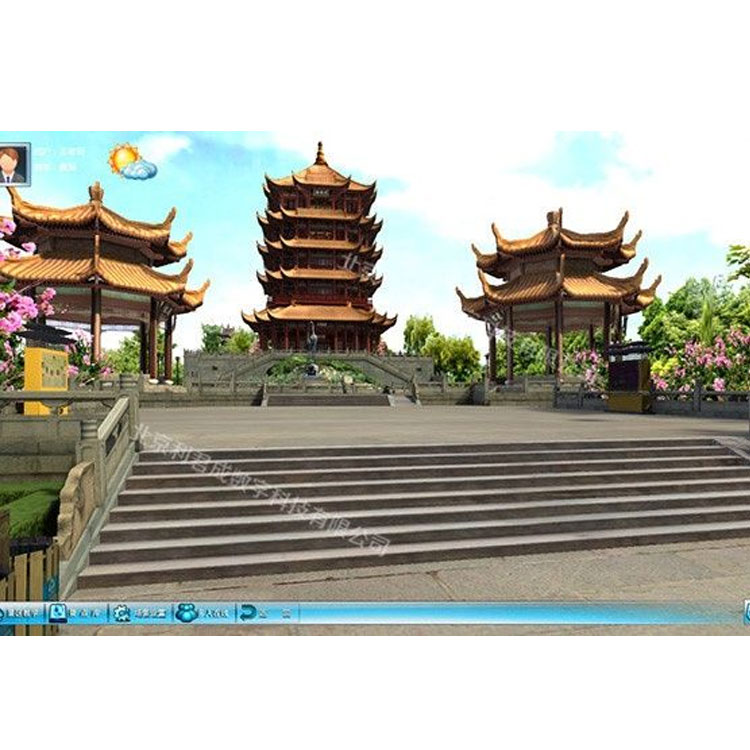









The Virtual Tourism Management Teaching and Training System is a simulated training platform developed for the theoretical knowledge and practical courses of tourism management. It primarily serves the teaching curriculum for simulated tour guide courses. Instructors can conduct immersive, audio-visual teaching scenarios for students during relevant courses, allowing students to engage in simulated tour guide training as if they were actually there without leaving their homes. This cultivates the students' tour guide skills, enabling them to quickly adapt to job requirements. It enhances learning outcomes, expands theoretical teaching content, reduces the time and costs of on-site internships, and avoids internship safety risks.
The tourism education platform is developed based on the "Simulation Guide Practice Course" textbook from the 12th Five-Year Plan for Higher Vocational and Technical Education tourism curriculum. It covers teaching on the interpretation of natural and cultural landscapes, basic guide service skills (such as group reception services, activity design and organization along the tourism route), special team guiding services, and guide services for handling emergencies. These are all taught through 3D simulation, skill training, knowledge links, and case studies. Students can master the basic procedures, methods, and techniques of guiding in a realistic simulated environment, become familiar with all stages of the guiding process, and lay a foundation for actual guiding in the future.
System Technical Architecture
System Functions:
① Teacher Instruction - Fixed Route Teaching
Teachers can create, edit, or select routes for teaching, set the background music, narration, and playback speed for the routes; they can also insert a series of knowledge points at fixed positions and edit the corresponding display content. When the automatic playback status of the route is selected, a knowledge point information prompt box will automatically trigger at fixed positions.
② Teacher Teaching - Free Browsing Instruction
Teachers can freely explore virtual scenes using various modes such as ground roaming and bird's-eye view, closely observe and explain key teaching content, presenting detailed information of knowledge points from different perspectives, enhancing the immediacy and three-dimensionality of the teaching process. This increases the fun and vitality of the classroom, thereby improving teaching effectiveness; in the autonomous browsing mode, teachers can set sub-sites with the current perspective, and corresponding knowledge point explanations will automatically pop up.
③ Teacher Instruction - Recording and Playback
The recording and playback of operational content can be performed in fixed route and free browsing teaching, free practice, and exam modes, and is briefly referred to as practical training video within the system. During the recording process, in addition to capturing teaching content such as scenic tours, the system can also synchronize the recording of the operator's audio and video (facial expressions and body language) explanation process through video capture equipment, and supports playback of the recorded videos. In the video recording, parameters such as frame rate and resolution of the video capture can be set.
④ Teacher Teaching - Curriculum Compilation
Offer editing functions for lesson plans, blackboard notes, overview, and process editors, allowing direct editing and modification of teaching materials within the system. The edited materials can be closely linked to routes or positions, enhancing teacher efficiency.
⑤ Student Practice - Role Play
Students engage in role-playing exercises and exams, with their account saving user practices, exam results, and other operations, reflected as growth points. During virtual practice and exams, personalized student information appears on the screen, enhancing the role-playing experience.
⑥ Student Practice - Multiplayer Online Learning
Supports multi-user online learning; students can use the platform to learn and train by assuming different roles within a local network or over the internet; teachers can control the range of students' activities within the scene; supports public and private text or voice chats between teachers and students, and between students; teachers and students can engage in multi-person collaborative training within the scene, complete tasks in a group, just like in real-life tourism work functions.
Exam System
This platform features a virtual tour guide examination system, allowing instructors to directly assess students' learning progress. The system includes two modes of examination: theoretical and practical. In the theoretical mode, instructors can manipulate the question bank and examination papers. In the practical mode, instructors can set questions about specific attractions along the tour route. Students must answer the relevant questions at these points before they can proceed with the exam.