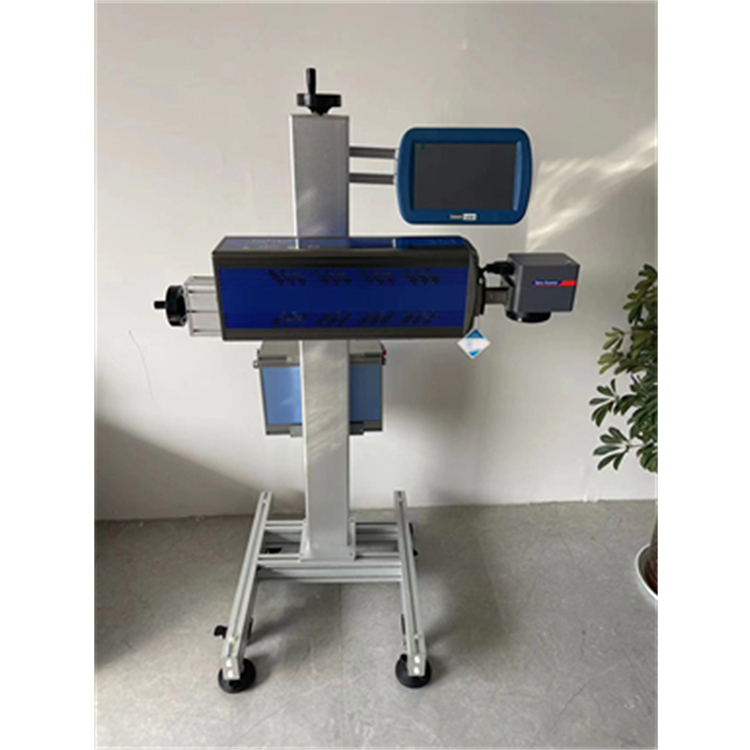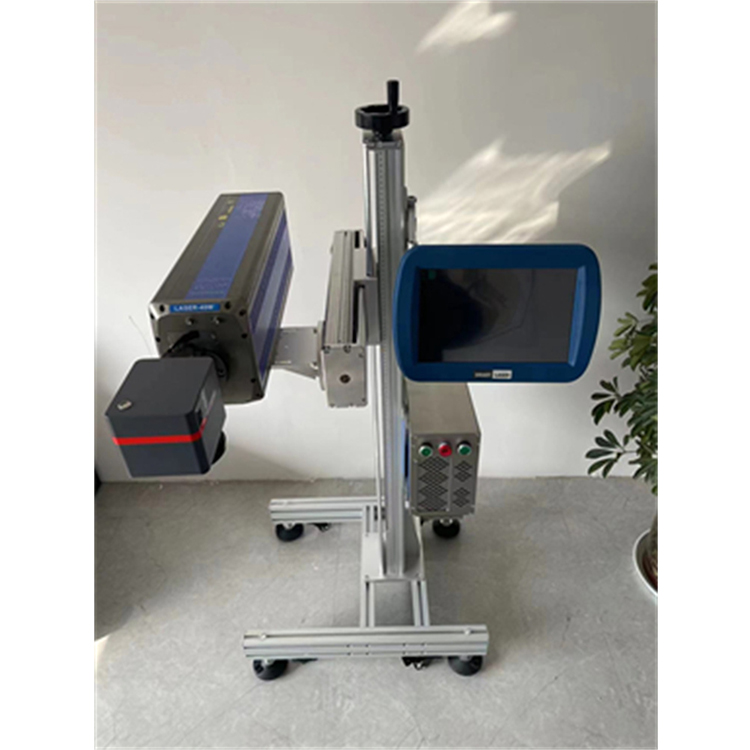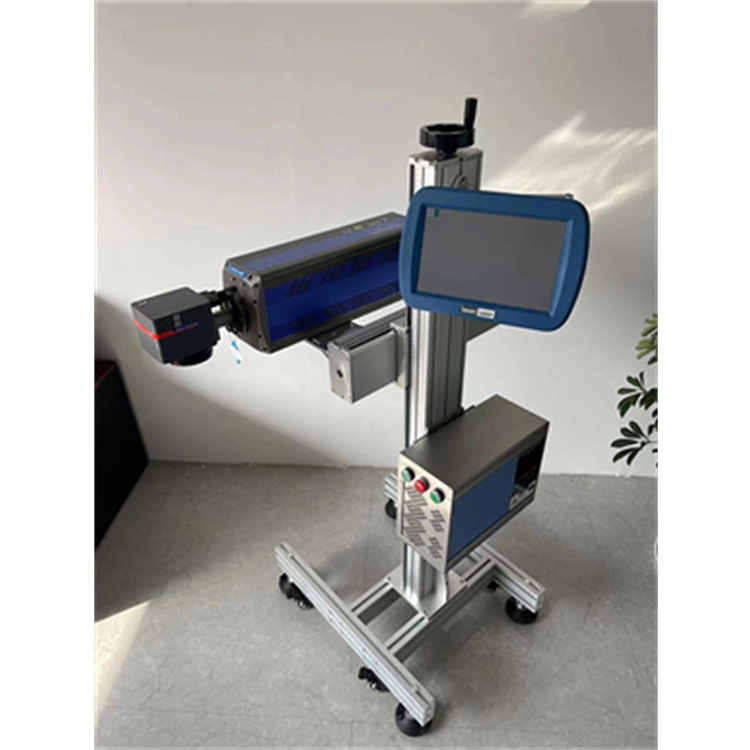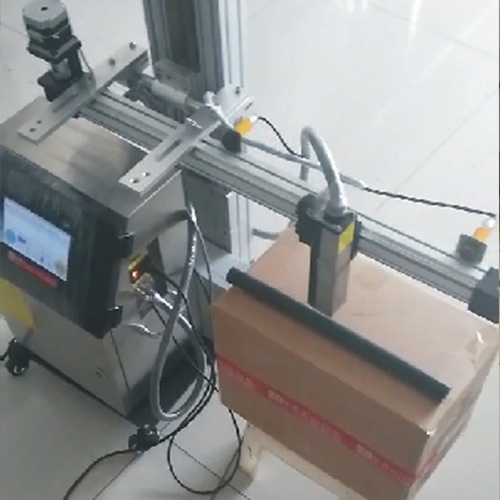

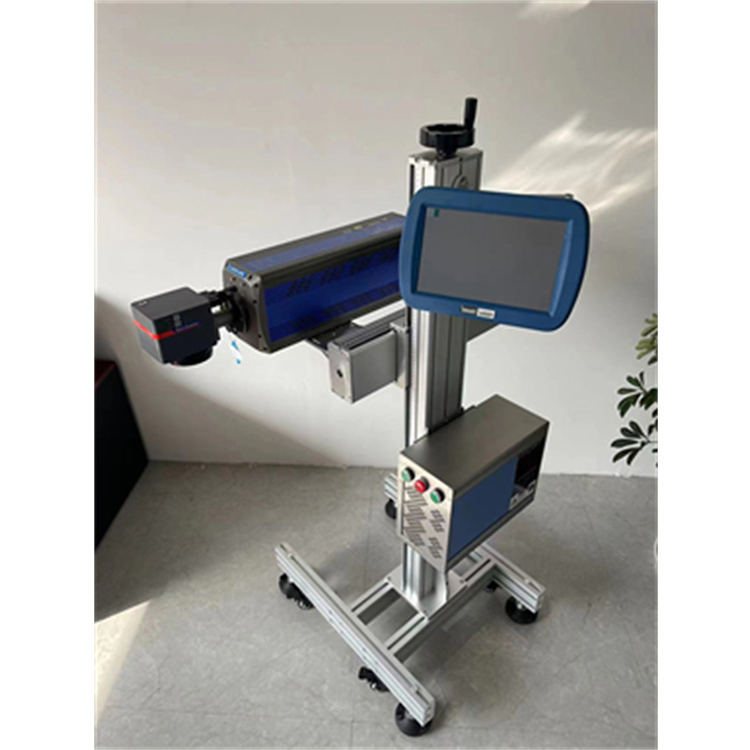













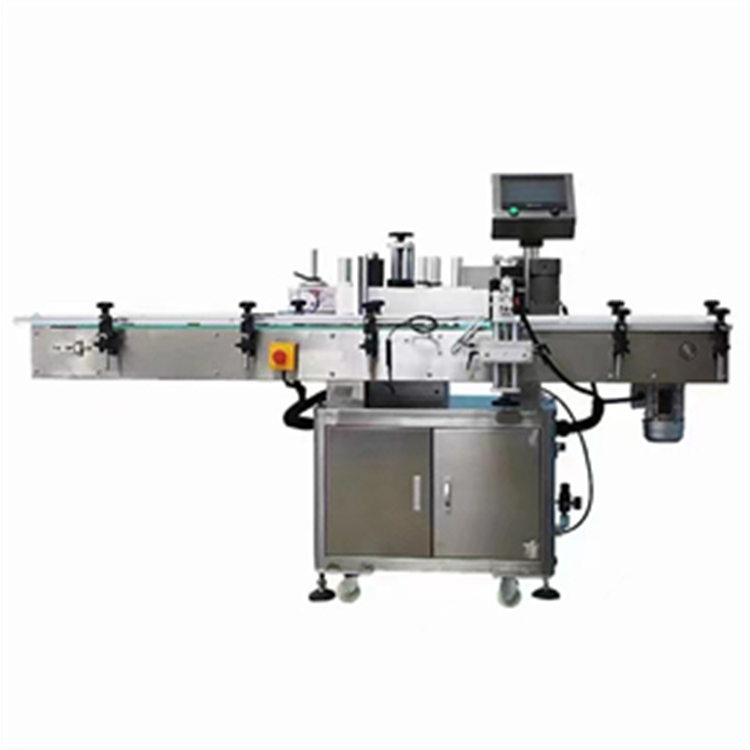

Prints fine for single items, but incomplete when printing consecutively? Solution:
1) Laser machine engraving speed too slow, increase laser machine engraving speed, reduce laser machine printing time
2) The production line speed is too fast; reduce the production line speed.
3) Product spacing too close, increase the distance between products
4) Misfire of electric eye, too quick trigger of electric eye; Adjust the sensitivity of the electric eye, set the appropriate signal blocking section
Solution for unclear printing on certain products: Anomaly exists in the material of certain products. Reprint the product and carefully compare the printing effect. If it remains unclear, it is due to the product's material itself.