




- AllProduct Category
-
Explosion-proof Electric/Steam/Hot Water Heater Blowers
Humidifier and Dehumidifier in One
Rotary Dehumidification Unit - Customized
Mobile Air Conditioner/Portable Air Cooler
Fan Coil Unit/Air Handling Unit
Smart Dehumidifier Unit
Explosion-proof Modular Air Handling Unit / Swimming Pool Dehumidifying Air Handling Unit
Explosion-Proof Rooftop AC Series
Explosion-Proof Cold Water (Hot Water) Unit Series
Explosion-Proof Oven
Explosion-proof Air curtain Machine
Explosion-proof Temperature and Humidity Control Unit/Non-standard Temperature and Humidity Control System
Industrial Air Conditioning / Explosion-proof Industrial Air Conditioning
Cabinet Air Conditioners / Explosion-Proof Cabinet Air Conditioners
Explosion-proof Fan Coil Unit
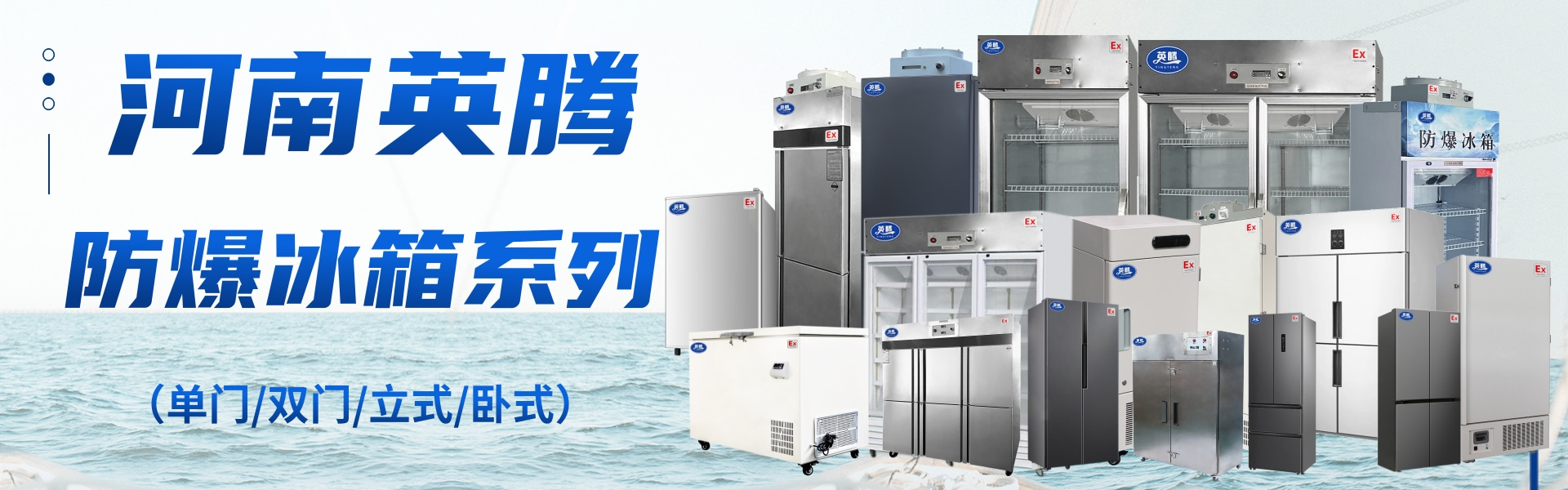
Explosion-Proof Refrigerator
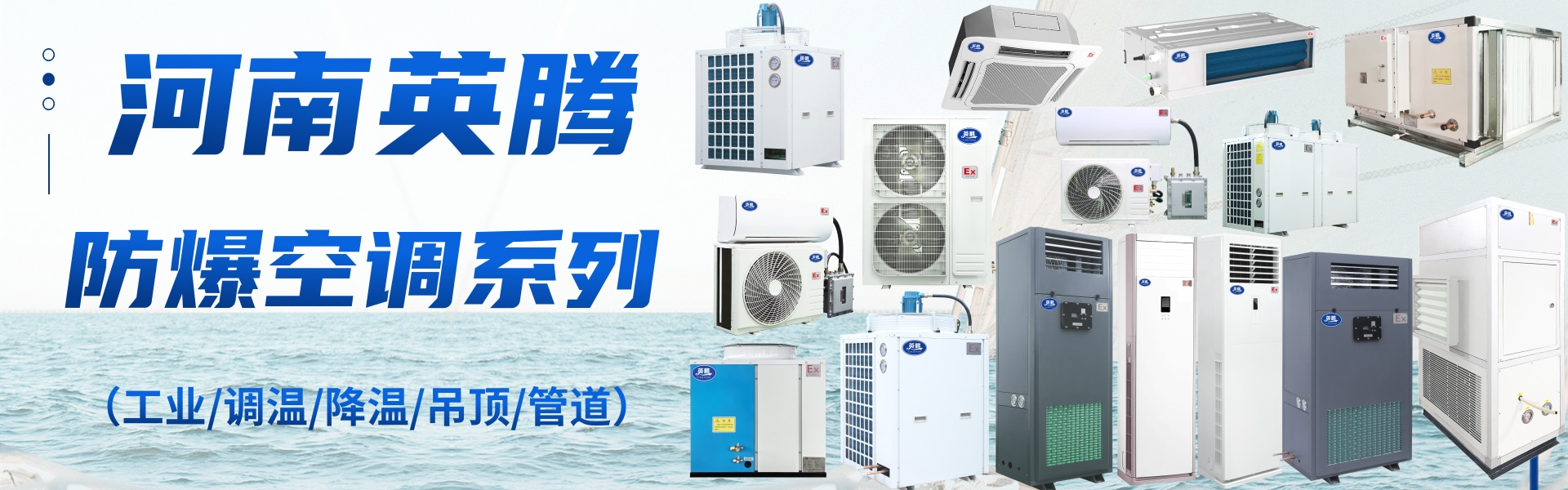
Explosion-proof Air Conditioner
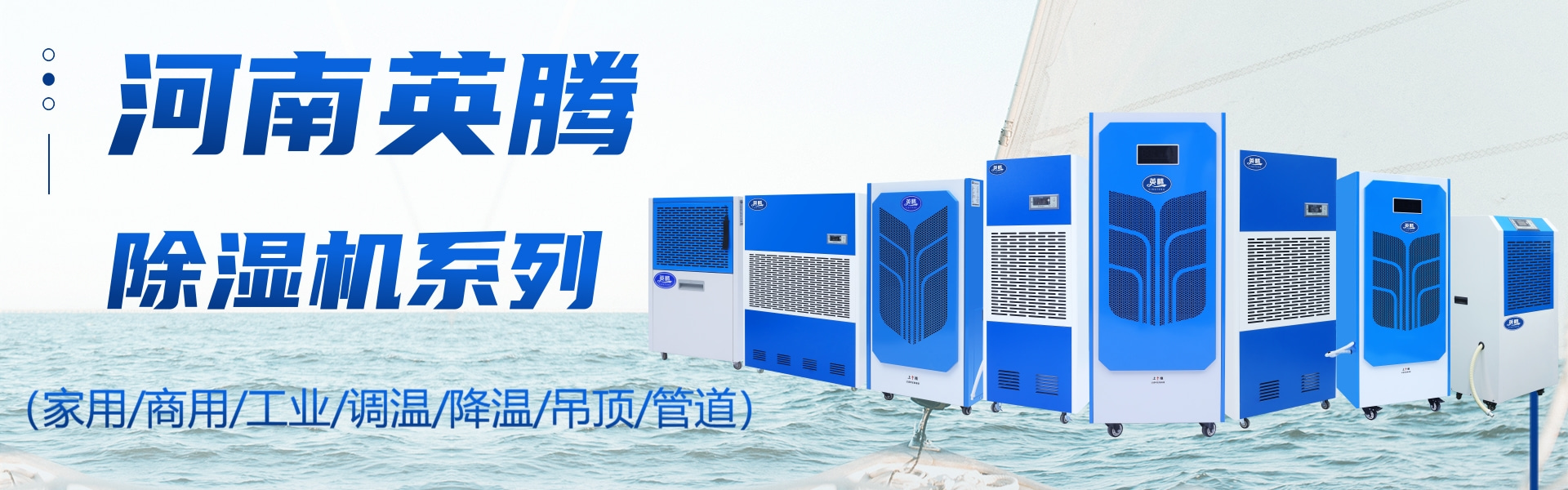
Explosion-Proof Dehumidifier
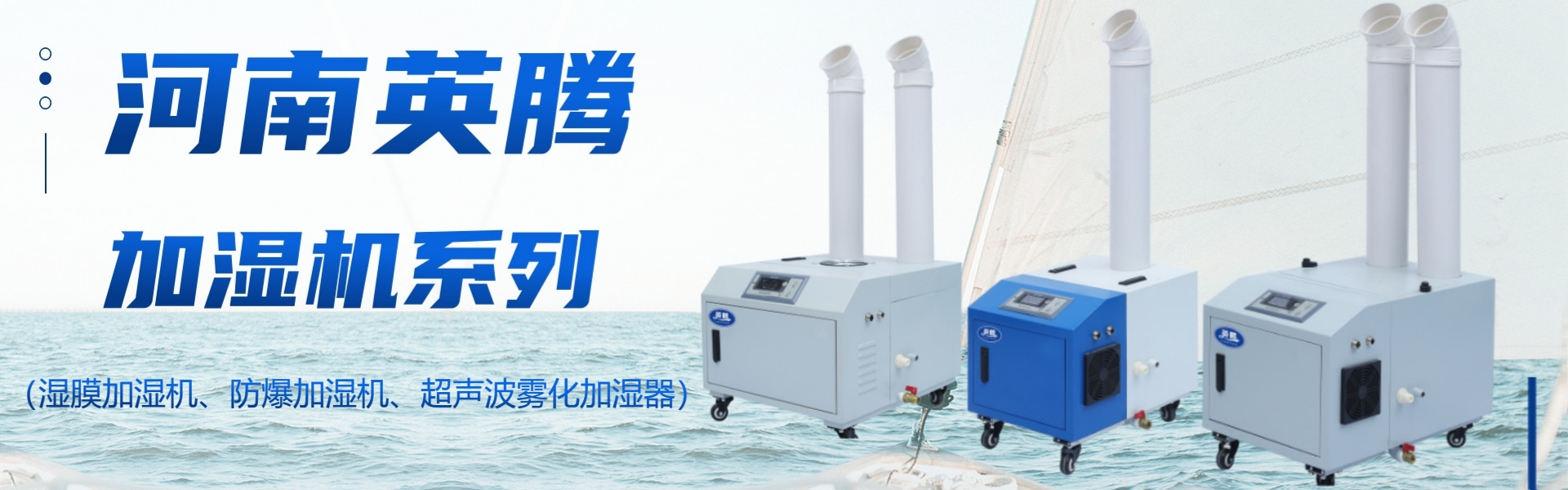
Humidifier/Blast-Proof Humidifier
Dehumidifier


详情描述
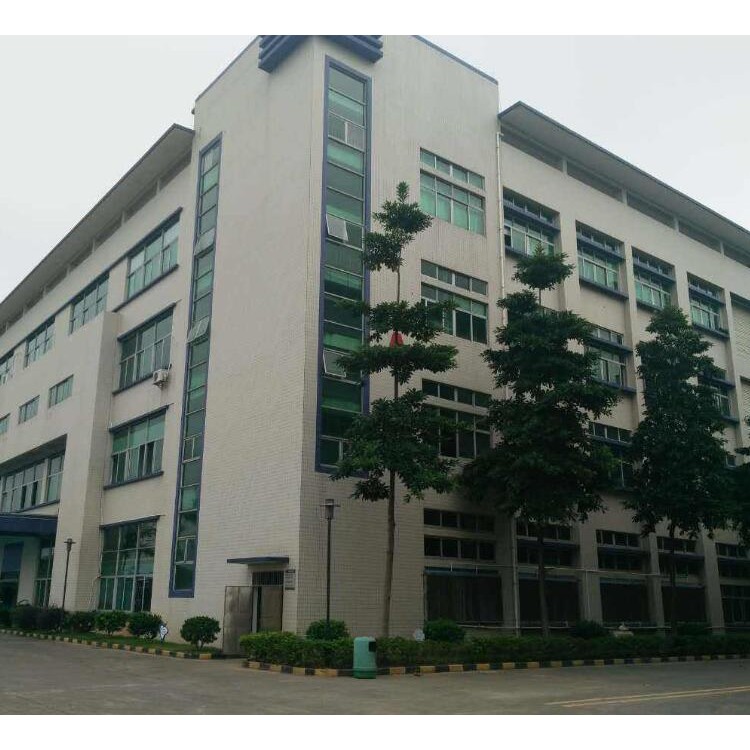
Product Specifications
Brand: Yingten
Product Model: YTK-65E-01
Cooling Capacity: 6825W
2.5 HP
Voltage/Frequency: 220V/50Hz
Power: 2650W
Touchscreen Control
Airflow: 1600 m³/h
Motor Brand: Zhongshan Hengda
Temperature Range: 16-30℃
Fan: Cold 50W x 2 / Hot 70W x 2
Timer function: On/Off (24-hour)
Wind Speed Settings: Low and High Speed
OD: Cold 120mm / Hot 180mm
Quantity: Three tubes (blue and white)
Wind Distance: 6 meters
Tank Capacity: 6L
Applicable Temperature: 5-45℃
Body Dimensions: 630×560×1260mm
Customizable Features: Purification, Antivirus, Location Tracking, Stainless Steel, Corrosion Resistance for Two Equipment Separation
Portable Air Conditioner Usage Instructions
1. Packaging Instructions: After unpacking, please lift the entire machine out. Air ducts and accessories are located on both the top and bottom trays; please note this.
2. Three-minute Delay: There is a 3-minute delay upon startup, and also after switching to ventilation/refrigeration mode, or moving the water tank.
3. Power Connection Note: It is recommended to use a 16A outlet and plug it directly into the wall. *Avoid using extension cords (some extension cord wires have insufficient current, which can overheat during use and pose a safety hazard).
4. Power Voltage: For unstable or insufficient voltage below 220V, a voltage stabilizer must be added, or a model with 1P, 1.5P, 2P, or higher that cannot drive the compressor should be selected (the machine displays cooling, but no cold air is produced, or it cools for a few minutes and then stops due to vibrations, which is also a power voltage issue; the power cable needs to be 2.5 square mm).
5. Normal Operation Check: Blue and white lines moving on the screen indicate that the compressor has started and the refrigeration has begun, which is normal operation; if they do not move, please check if the ventilation mode is on or if the water level indicator is showing full.
6. Personalized Selection: Press "+" to switch between cooling/ventilation modes, press "-" to adjust between high and low wind speeds.
7. Water Full: Display indicates water is full, please check the water tank and pour out the excess; if there is no water or it's not full, the position is incorrect, just adjust it (sometimes the water full display may not show, but if the blue and white line doesn't move and the cooling doesn't start, it's also because the water tank is not properly placed).
8. Water Refill: Refill water once every day or so; it's recommended to do so before leaving work or before turning on the machine at the start of the day. Directly draining the water through an external pipe to the floor drain is also acceptable.
9. Filter Mesh: Regularly clean the filter mesh; for dusty environments, clean it every 2-3 days (the filter mesh can be removed by lifting the front panel).


