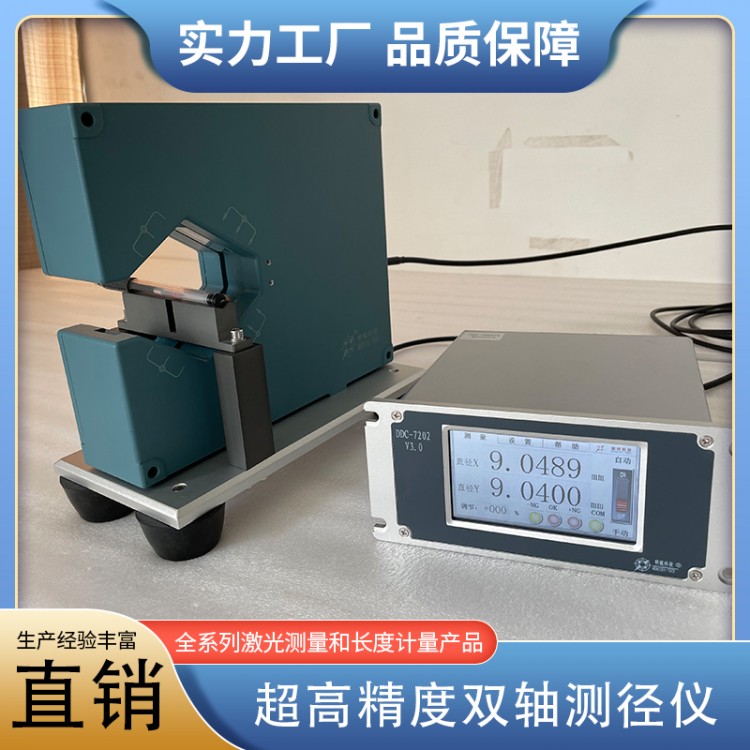
 High-Precision Dual-Axis Diameter Measuring Instrument LDM2025
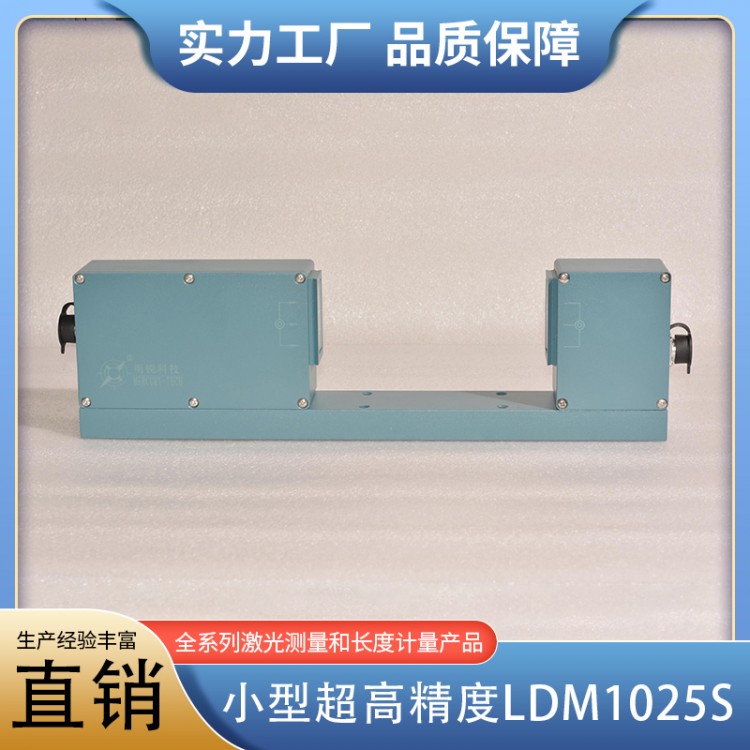 Small Ultra-High Precision LDM1025S
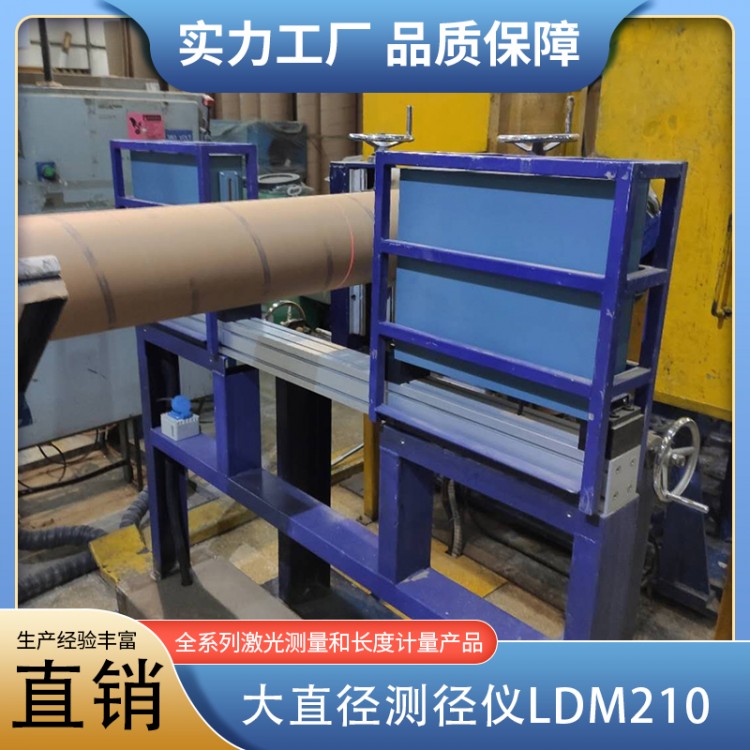 Large Diameter Measuring Instrument LDM210
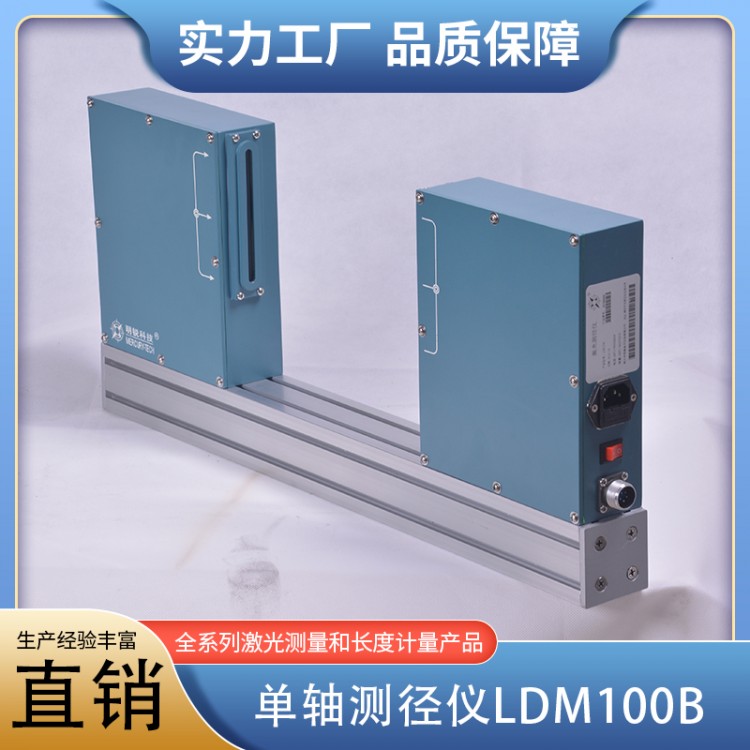 Single-axis Diameter Gauge LDM100B
 Bilateral Diameter Gauge 60XY
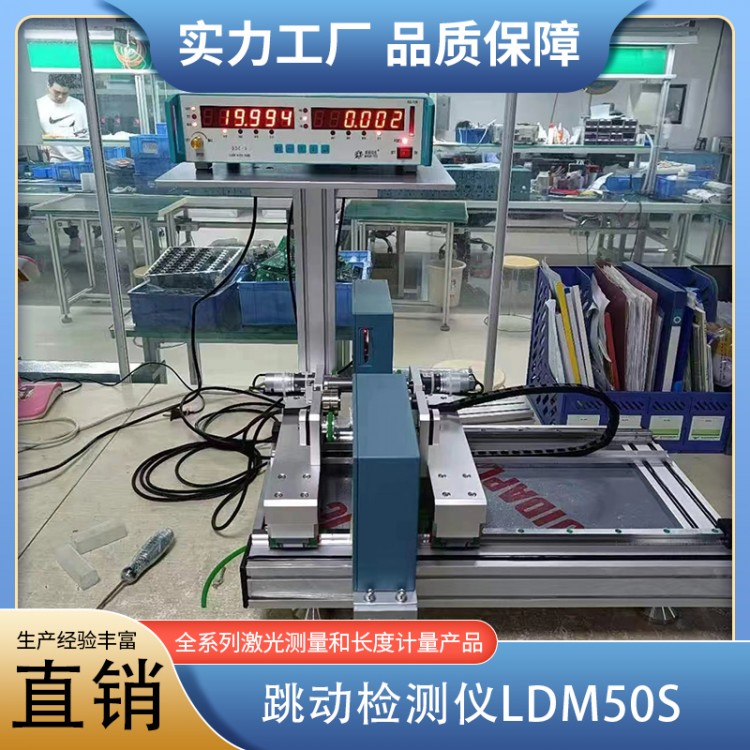 LDM50S Tachometer
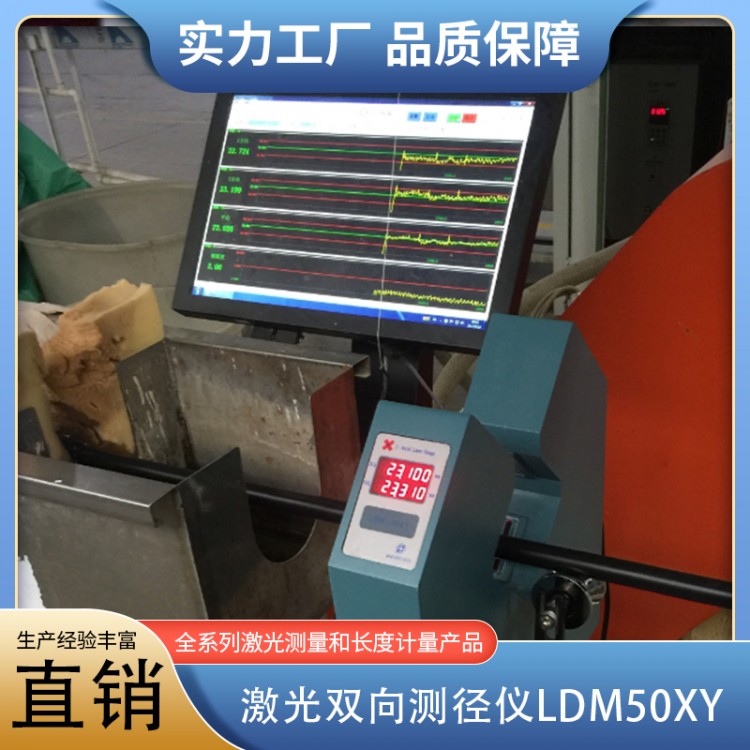 Laser Double-Diameter Gauge LDM50XY (Discontinued, replaced by LDM2050)
Product Details

Full range of laser measurement and length metrology products



产品Price 1000.00/Tai
最小起订Quantity:1 Tai 供货总Quantity: 100 Tai


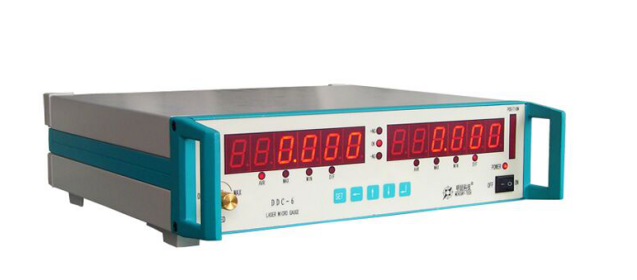
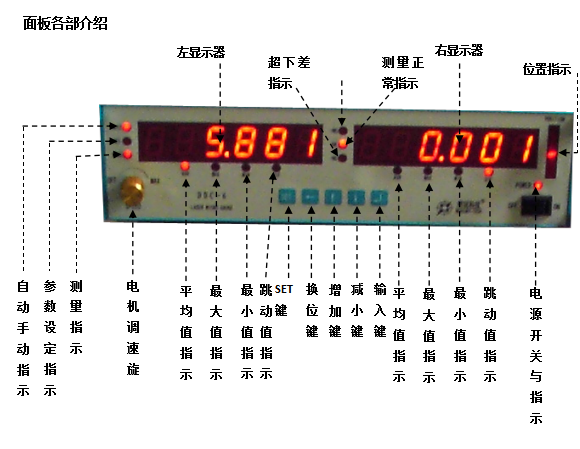
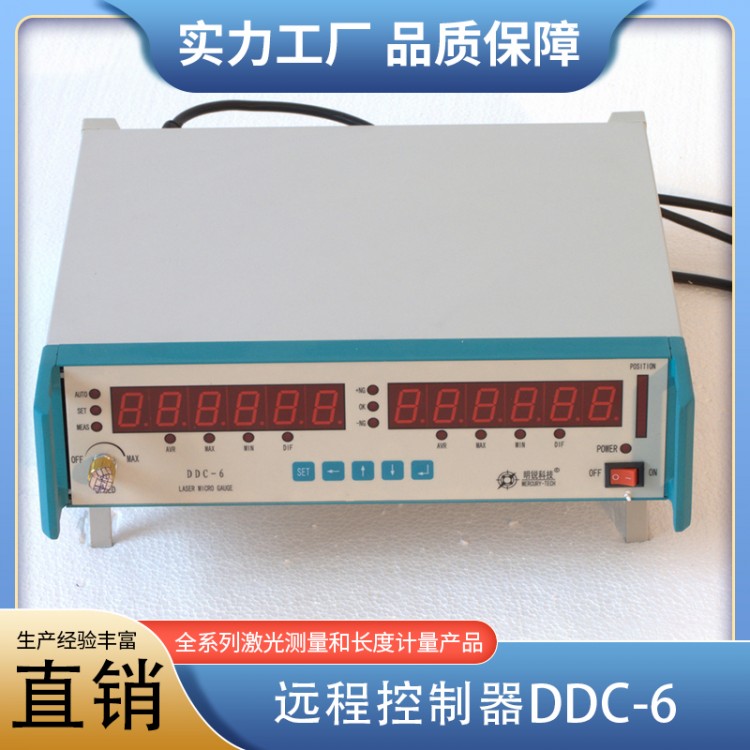
Product Name: Remote ControllerDDC-6 Dimensions:350*350*100mm Name Please provide the Chinese content to be translated. Gong Certainly Left Monitor During measurement, it displays average, large, and small diameters, as well as radial runout; during parameter setting, it shows item numbers. Right display Displays average, large, small diameters, and radial runout during measurement; shows set values during parameter setting. MEASIndicator light Measurement indicator light, indicating the measurement status, the light is on to show measurement in progress. SETIndicator light Parameter setting indicator light, indicating the setting status, the light is on to indicate that parameter setting is in progress. AUTOIndicator light Automatic and manual indication: the light indicates automatic measurement mode; manual mode requires an external trigger switch to start measurement, with measurement data displayed at refresh intervals. +NG、-NGIndicator light Indicate whether the measured value exceeds the set upper or lower limit, over upper limit+NGLight on, below limit-NGLights on; Maximum radial jump limit+NG、-NGThe indicator lights are on simultaneously. POSITIONIndicator light Position the workpiece at the center of the measuring head window. Display Mode Indicator Light AVRInstruction: The display shows the average measurement.MAXInstruction: Display shows a high measurement value.MINInstruction: The display shows the measured low value.DIFInstruction: The display shows the radial fluctuation value. SETKey Enter parameter setting when setting parameters, exit the setting in parameter setting state. Changeover key Dual-function: Toggle blinking position during parameter modification; switch to automatic during measurement display/Manual Mode Enhance Key Dual Function: Add blinking digit when parameters are modified1 Toggle left monitor display during measurement readout Reduce Key Dual Function: Subtract the blinking digit when modifying parameters1 Toggle right monitor display during measurement readings Input Key Enter numbers to finish editing and save parameters