
 Water Level Indicator Model XW-1, Xuzhou Weisi Water Level Monitoring Instrument
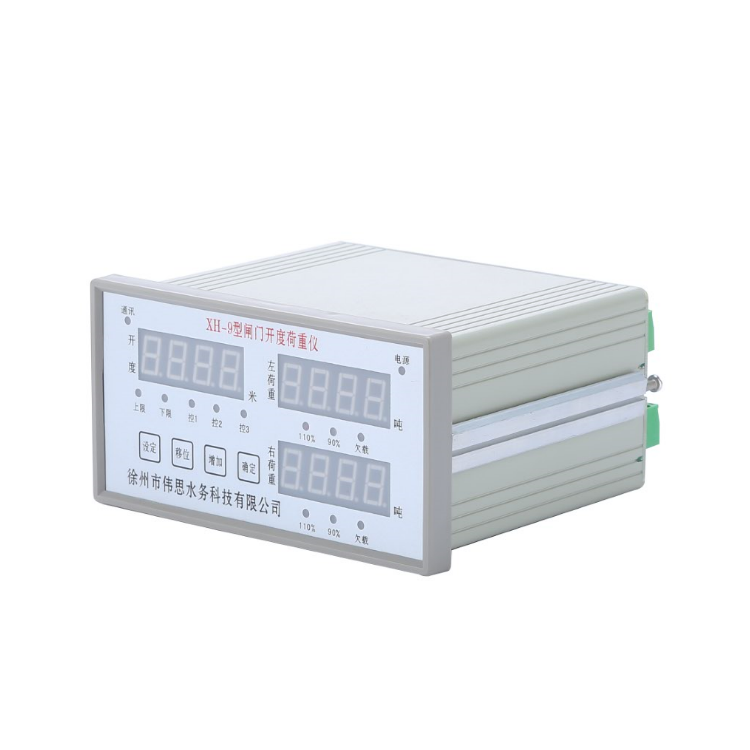 Xuzhou Weisi Gate Opener XH-9 Type Gate Opener Load Gauge -- Load Measurement and Control Instrument
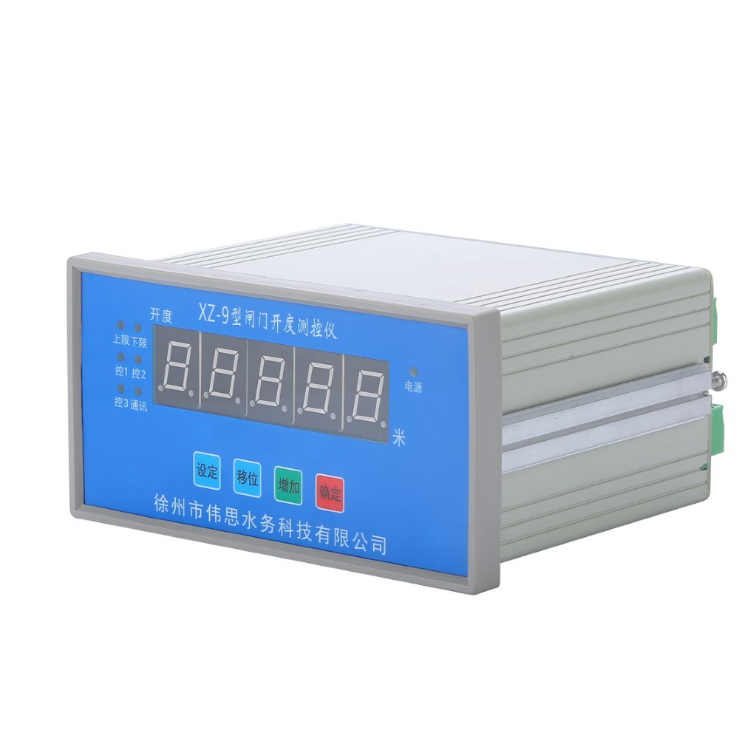 XZ-9 Type Gate Opening Gauge -- Gate Opening Measurement and Control Instrument
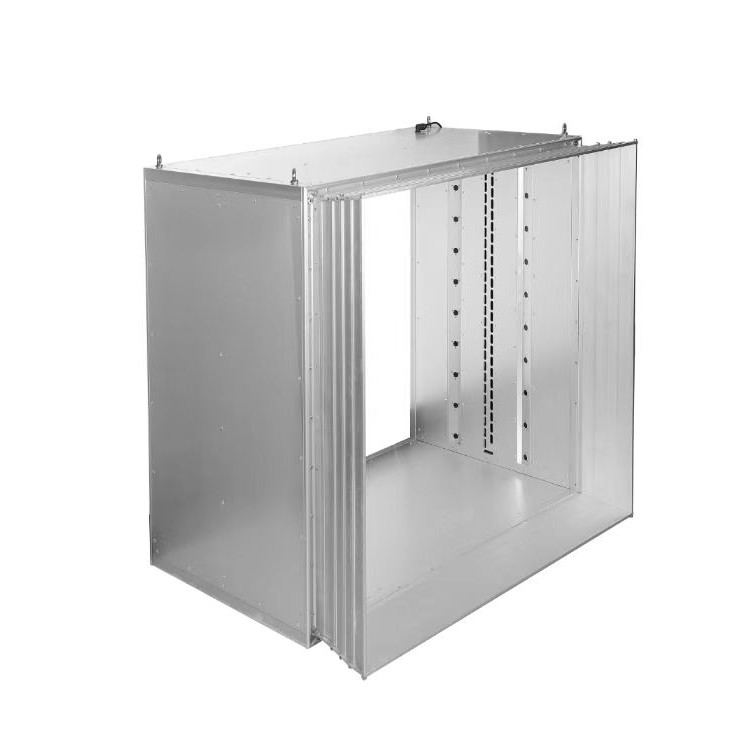 Tangent Flow Meters, LSC Series Box Type Tangent Flow Meters, Flow Meters
Product Details

Hydrological Instruments, Other Meteorological Instruments, Safety Equipment,...


产品Price 900.00/Set
最小起订Quantity:1 Set 供货总Quantity: 100000 Set


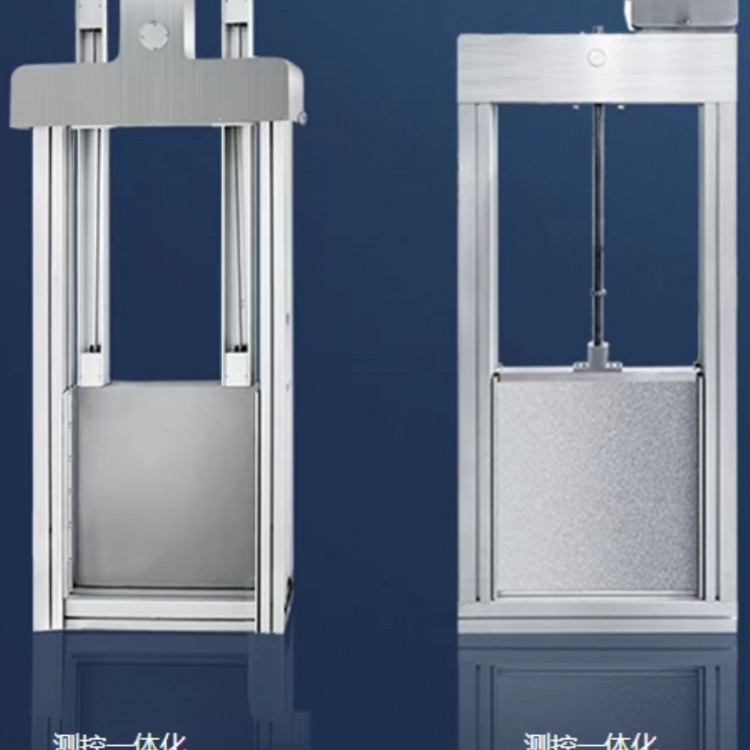 Integrated Control Gate, Wuxiu Wesi Integrated Control Gate, Integrated Control Gate Manufacturer
¥5000.00
Integrated Control Gate, Wuxiu Wesi Integrated Control Gate, Integrated Control Gate Manufacturer
¥5000.00
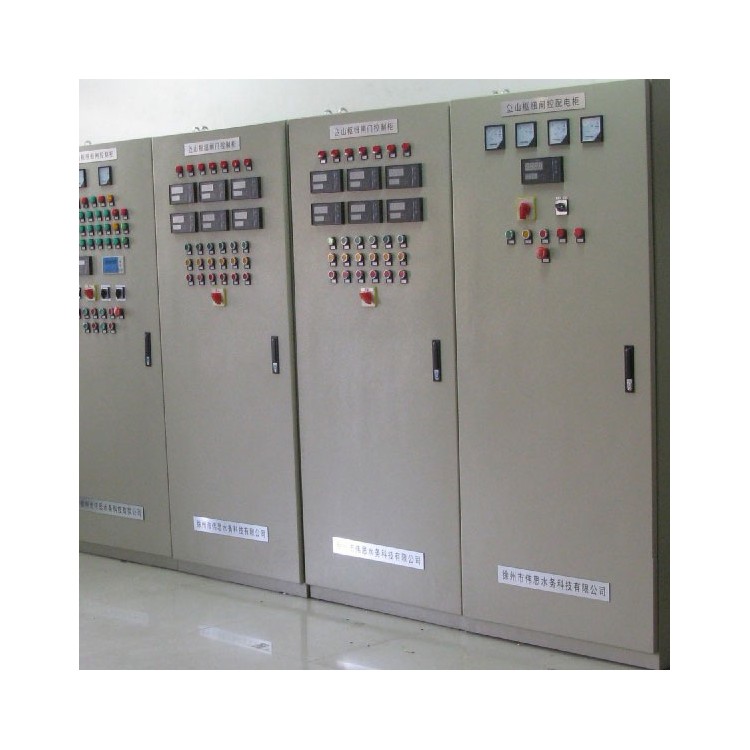 Gate Monitoring System, Xuzhou Weisi Gate Monitoring System, Gate Monitoring System Manufacturer
¥5000.00
Integrated Control Gate, Xuzhou Weisi Integrated Control Gate, Integrated Control Gate Manufacturer
¥5000.00
Gate Monitoring System, Xuzhou Weisi Gate Monitoring System, Gate Monitoring System Manufacturer
¥5000.00
Integrated Control Gate, Xuzhou Weisi Integrated Control Gate, Integrated Control Gate Manufacturer
¥5000.00
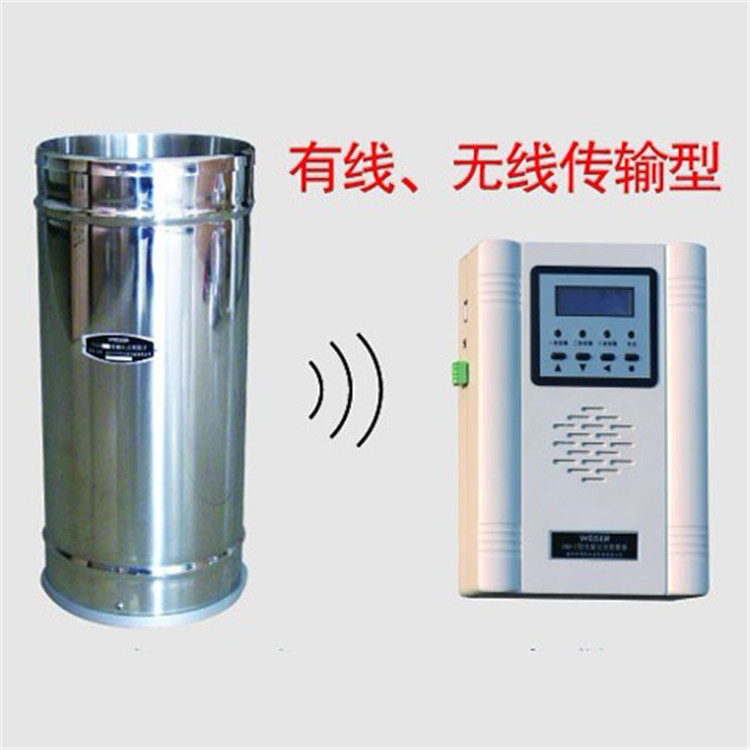
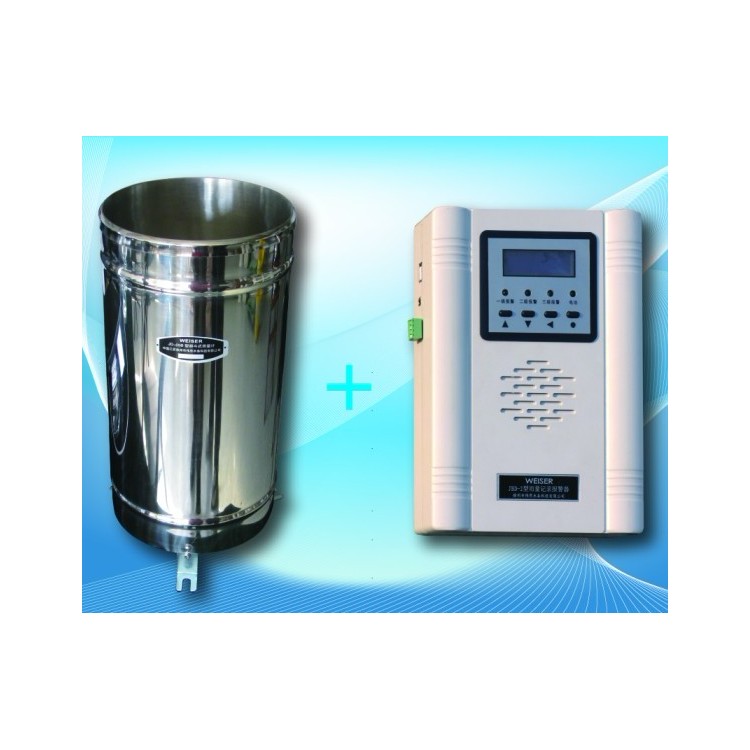
JBD-2 Simple Rainfall Alarm Gauge JBD-2 Model Simple Rainfall Alarm Sensor I. Product Overview

This product is designed for use with bucket rain gauges, compatible with various models, and facilitates the detection, storage, display, and alarm of rainfall amounts. The alarm unit is powered by dual sources: an external power supply (the product accessories include a 9~12V AC/DC converter) and an internal 4.5V dry battery, with automatic switching. The product features a wall-mounted installation design. It is equipped with a liquid crystal display (supporting two lines, each line displaying 8 Chinese characters or 16 alphanumeric characters), capable of showing the real-time clock, rainfall for the current hour, daily rainfall, and alarm values for different time periods. The alarm function utilizes three-time period, three-level audio-visual alarms (4 indicator lights and one buzzer), with alarm values and times set via host communication or a "password lock." Alarm values are not lost during power outages.
Alarm Function
Alarms are divided into rainfall alarms and low-voltage alarms. Alarms are achieved through three rainfall alarm indicators, one low-voltage alarm indicator, and a horn. When voltage is normal, if an alarm signal is present, both the indicator lights and the horn will sound. When voltage is low, if an alarm signal is triggered, the alarm will only use the indicator lights. The alarm value settings are currently set and verified by the company's technical department before shipment. They can be extended to be customizable by the customer upon request.
1. Rainfall Alert
Alert periods are divided into 1 hour, 3 hours, and 12 hours, totaling three periods.
One hour's rainfall is the total of the accumulated rainfall from the previous 60 minutes.
The rainfall over the past 3 hours is the total of the rainfall accumulated over the previous 180 minutes.
The 12-hour rainfall is the total of the accumulated rainfall over the previous 720 minutes.
Non-time-based alerts
At each time period, alerts are divided into three levels (primary, secondary, and tertiary [low]) based on rainfall amounts, with higher level alerts having values less than or equal to adjacent lower level alerts.
Different levels of alerts are distinguished by the number of flashing indicator lights for rainfall alerts. Level 1 alert: all three alert indicator lights flash simultaneously. Level 2 alert: two alert indicator lights flash simultaneously. Level 3 alert: one alert indicator light flashes.
An alarm horn sounds when any level's alert occurs at any time segment.
Hold down the "SET" button to turn off the horn. When another alarm signal arrives, the horn will reset.
2. Low Voltage Alert
The alarm has a low-voltage indicator light, designed to alert users to potential low-voltage issues when using dry batteries.
When there are no rainfall alerts and low voltage alerts, the normal indicator light will blink, indicating normal operating status.
III. Menu Display and Time Adjustment
Dual LCD with Chinese characters display, powered on shows "Xuzhou Weisi Water Technology - Rainfall Alarm v1.0".
Briefly press the "SET button" to display the time:
"XXXX/XX/XX------XX:XX:XX"
When displaying the time: Press the ∧ key or ∨ key to cycle through the following menu.
Current Hour Rainfall: XX.X mm ------ Today's Rainfall: XX.X mm
1-hour rainfall - XX.X mm
1-hour rainfall level 1 —— Alarm value: XX.X mm
"1-hour rainfall level 2 ---- Alert value: XX.X mm"
"1-hour rainfall level 3-----Alarm value: XX.X mm"
3-hour rainfall: XX.X mm
3-hour rainfall level 1-----Alarm value: XX.X mm
3-hour rainfall level 2 —— Alarm value: XX.X mm
"3-hour rainfall level 3 ---- Alarm value: XX.X mm"
12-hour rainfall - XX.X mm
12-hour rainfall level 1 ---- Alarm value: XX.X mm
12-hour rainfall level 2 —— Alarm value: XX.X mm
12-hour rainfall level 3 ---- Alarm value: XX.X mm
The rainfall recorded in this hour is the accumulation between full hours, resetting at the next full hour.
Today's rainfall accumulation began at 8 AM and resets at 8 AM the next day.
The above two data are updated in real-time at 1-second intervals.
1-hour rainfall is the accumulated rainfall from the current minute back to the last 60 minutes.
3-hour rainfall is the cumulative rainfall from the current minute back to 180 minutes ago.
The 12-hour rainfall is the cumulative rainfall from the current minute back to 720 minutes ago.
The above 3 data points refresh in real-time every 1 minute.
When displaying the time, press the ∧ and ∨ keys simultaneously to enter the time display menu:
"XXXX/XX/XX XX:XX:XX"
The main differences between the Time Display and Time Adjustment menus are: Time Adjustment has reverse white display, while Time Display does not; the format of hours, minutes, and seconds in Time Display and Time Adjustment is different.
Press the ">" key to cycle through shifts. Press the "^" or "v" key to adjust the target value size; the target value is highlighted in reverse. When adjusting time, both the "^" and "v" keys support the double-press function, e.g., holding the "^" key down will cause the target value to increment at a certain speed, and the increment rate will gradually increase. Press the SET key to exit the time adjustment menu.
Upon entering the time adjustment menu, the displayed time is the time of entry, and it does not automatically change during the entire adjustment process. The internal clock operates normally. If you only enter the time adjustment menu without making any adjustments, the actual time will be displayed upon exiting. For example: If you enter the time adjustment menu at 12:06:05 on May 4, 2010, "May 4, 2010 - 12:06:05" will be displayed throughout the adjustment. If you exit the menu at 12:07:23 on May 4, 2010 without altering any of the numbers, "May 4, 2010 - 12:07:23" will be shown. If any numbers are changed, the altered values will be displayed.
If no key action is detected after 5 minutes, the LCD screen will power off and close. If a menu is currently displayed, the menu will revert to the time display after the LCD screen closes. If the time is being adjusted at this moment, exiting the time adjustment menu after the LCD screen closes will return to the time display, and the time adjustment will be effective.
Cautionary Notes
1. Battery replacement is only allowed when an external power source is active. Otherwise, the system is equivalent to a restart and the time needs to be reset.

Phone Consultation