








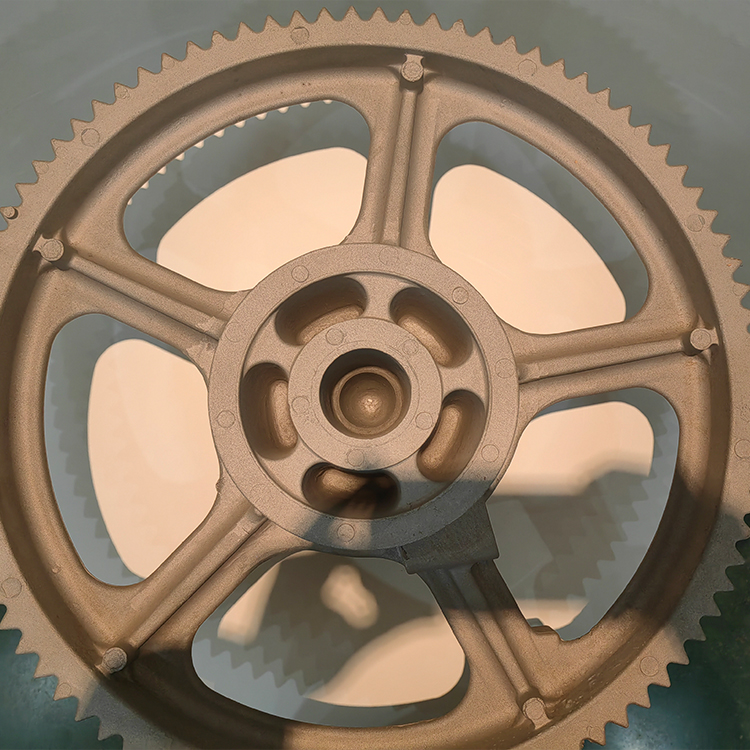
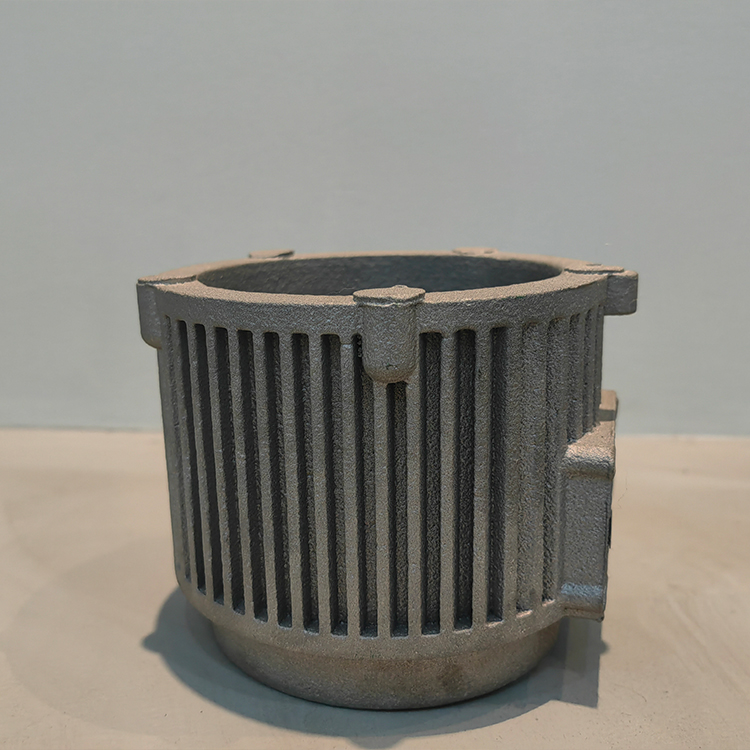
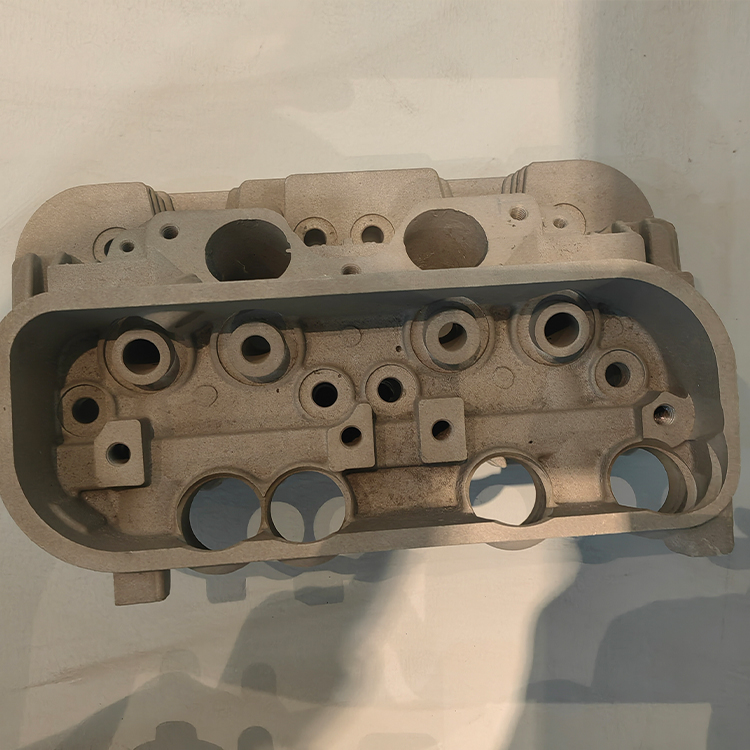
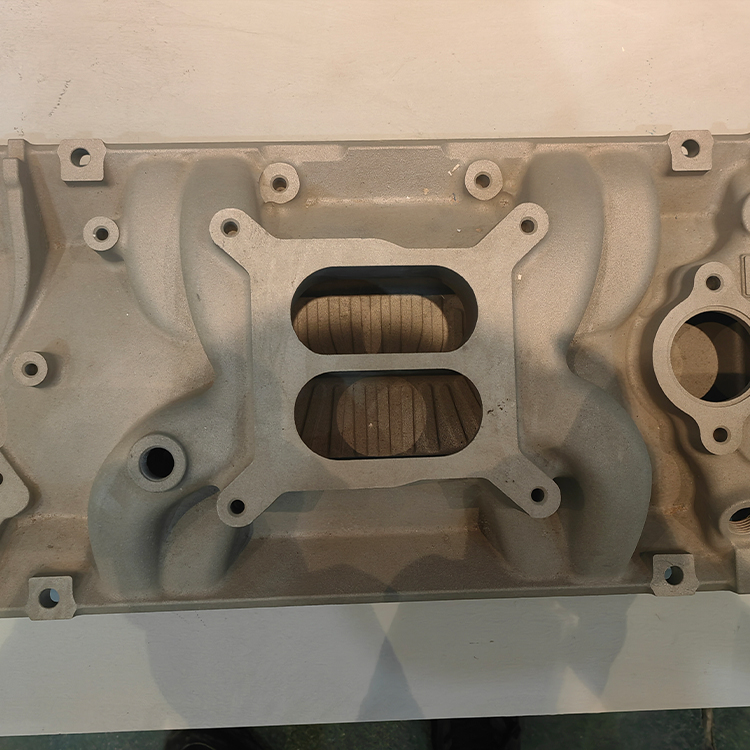
I. Introduction to 3D Printing Models
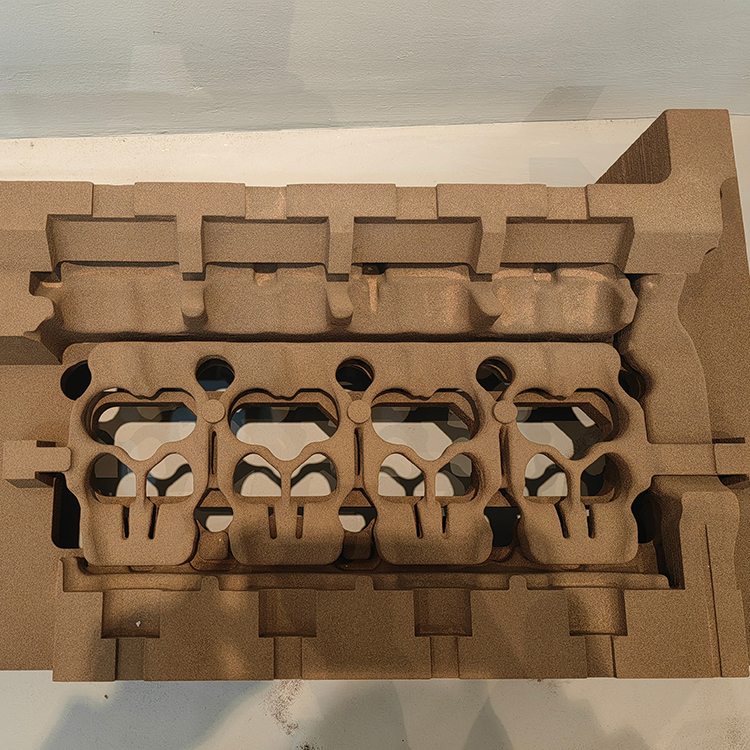
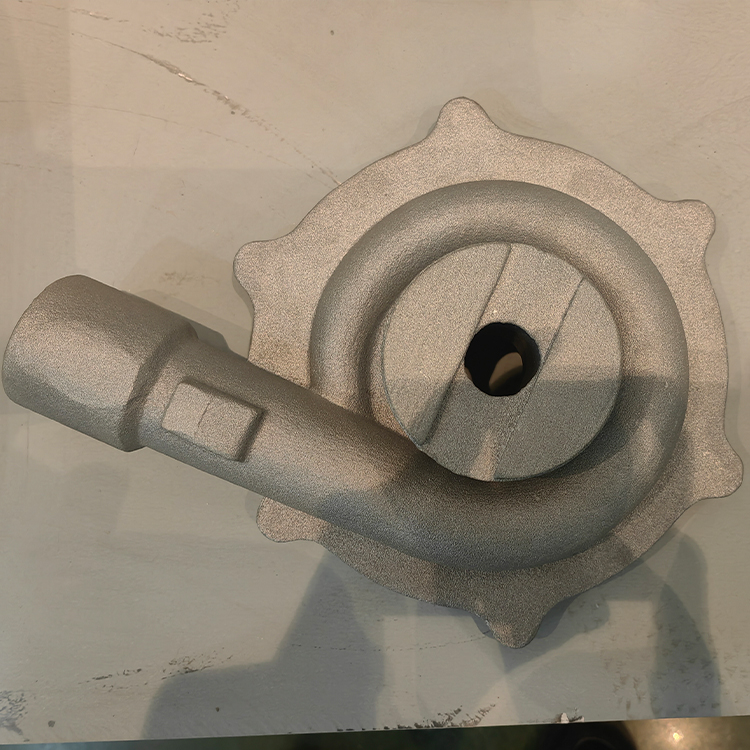
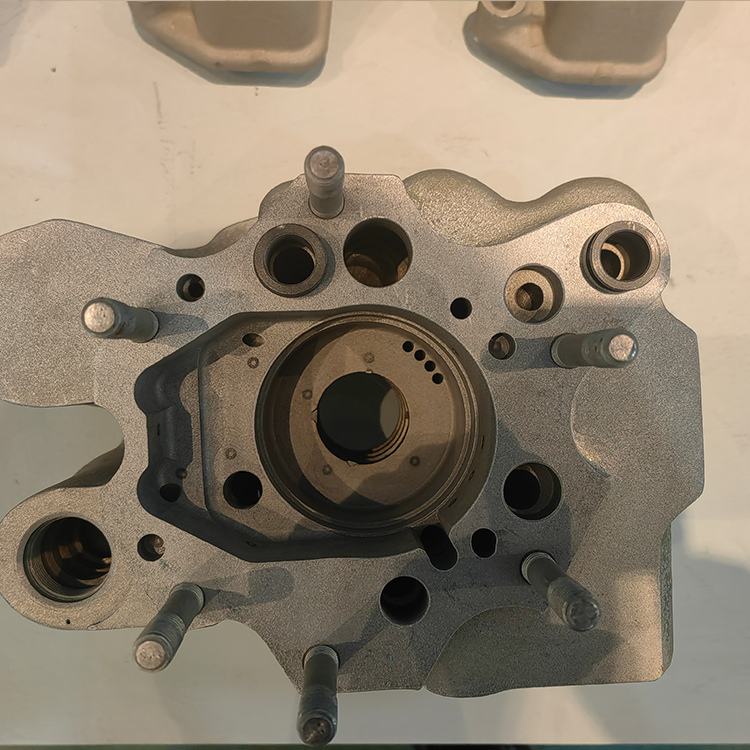
3D printed models are physical representations of 3D digital designs, constructed by layer-by-layer material accumulation (such as plastic, resin, metal, etc.). The core is the STL file format, which divides the 3D model into countless triangular facets, guiding the printer to print layer by layer. The model usually includes the following structures:
- Main Structure: The geometric shape of the model.
- Support Structure (optional): Temporary brace to prevent the collapse of suspended parts.
- Interface Design: Such as threaded holes, clips, etc., for easy assembly or functional realization.
II. Key Parameter Explanation
- Layer Height
- Range: 0.05mm (high precision) to 0.3mm (fast printing)
- Effect: The lower the height, the smoother the surface, but the longer the printing time.
- Infill Density
- Scope: 10% (lightweight) ~ 99% (solid)
- Application: 20% filling is suitable for daily models, while 50% or more is used for load-bearing components.
- Printing Speed
- Range: 30mm/s (Fine) to 150mm/s (High Speed)
- Balance Point: Excessive speed can lead to layer misalignment or loss of detail.
- Temperature Control
- Nozzle Temperature: PLA (190-220°C), ABS (230-260°C)
- Hot Bed Temperature: PLA (50-60℃), ABS (100-110℃)
- Critical: Insufficient temperature causes warping, excessive temperature tends to clog the nozzle.
- Material Type
- PLA: Eco-friendly, easy to print, suitable for prototypes.
- ABS: Resistant to high temperatures; requires a sealed environment to prevent warping.
- Resin: High precision, for stereolithography (SLA/DLP) printing.
- Nylon/TPU: Flexible material, suitable for mechanical components.
- Support Structure
- Type: Tree Support (Easy to Remove), Linear Support (Material-Saving).
- Optimization: Reduce the contact area of the supports to ease post-processing.
Section 3: Application Scenarios
- Prototype Design and Rapid Manufacturing
- Industrial: Iterative testing of automotive parts and consumer electronics casings.
- Medical: Custom prosthetics, surgical guides.
- Education and Creativity
- School: 3D Modeling Education, Historical Relic Replication.
- Art: Sculptures, personalized jewelry customization.
- Consumer-grade applications
- Home Décor: Lamps shades, vases, and other decorative items.
- Toys: Anime figure collectibles, assembly models.
- Industrial Manufacturing
- Aerospace: Lightweight component printing.
- Construction: 3D printed concrete house structures.
Section 4: Instructions for Use
- Model Acquisition and Preparation
- Source: Downloaded from platforms like Thingiverse, Cults3D, or designed using Blender, Fusion 360.
- Fix: Check model errors (such as holes, non-manifold edges) through Netfabb or PrusaSlicer.
- Slice Software Settings
- Mainstream Software: Cura, PrusaSlicer, Simplify3D.
- Core Steps:
- Import STL File → Select Printer Model → Set Layer Height/Fill/Temp → Generate G-code.
- Printing Process
- Calibration: Level the heated bed, clean the nozzle.
- Monitor: Observe adhesion during the first layer print and apply glue or adjust Z-axis offset if necessary.
- Post-processing
- Remove Support: Point-nose pliers or cutting knife.
- Surface Treatment: Sandpaper grinding, painting, immersion (epoxy), or chemical polishing (for resins).
V. Common Questions and Solutions
- Model cracking or interlayer separation
- Reason: Insufficient temperature, excessive height, rapid cooling.
- Solutions: Increase nozzle/bed temperature, decrease print speed, enable "Shorter Layer Time" feature.
- Support is difficult to remove
- Reason: Excessive contact area between the support and the model.
- Solution: Adjust "Support Contact Depth" in the slicing software or use water-soluble support materials (e.g., PVA).
- Surface grain is pronounced
- Reason: Excessive height or uneven extrusion.
- Solution: Reduce the layer height, calibrate the extruder stepper motor (E-steps).
- Model warping
- Reason: Inconsistent hot bed temperature or material shrinkage.
- Solutions: Enhance adhesion with removable adhesive tape or magnetic film, and add a brim or raft.
- Material is not compatible with printer.
- Reason: Nozzle diameter does not match wire diameter (e.g., using a 0.4mm nozzle with 1.75mm wire).
- Solution: Confirm equipment specifications to avoid mixing different material wires.
Section 6: Summary
3D printed models, with their flexible parameter adjustments and wide range of applications, have become a core tool from personal creation to industrial manufacturing. Mastering model design, parameter optimization, and post-processing skills can significantly enhance printing success rates and product quality. When encountering issues, it's recommended to gradually troubleshoot by combining printer logs and slicing software preview features. Accumulating experience will greatly improve efficiency.