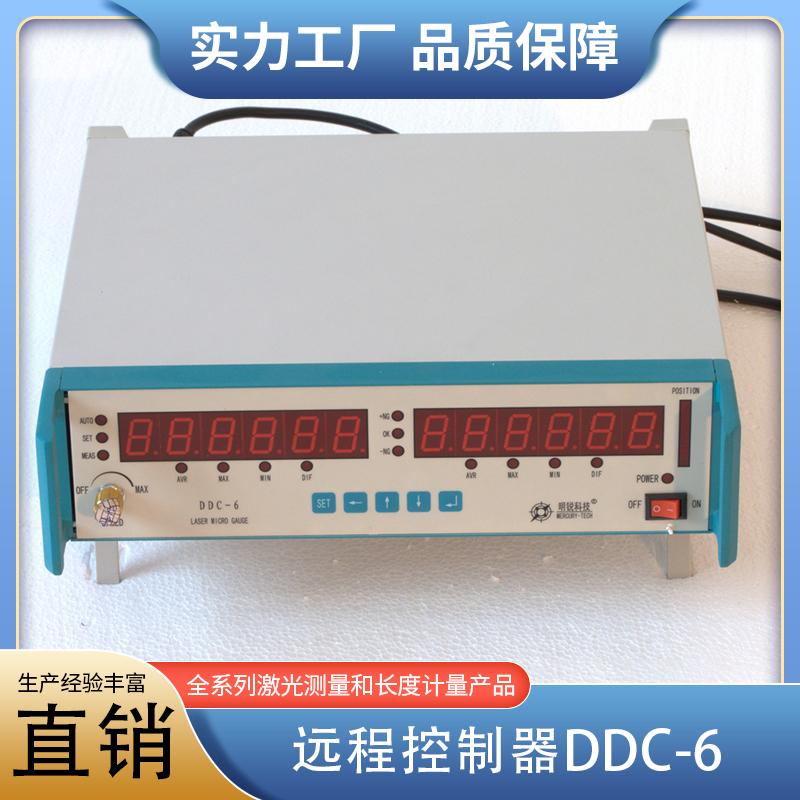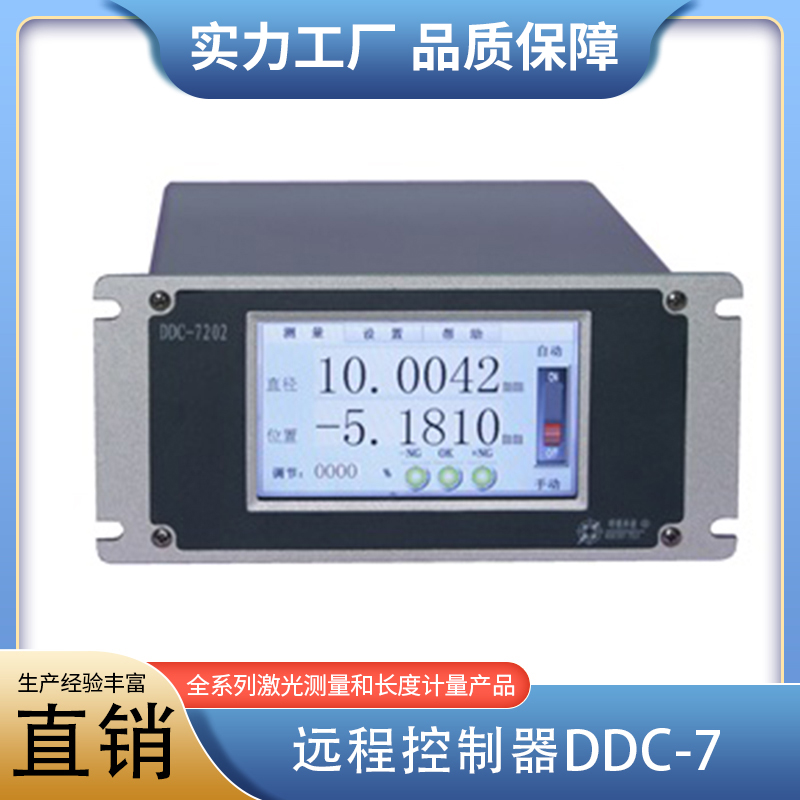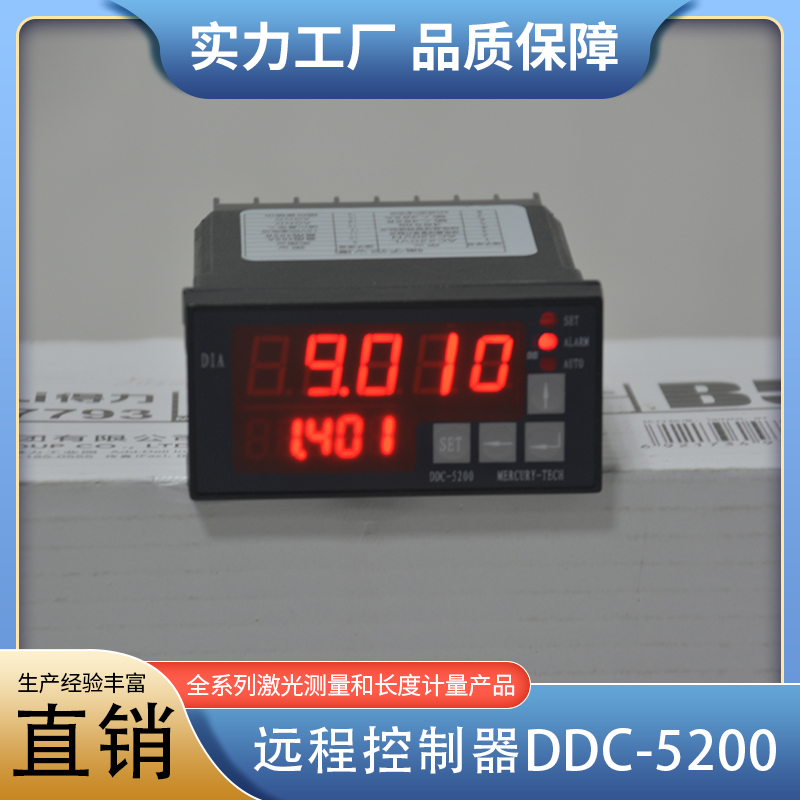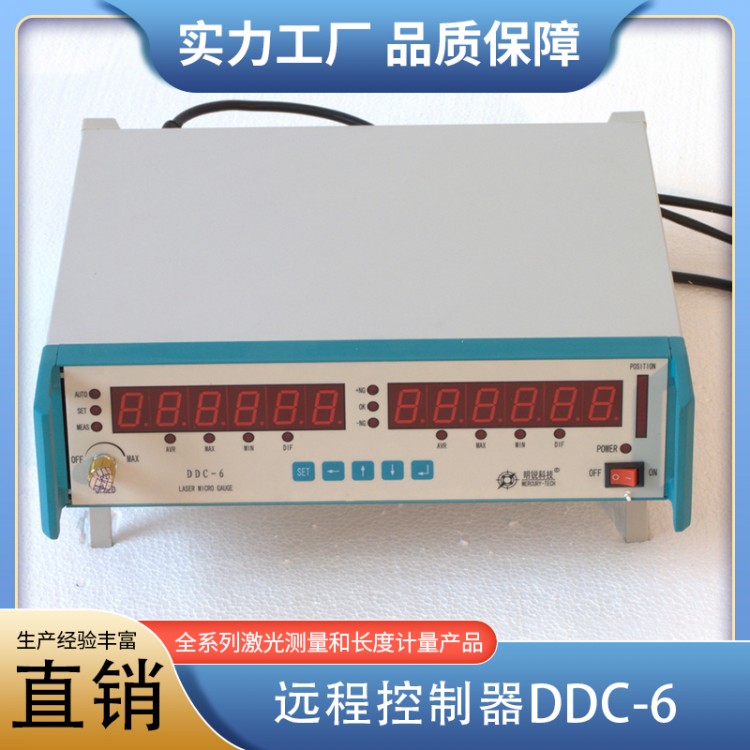

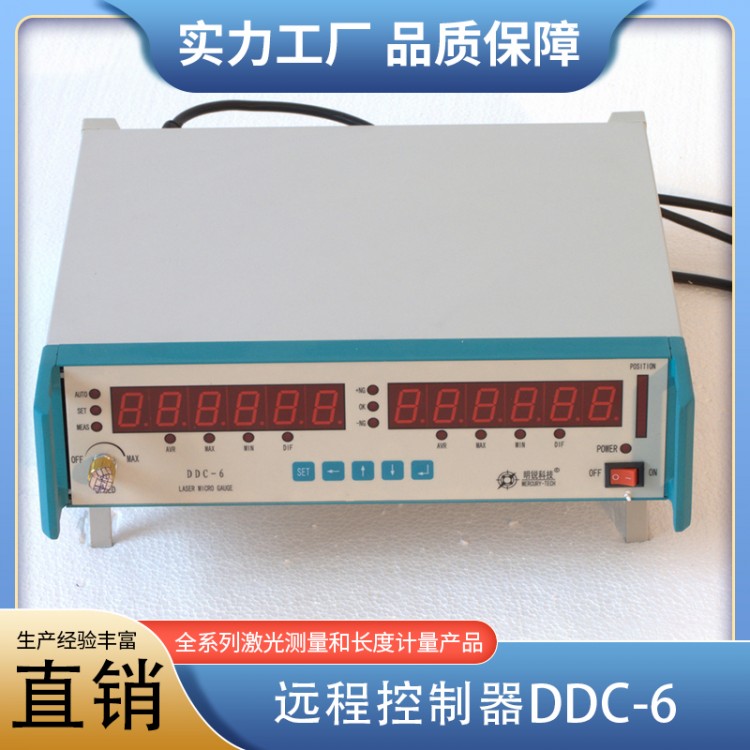
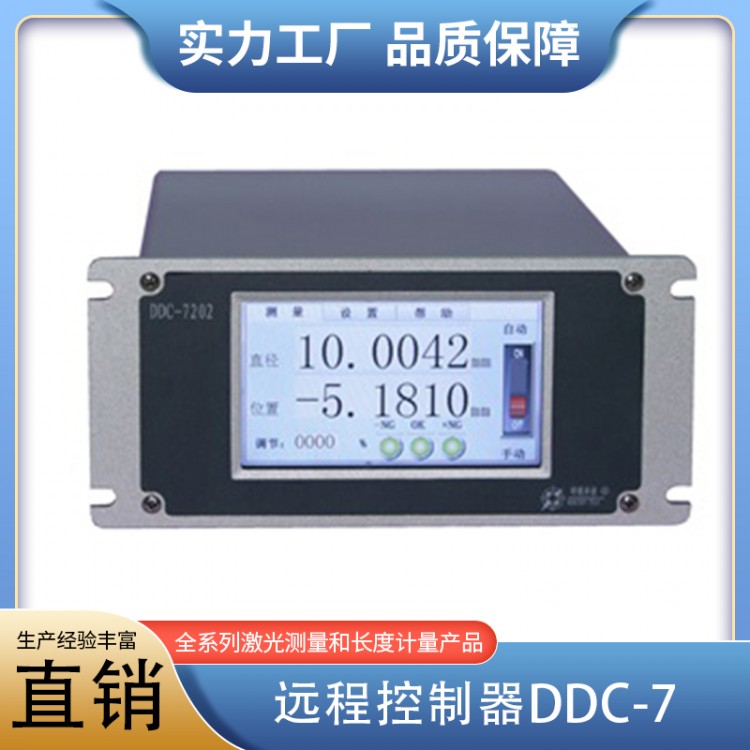


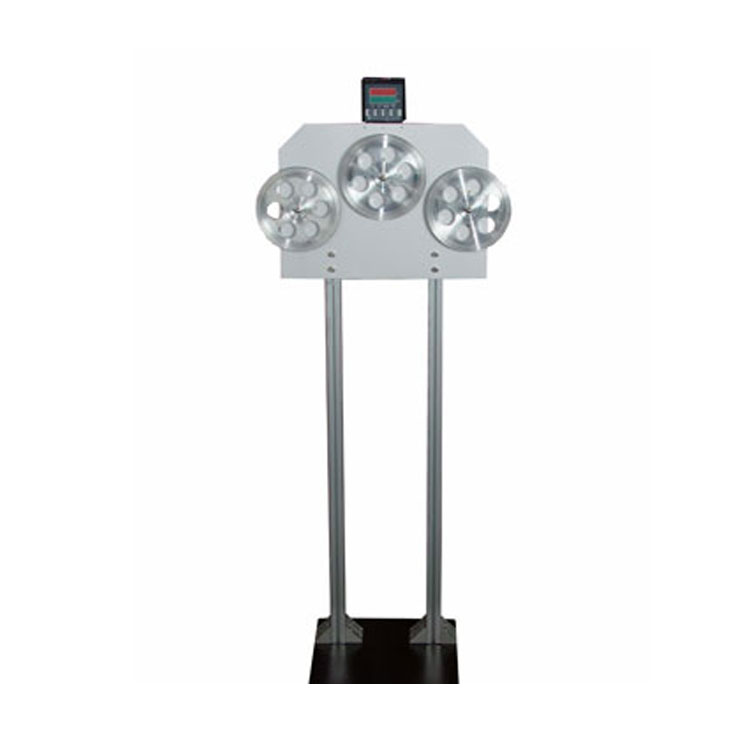
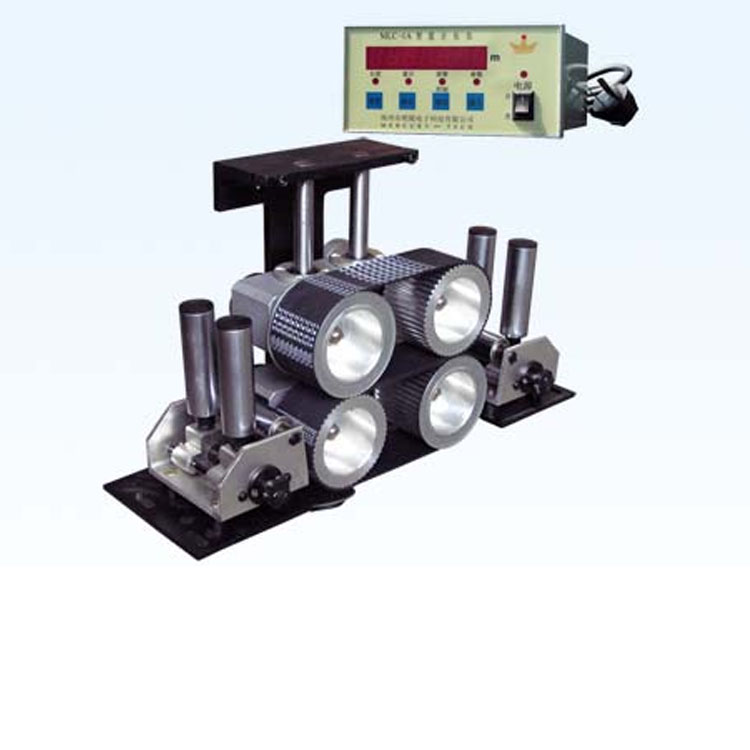






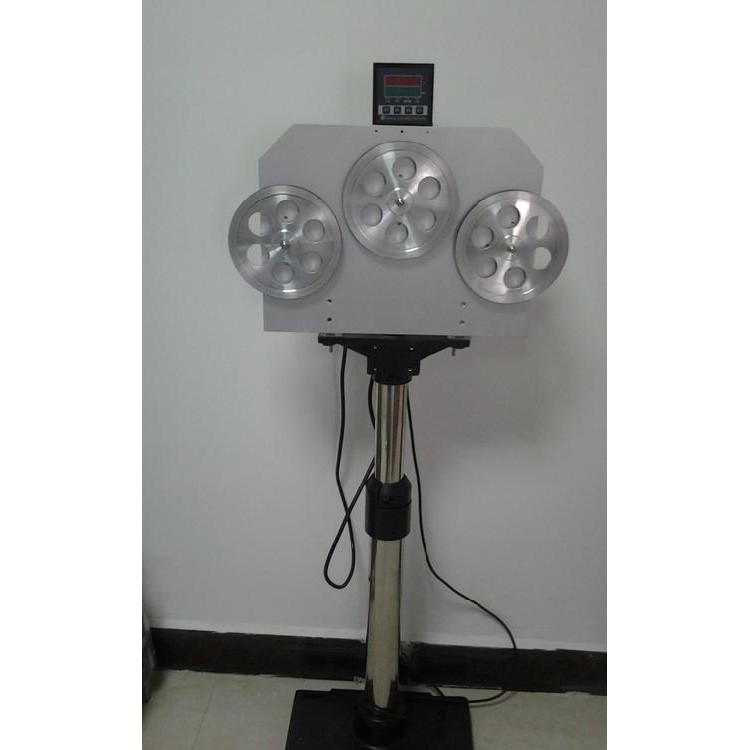
Product Name: Remote ControllerDDC-6
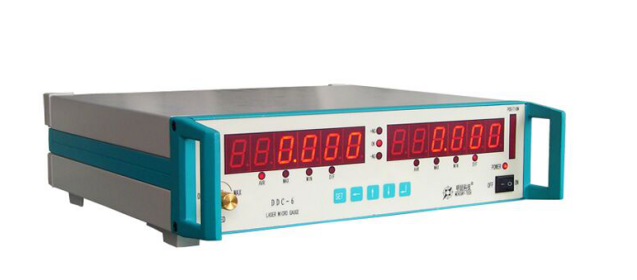
Dimensions:350*350*100mm
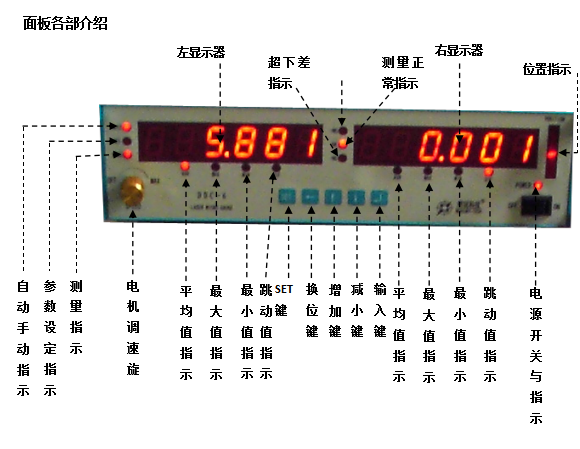
Name Please provide the Chinese content to be translated. | Gong Certainly |
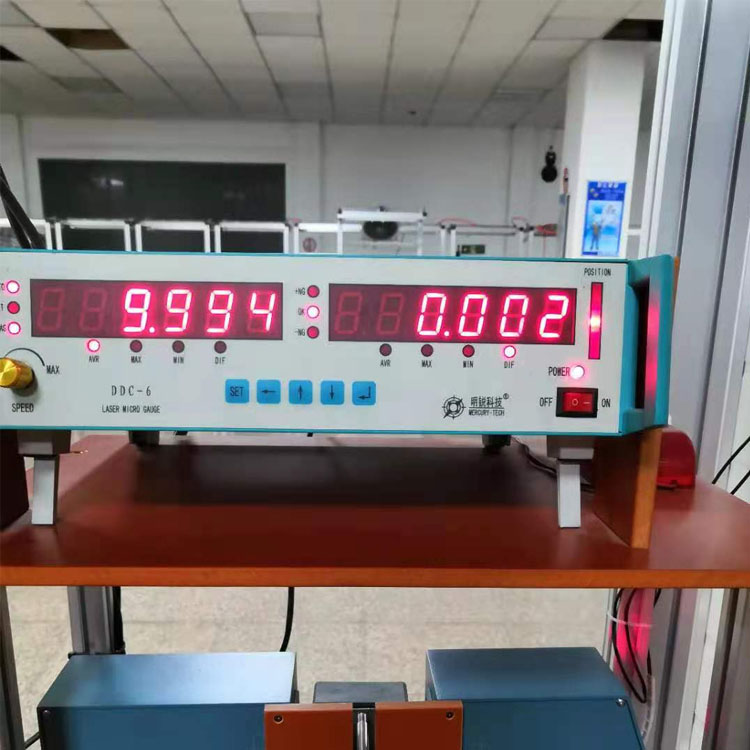
Left Monitor | During measurement, it displays average, large, and small diameters, as well as radial runout; during parameter setting, it shows item numbers. |
Right display | Displays average, large, small diameters, and radial runout during measurement; shows set values during parameter setting. |
MEASIndicator light | Measurement indicator light, indicating the measurement status, the light is on to show measurement in progress. |
SETIndicator light | Parameter setting indicator light, indicating the setting status, the light is on to indicate that parameter setting is in progress. |
AUTOIndicator light | Automatic and manual indication: the light indicates automatic measurement mode; manual mode requires an external trigger switch to start measurement, with measurement data displayed at refresh intervals. |
+NG、-NGIndicator light | Indicate whether the measured value exceeds the set upper or lower limit, over upper limit+NGLight on, below limit-NGLights on; Maximum radial jump limit+NG、-NGThe indicator lights are on simultaneously. |
POSITIONIndicator light | Position the workpiece at the center of the measuring head window. |
Display Mode Indicator Light | AVRInstruction: The display shows the average measurement.MAXInstruction: Display shows a high measurement value.MINInstruction: The display shows the measured low value.DIFInstruction: The display shows the radial fluctuation value. |
SETKey | Enter parameter setting when setting parameters, exit the setting in parameter setting state. |
Changeover key | Dual-function: Toggle blinking position during parameter modification; switch to automatic during measurement display/Manual Mode |
Enhance Key | Dual Function: Add blinking digit when parameters are modified1 Toggle left monitor display during measurement readout |
Reduce Key | Dual Function: Subtract the blinking digit when modifying parameters1 Toggle right monitor display during measurement readings |
Input Key | Enter numbers to finish editing and save parameters |