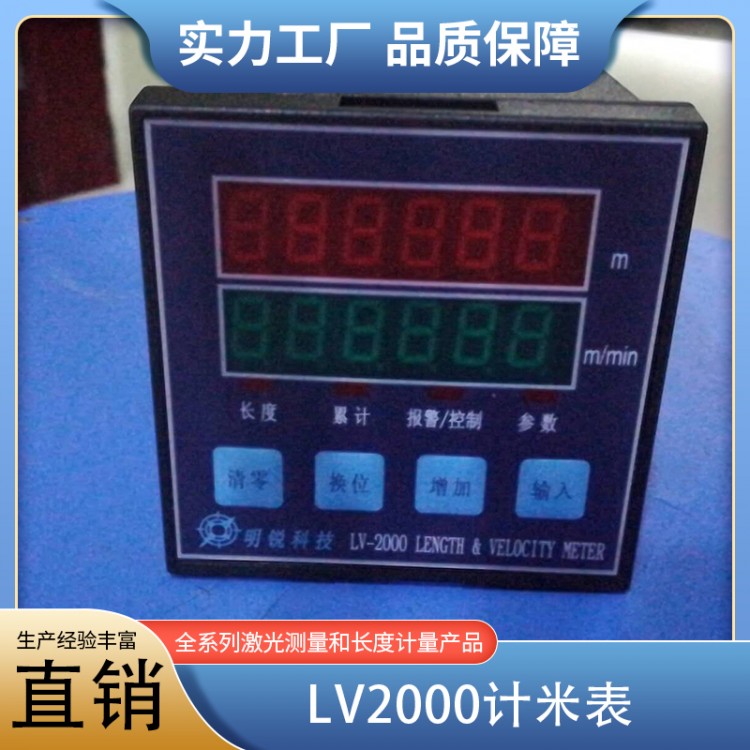

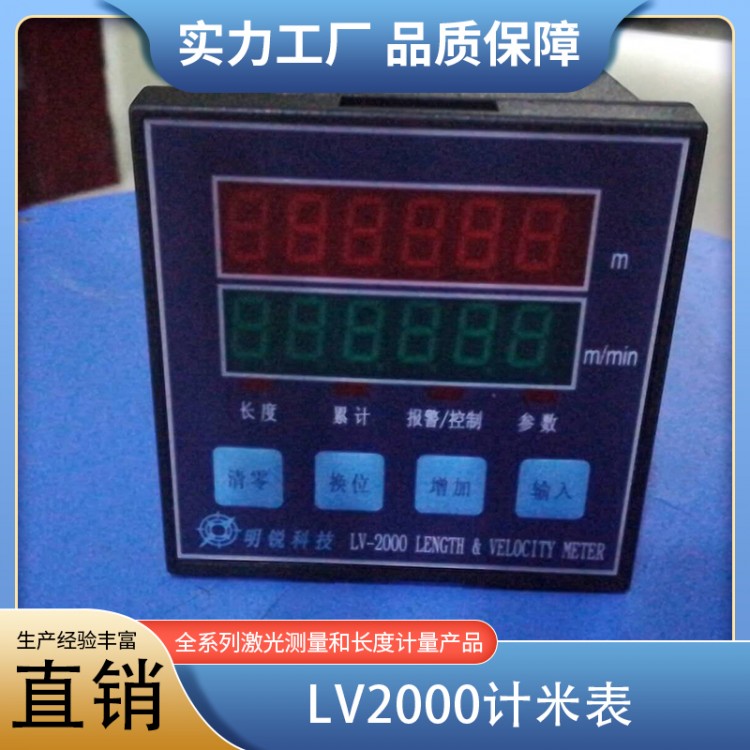
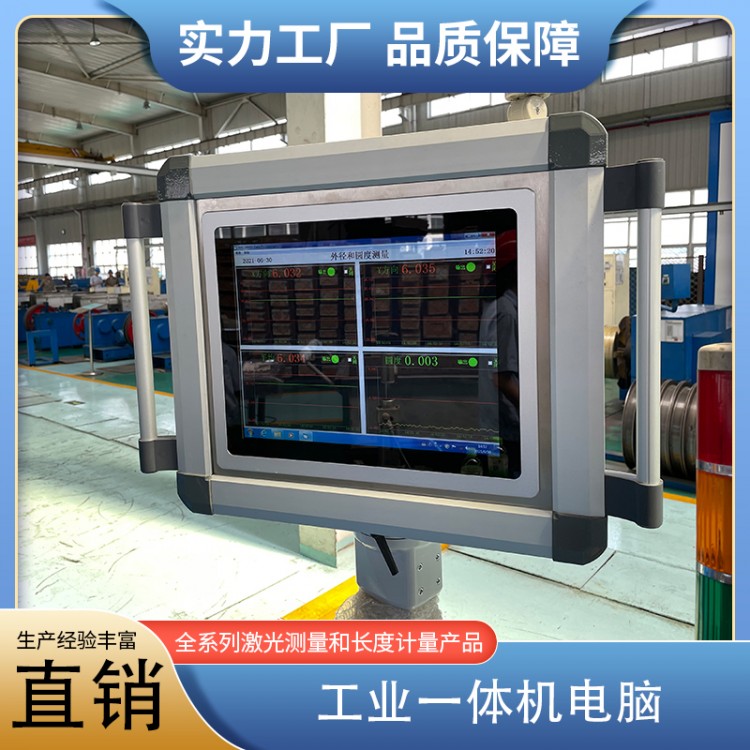
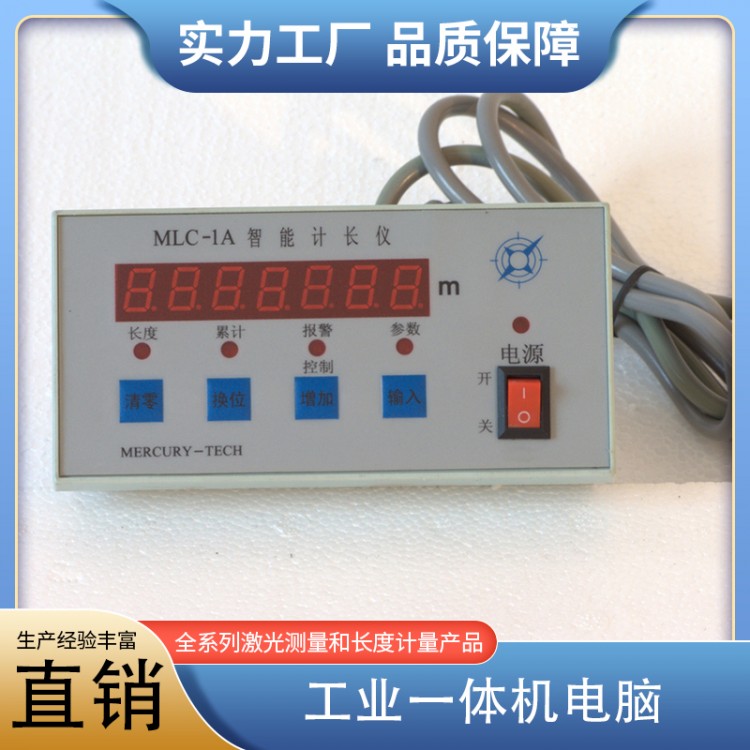


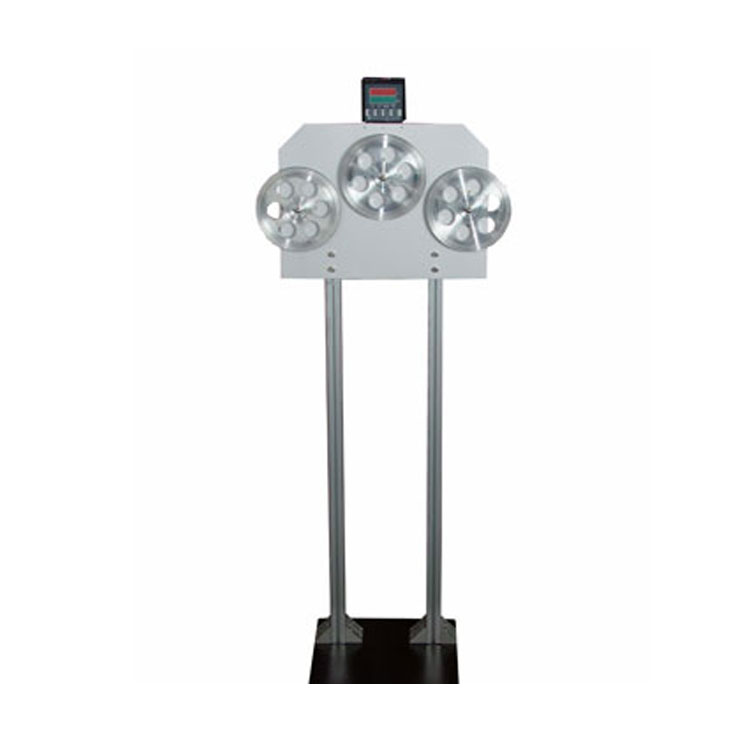






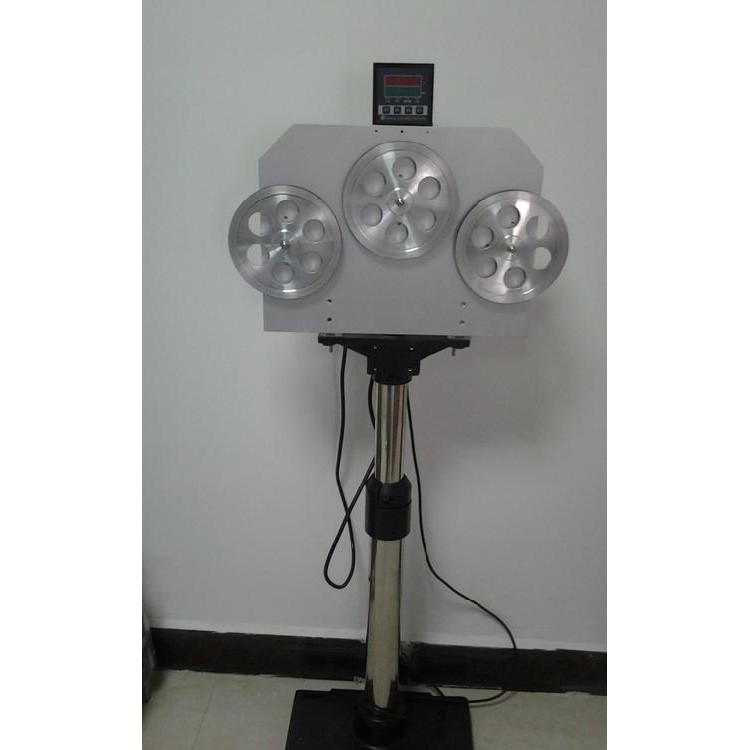
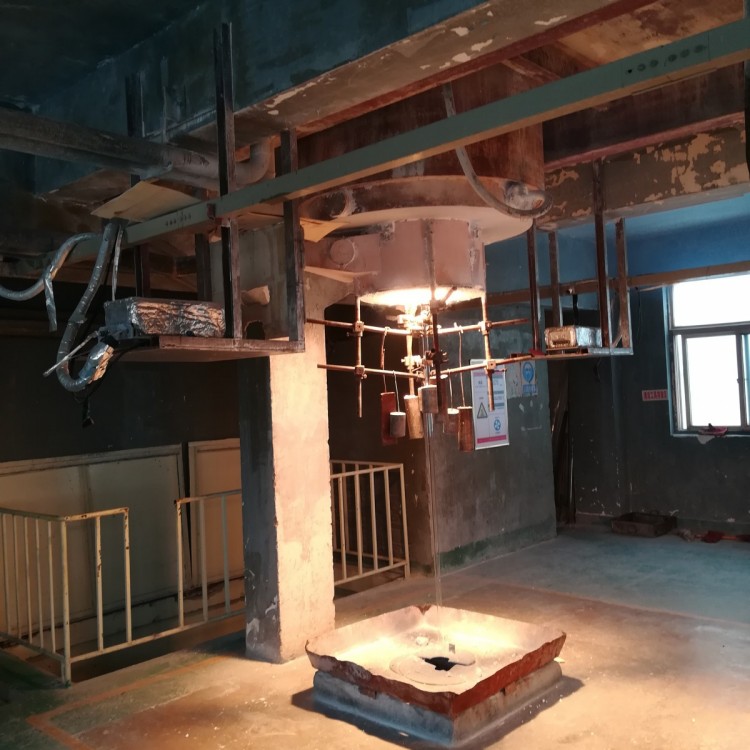
Product Name: Remote Intelligent Length Display MonitorLV2000
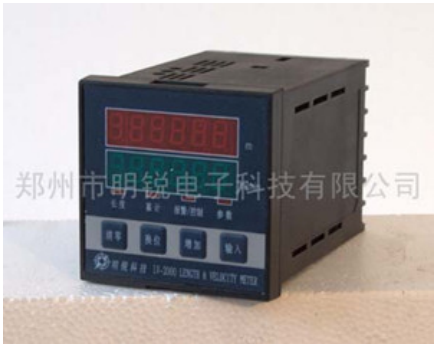
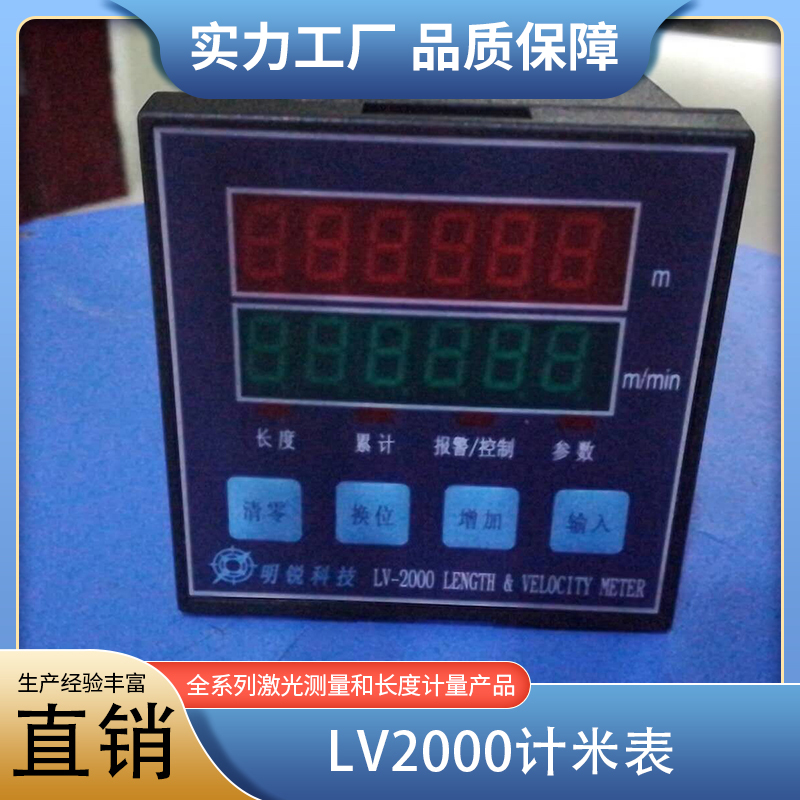
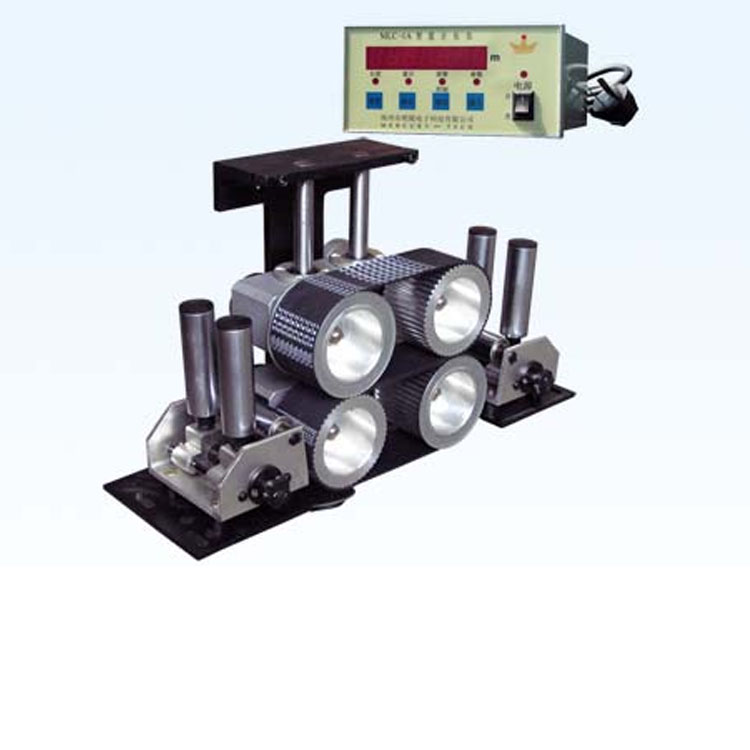
LED function description as follows:
1."Length": Red indicates the length, green shows the line speed.
2."Accumulated": Indicates that the displayed data is cumulative length.
3."Alarm, Control": This indicator light illuminates to indicate that the measured length has reached the alarm length.(Set Length — Alarm Lead Time)Or control length(Set Length — Control Lead)。
4."Parameters": Indicates parameters are being set.
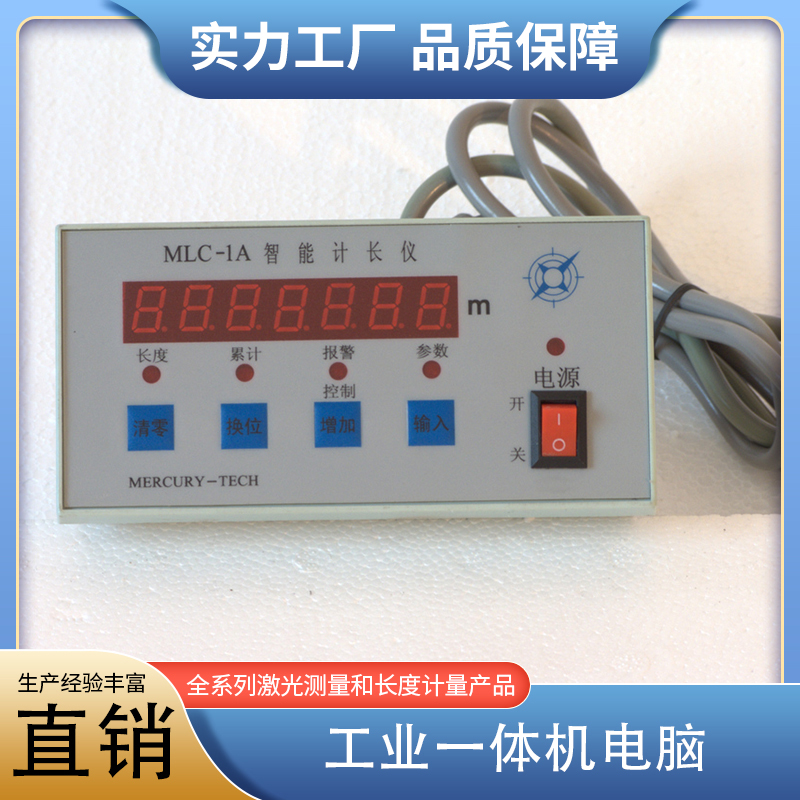
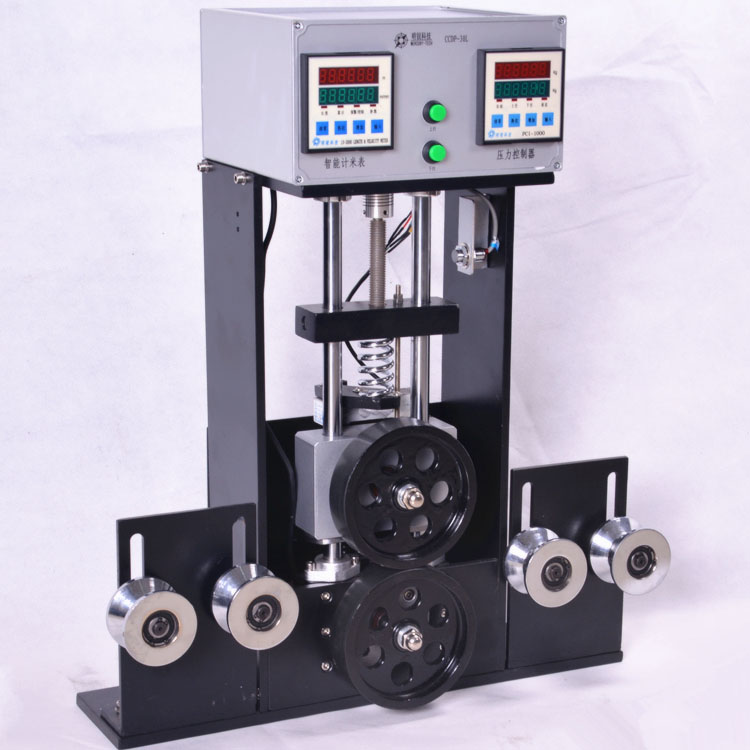
B.Function Key Descriptions:
Image2
1."Zeroing Out": When setting parameters, you can zero out the blinking position(Editing position)The number is set to "0". Normally, it can be combined with the 'Enter' key to reset the length to "0Use it in combination with the "Input" key to reset the cumulative total length when displaying it.0”。
2."Swap Position": Move the blinking position to the left when setting parameters. If you are modifying the leftmost digit now, press this key to have the next digit blink.
3."Increase": When setting parameters, set the blinking position+1", if so9Becomes0Pressing the "Input" key in conjunction will enter the parameter setting state.
4."Input": A parameter has been modified,Click this button to save and proceed to set the next parameter.。