

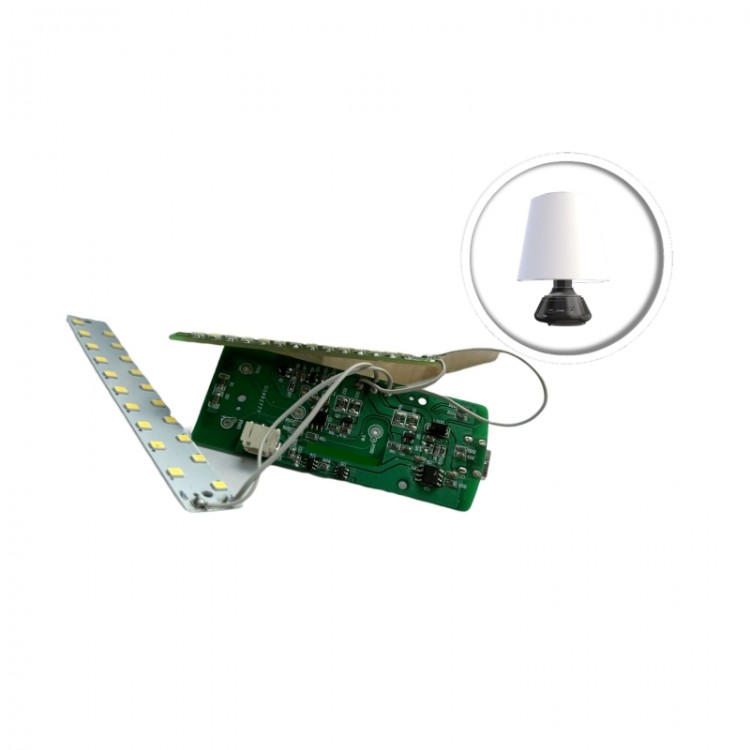
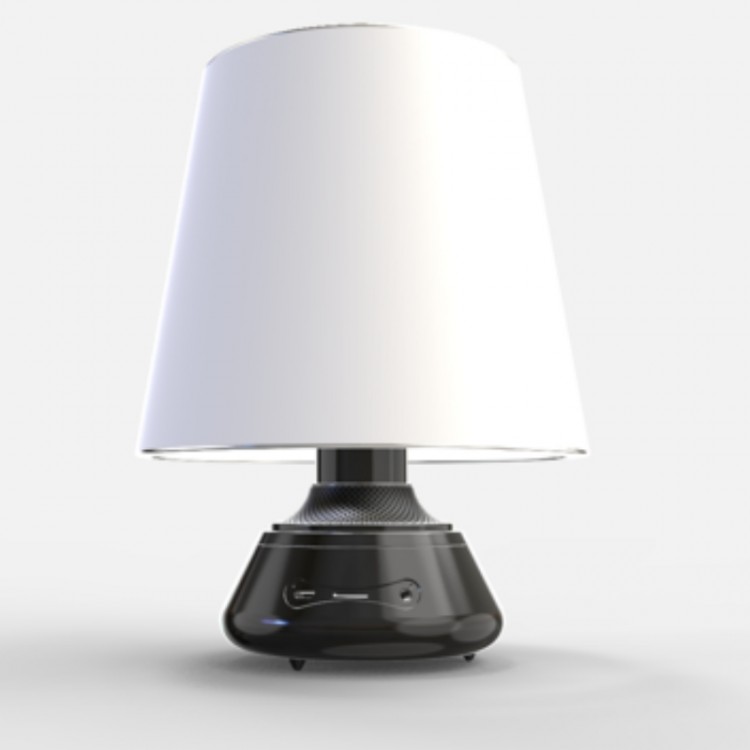










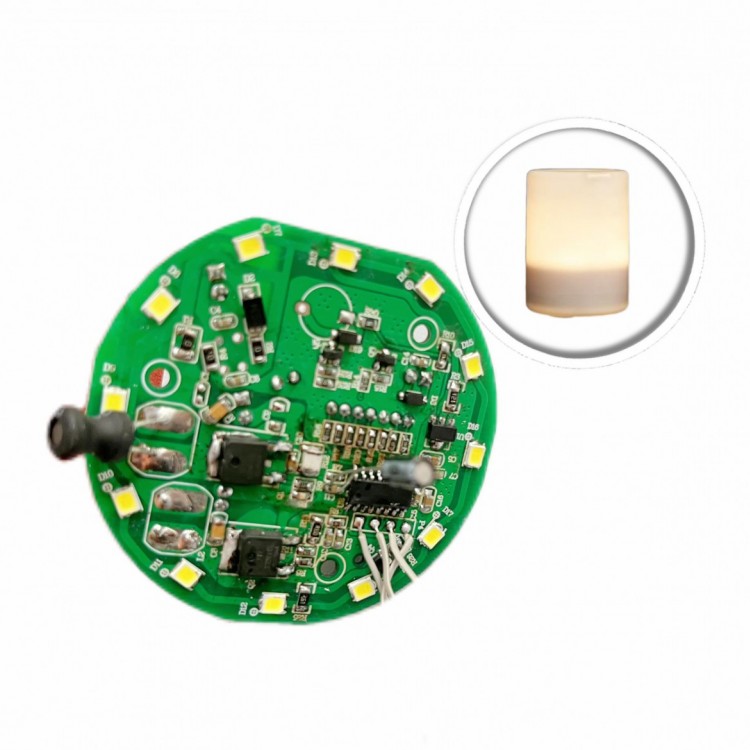
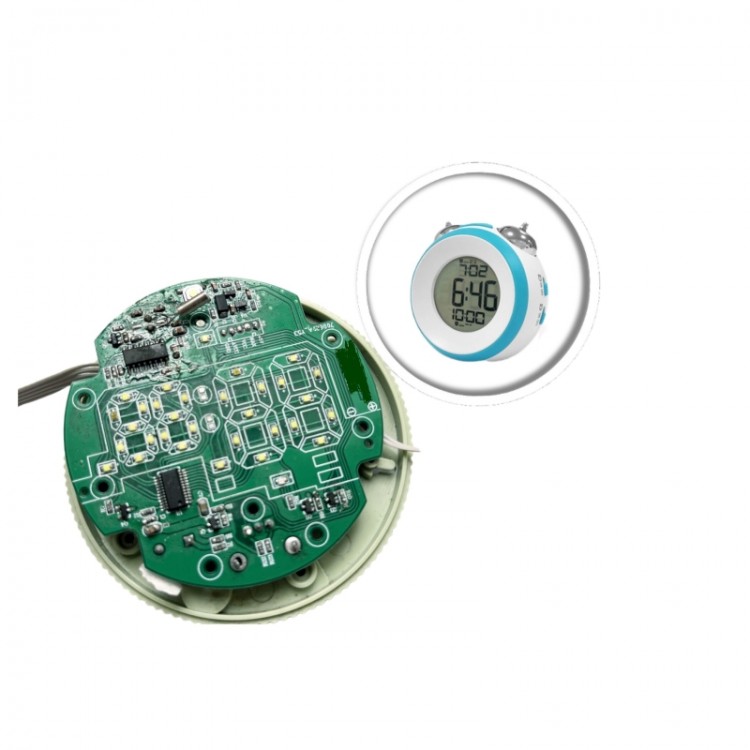
Feature
Introduction:
DC12V
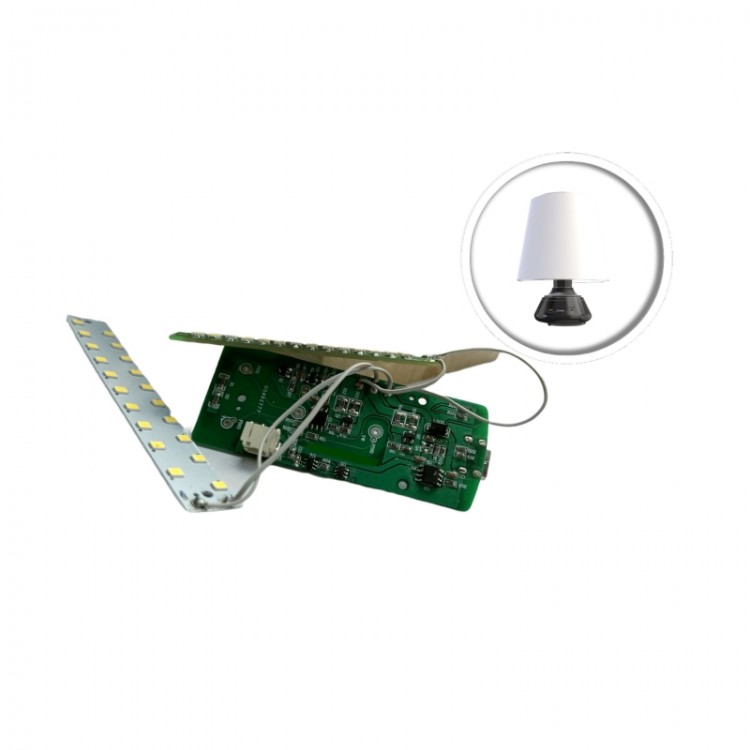
Power input, 3-key operation control, stepless dimming
1. The product is plugged in, the power indicator light remains constantly on, but the light source does not illuminate.
2. Press the Power button to turn on the light, and the brightness will be set at 60% (i.e., duty cycle of 60%) upon the first turn-on.
Press the Power button to turn off the light.
3
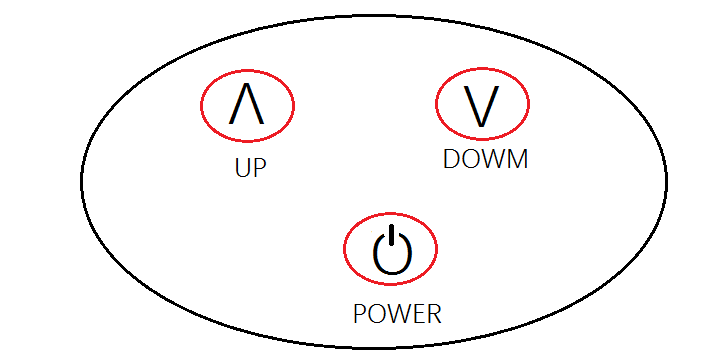
After turning on the light, a short press of the UP button adjusts the brightness in segments. Repeated short presses of the UP button increase the brightness.
10%, 20%, 40%, 60%, 80% - six-level brightness adjustment, brightness set to
At high, pressing this button no longer changes.
4
After turning on the light, a short press of the DOWN button is for stepless dimming function. Repeated short presses of the DOWN button will brighten the light.
Dimming by 80%, 60%, 40%, 20%, 10%, with six-level brightness switching, brightness
When shifted to low gear, pressing this button no longer changes the setting.
5
After turning on the light, holding down the UP button allows for infinite dimming, brightness transitioning smoothly from the current level.
Release your hand, and the brightness will stop changing.
From dark to light in 3 seconds.
6. After turning on the light, press and hold the DOWN button for infinite dimming functionality; brightness varies infinitely from the current level.
Dark, the brightness stops changing after the hand is released.
From bright to dark in 3 seconds.
7. The table lamp features brightness memory function, meaning it will resume the last brightness setting when turned on again.
Brightness at shutdown.
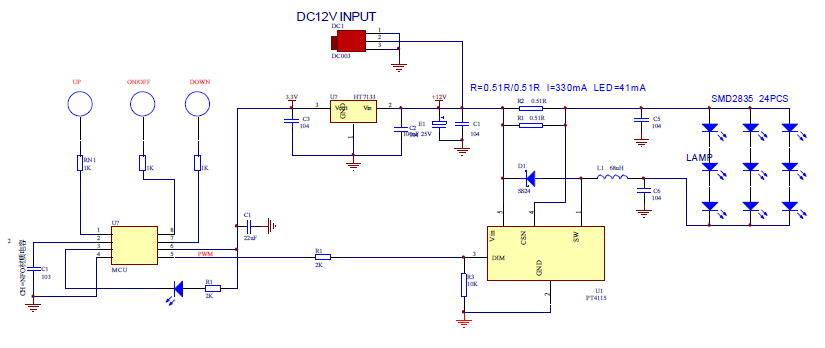
Schematic Diagram: