











Since 1993, Korea's DONG-DO Company has specialized in the development and production of various measurement projects, excelling in LVDT/HBT/Digital Linear Sensors, Electronic Levels, Electronic Meters, and Electronic Inclinometers, among others.
Our products now hold nearly 70% of the domestic market share in South Korea, exceeding 85% currently.
The product has fully proven its reliability and high-resolution capabilities, earning the preference and trust of major clients such as Samsung Electronics, LG Electronics, Hyundai Motor, Kia Motors, and numerous other measurement equipment manufacturers, with over 18 years of use.
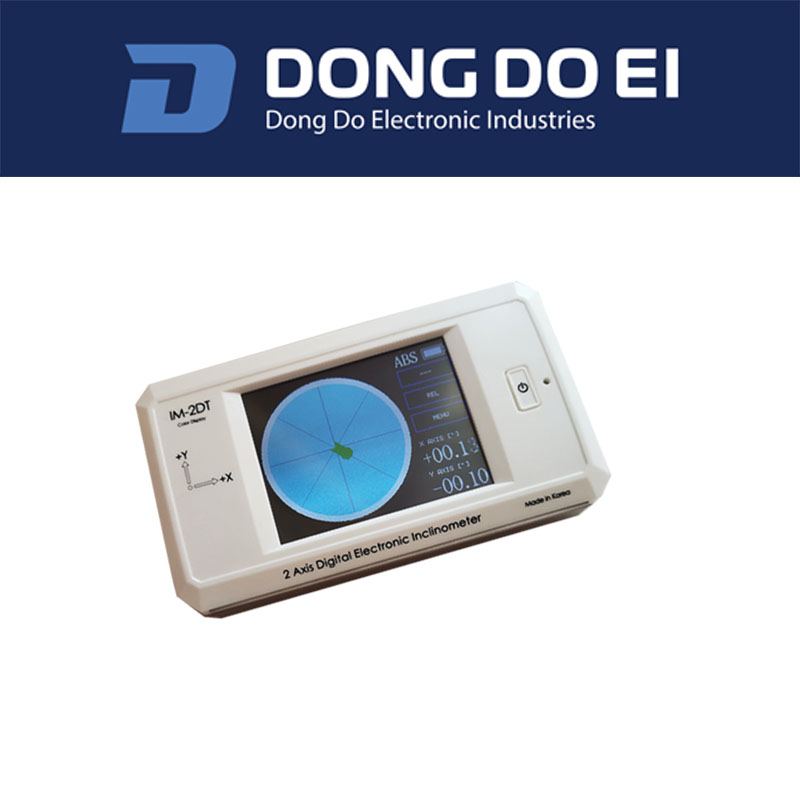
Our products have also been exported worldwide, including Europe, the UK, China, India, Japan, and other regions.
DONG-DO Company will continue to invest in the precision measurement field, bringing various new challenge equipment to customers.
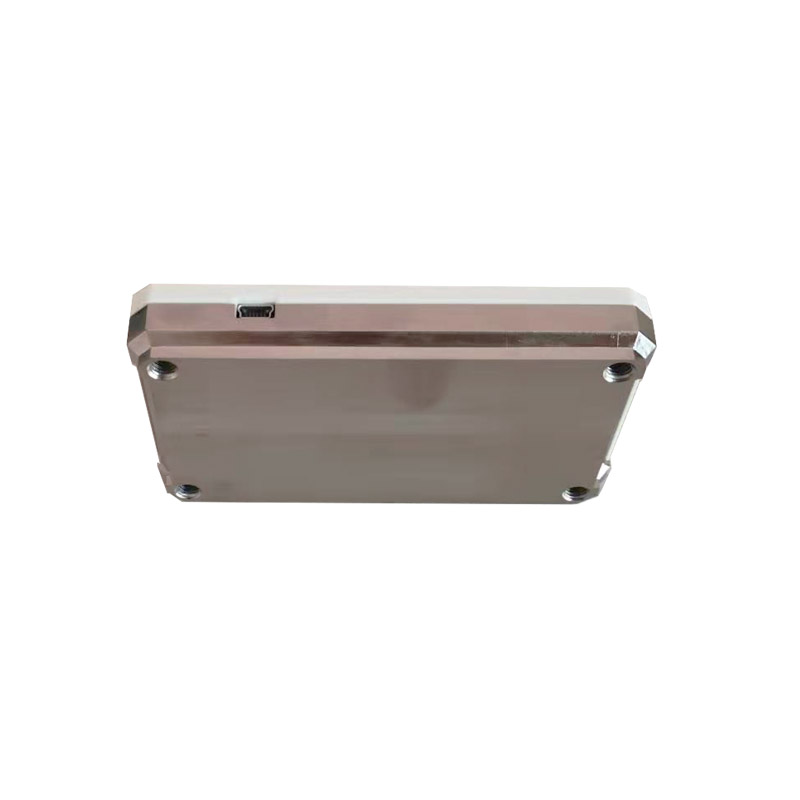
Technical Specifications:
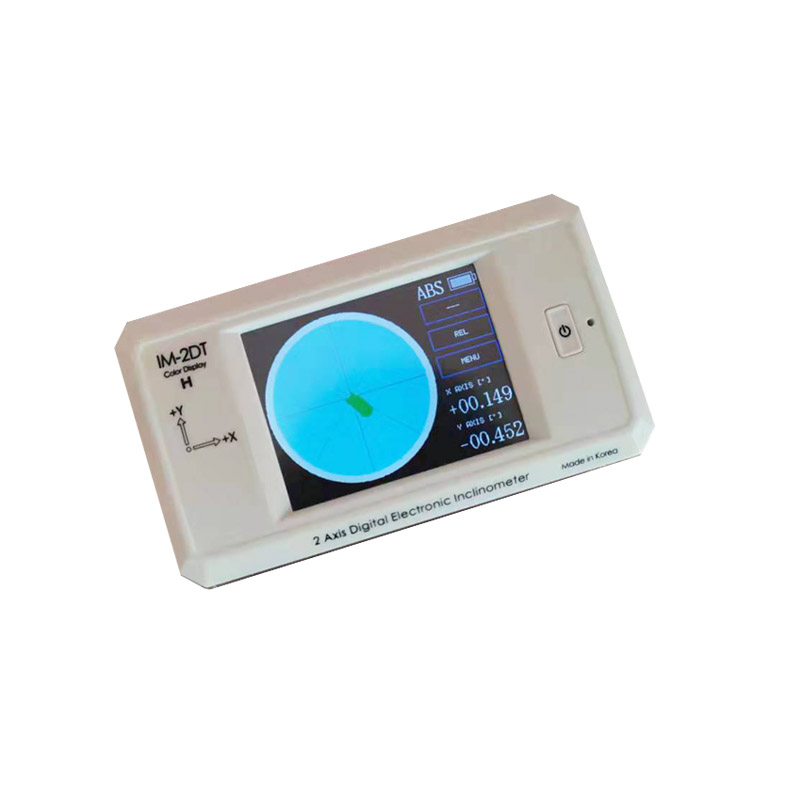
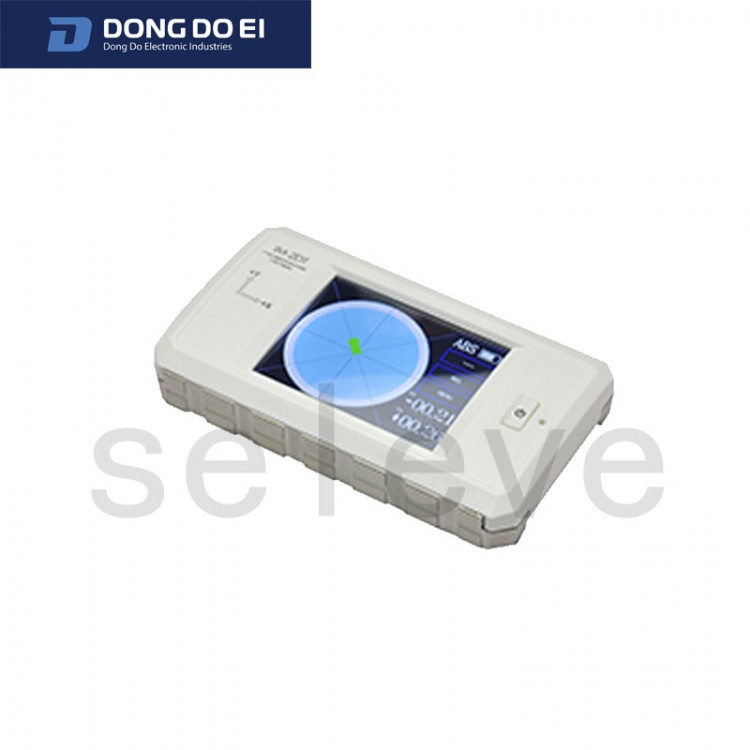
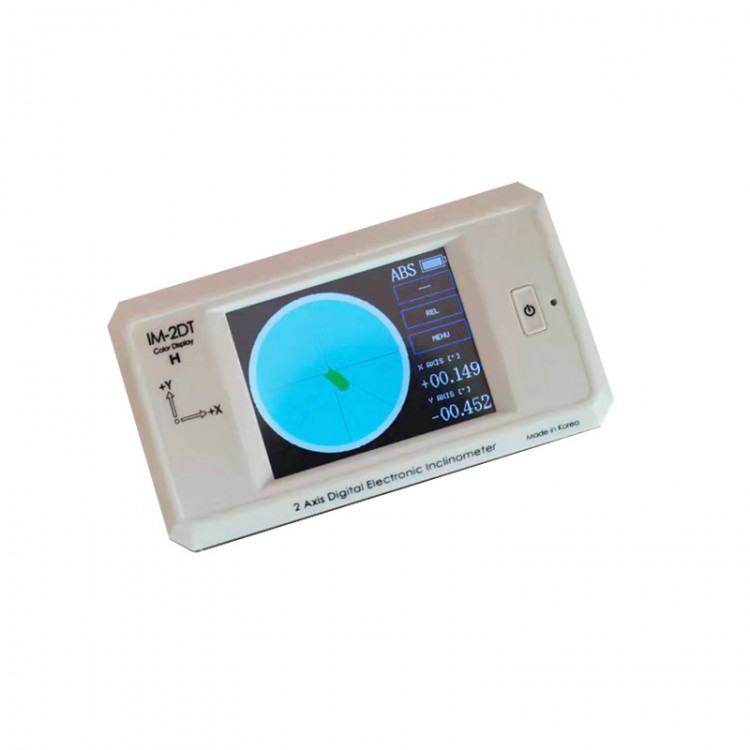
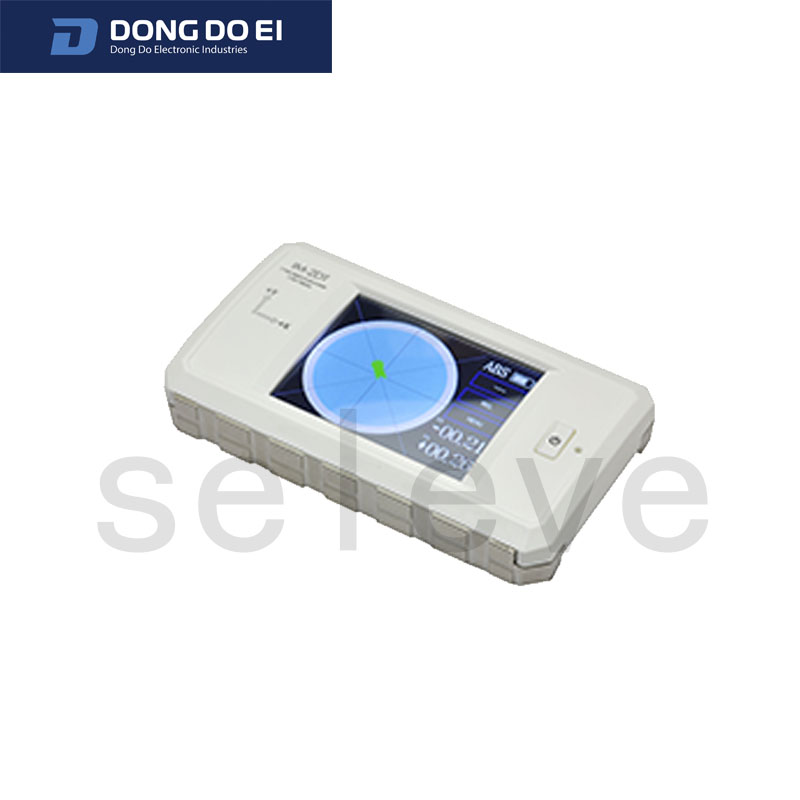
*Model IM-2DT-H
Dimensions: 115*66*21mm
*Weight: 180g
Resolution: 0.001 degree
Response Time: 1.0 second
Operating Temperature: 0~45°C
*Built-in power supply and rechargeable battery (Lithium-ion 3.7V)
Mini 5-pin USB Cable (included)
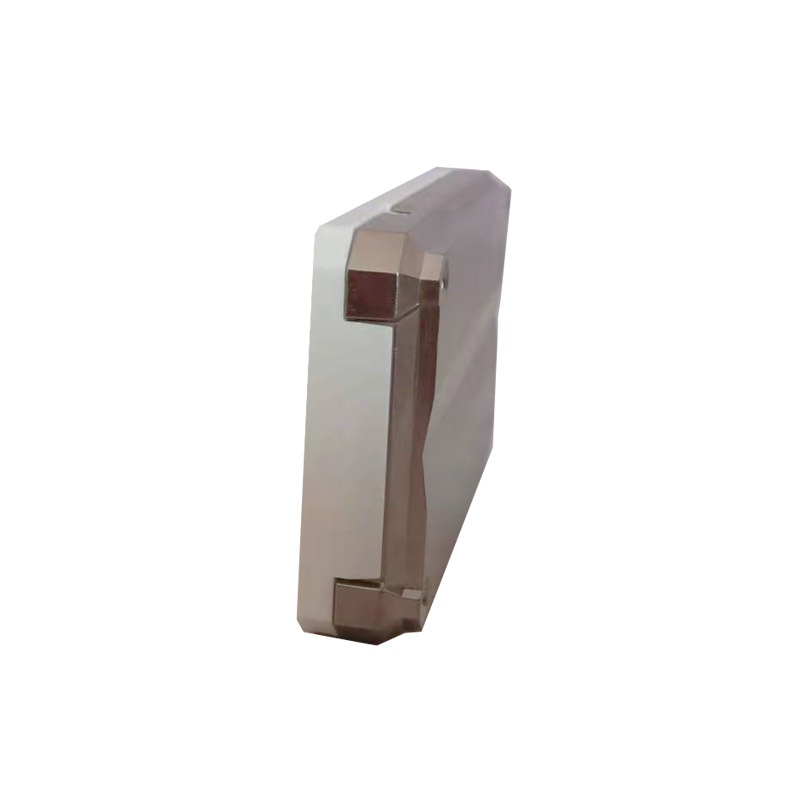
Features:
• Both axes can be displayed simultaneously
• Compact for easy carrying and measurement
•Color TFT LCD
• For machine level adjustment
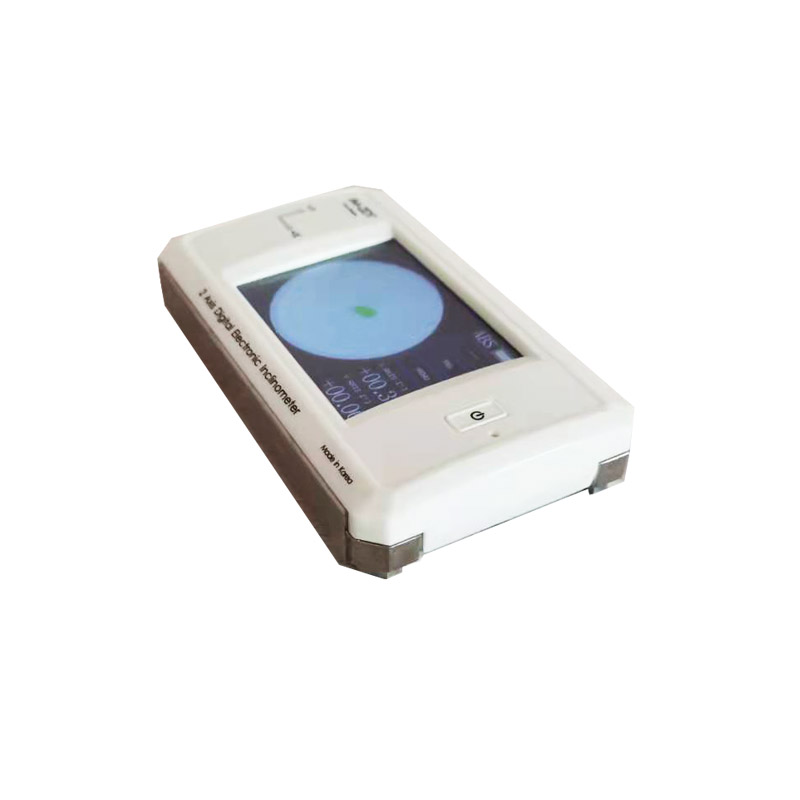
Features:
View 2D simultaneously and easily adjust horizontally in a short time.
2. The color LCD enhances visual capabilities.
3. Offer compact and lightweight sensor units.
4. Can be embedded in various high-precision systems and equipment.
5. Built-in RS232C communication function.
6. Built-in lithium-ion rechargeable battery and USB port charging for standard PCs.
• Main Button
-The main button features 4 functions.
1. Power On: After turning off the power, pressing this button will turn it on and emit an alert sound.
2. Power Off: Press and hold this button for 2 seconds after the power is on to turn it off, and a notification sound will be emitted.
3. Flashlight On/Off: After turning on the power, press this button for about 1 second to emit a beep to turn the flashlight on or off.
4. The touchpad does not function when the flash is on (this feature will be removed in January 2021).
5. Touchpad Calibration: Press and hold this button for more than 5 seconds after powering on to enter the touchpad calibration mode.
- Use this feature when the touchpad is not functioning properly.