








TIME3100Surface roughness meter
Product Overview
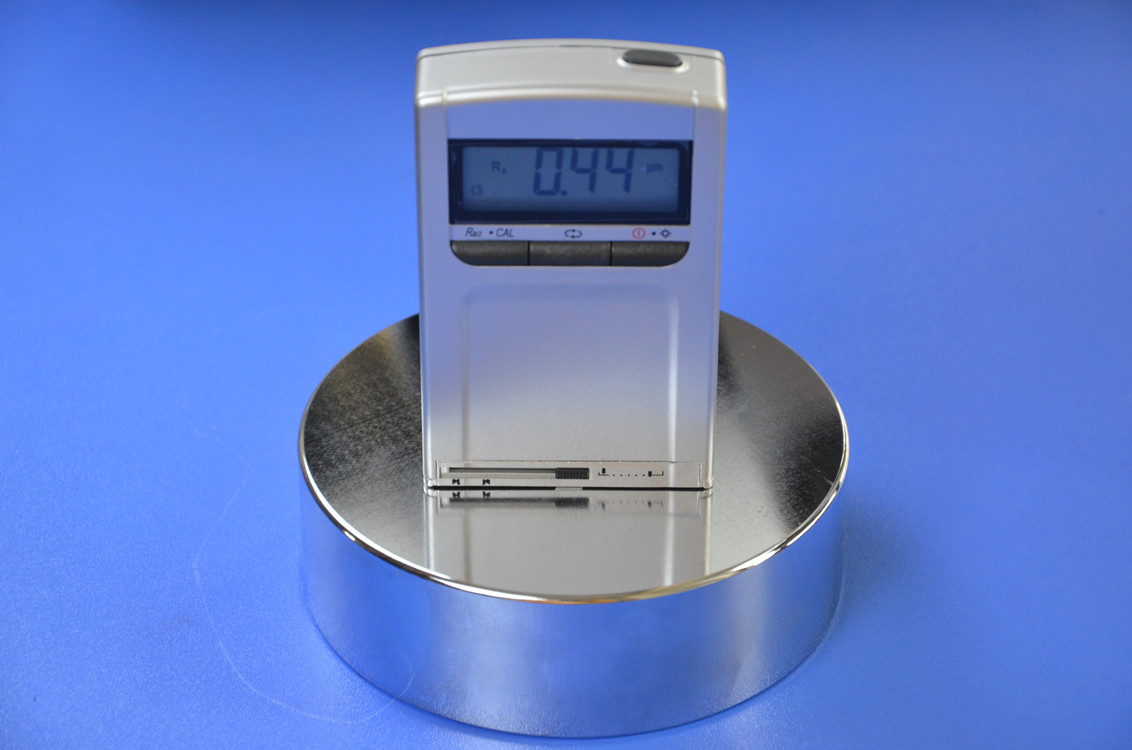
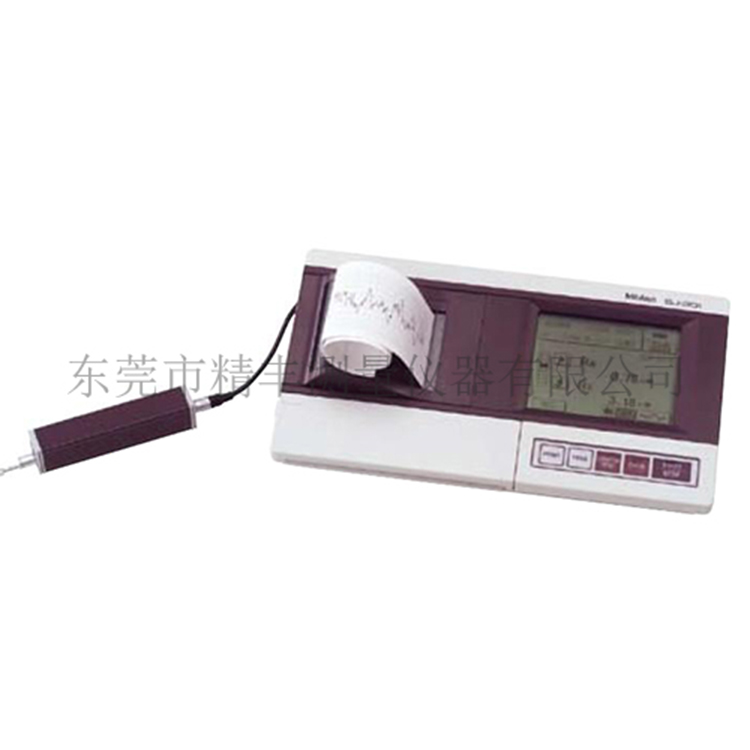
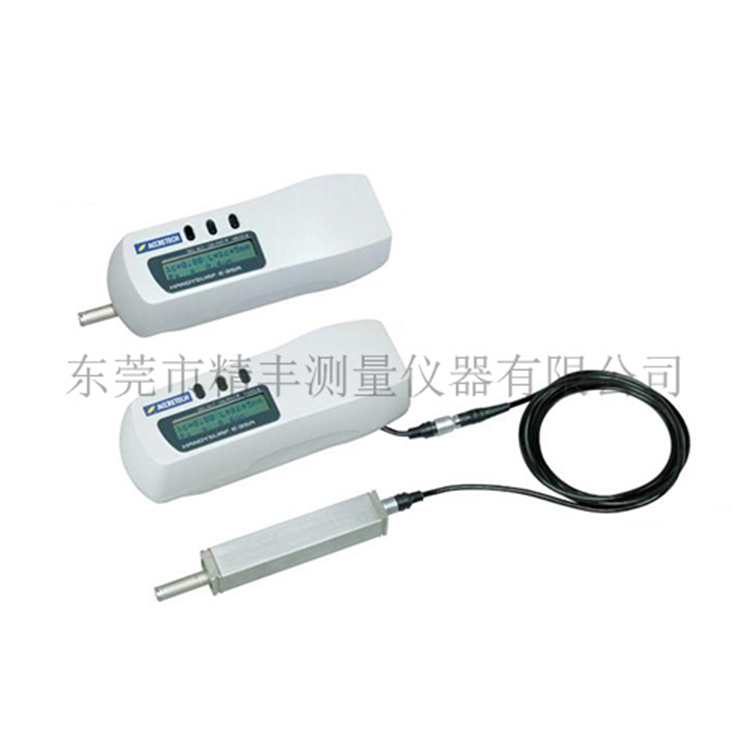
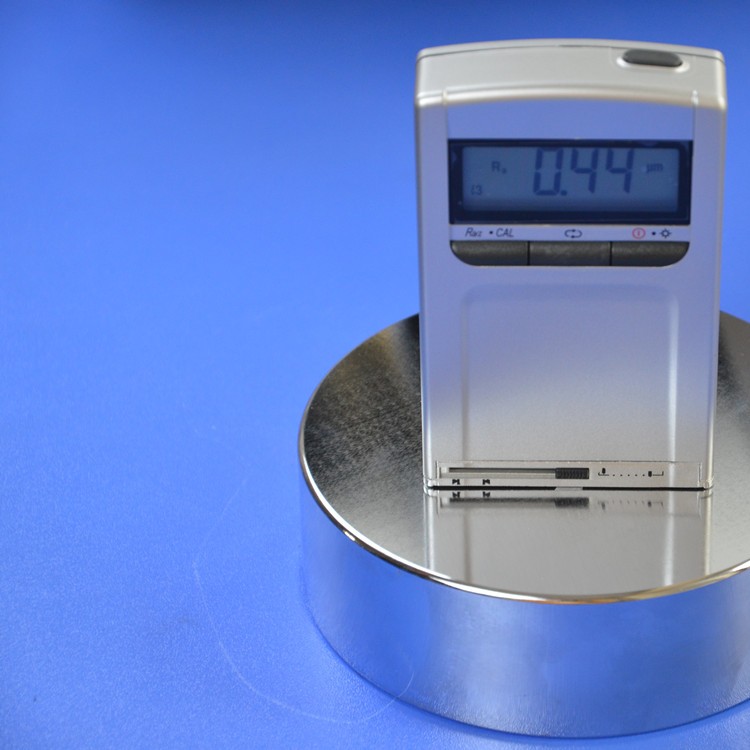
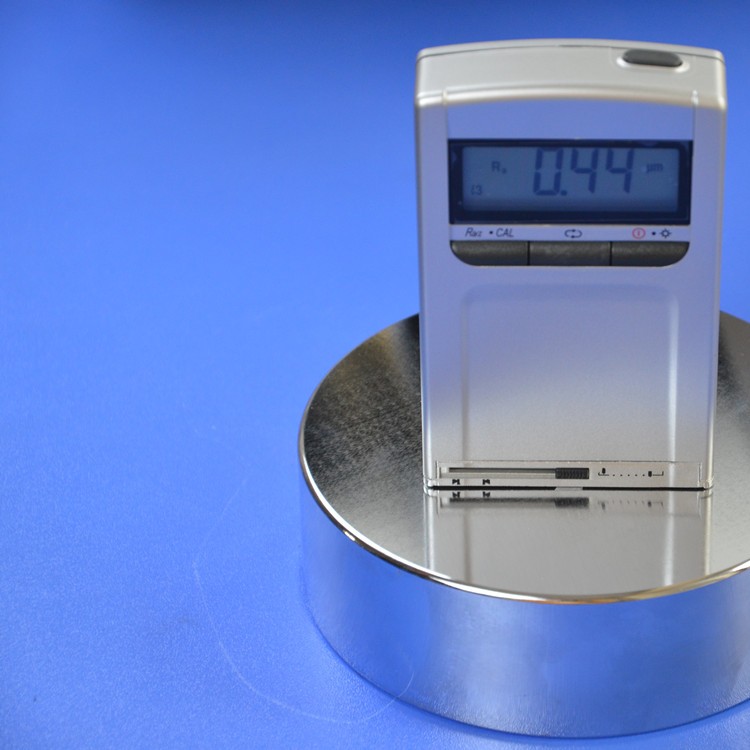
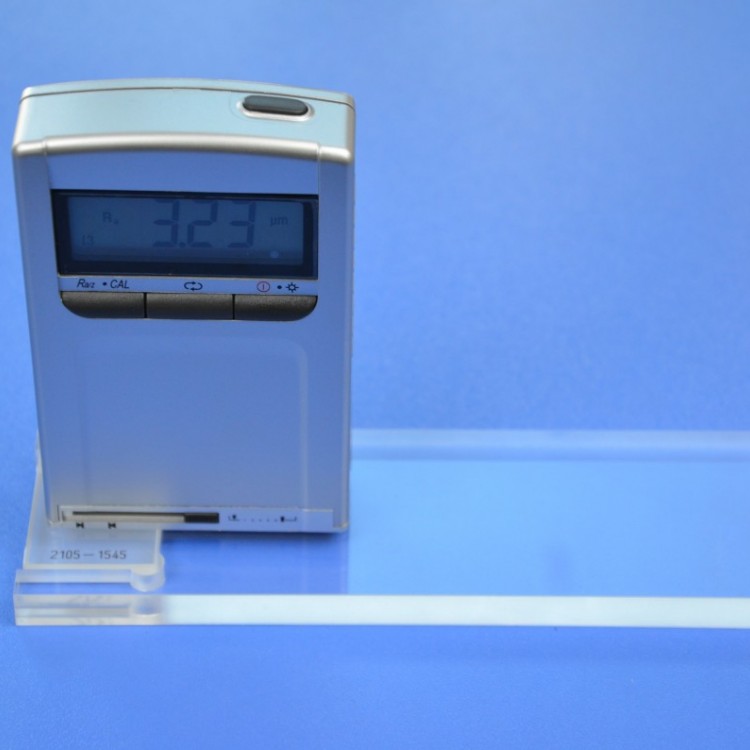
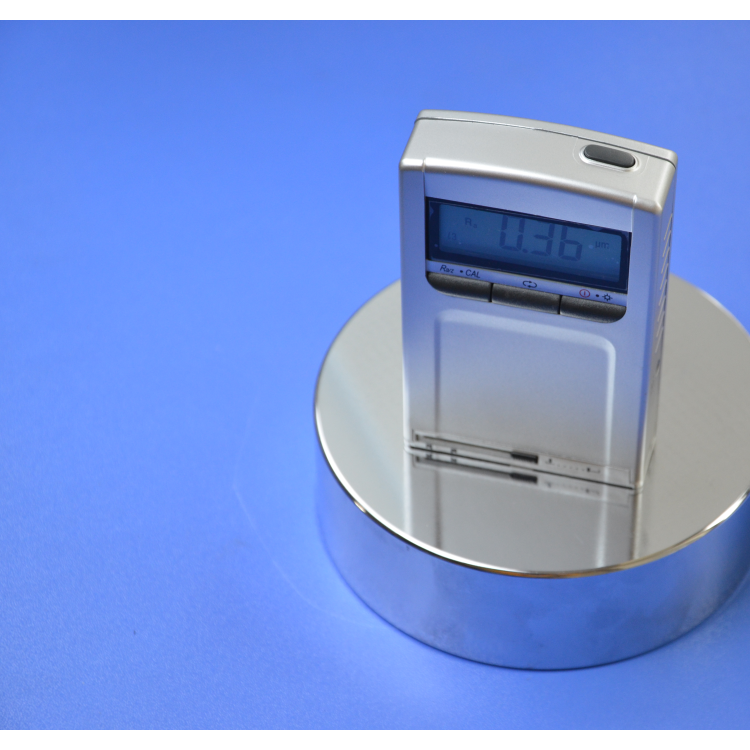
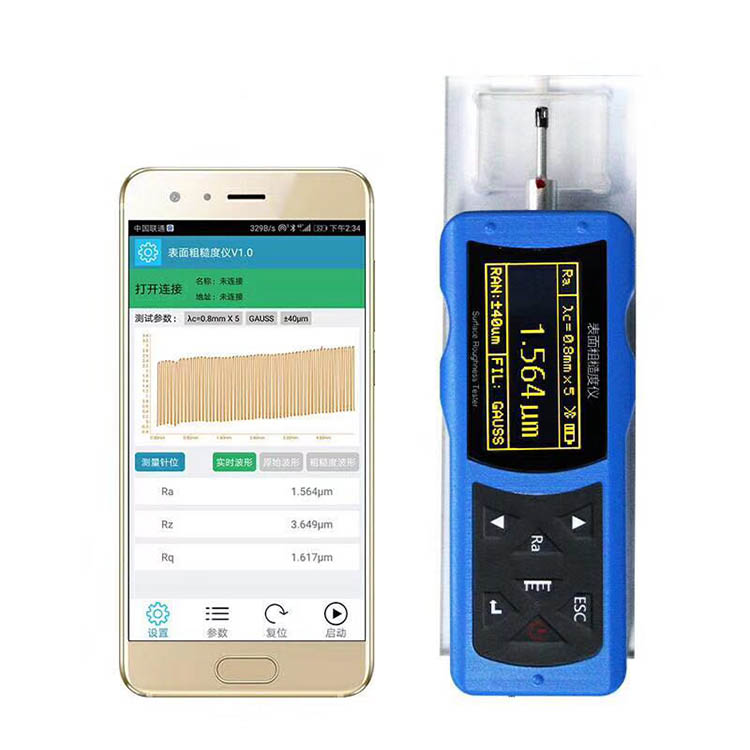
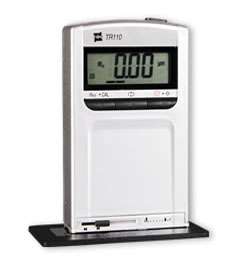
TIME3100The surface roughness meter is a new generation pocket sized surface roughness meter. It has the characteristics of high measurement accuracy, wide measurement range, easy operation, portability, and stable work. It can be widely used for the detection of various metal and non-metal processing surfaces. This portable roughness meter is a pocket sized instrument with an integrated sensor host, which has handheld characteristics and is more suitable for use in production sites.
Local features
new modelTIME3100The older model has mainly made improvements in the following aspects:
Adopting lithium-ion rechargeable batteries, it can work for a long time without memory effect, and can work while charging, with short charging time and long battery life.
Improved the performance of the circuit, reduced the operating voltage, power consumption, and circuit noise accordingly.
Improved the driving mechanism, materials, and processing technology of the sensor, resulting in more accurate assembly and more stable measurement.
The newly designed display interface has added some necessary measurement prompts and low voltage prompts.
Added a sensor probe protection door, effectively protecting the sensor probe and ensuring measurement accuracy.
Added LCD backlight function, making it convenient for users to use in low light conditions.
Smaller in size and lighter in weight.
Technical Specifications
measurement parameters | Ra、Rz |
measurement range | Ra:0.05-10μm |
Rz:0.1-50μm | |
Sampling length | 0.25mm、0.8mm、2.5mm |
evaluation length | 1.25mm、4mm、5mm |
scan length | 6mm |
indication error | ≤±15% |
Indication variability | <12% |
sensor type | Piezoelectric crystal |
power supply | 3.6Vlithium-ion battery |
Operating Temperature | 0ºC- 40ºC |
weight | 160g |
Overall dimensions | 110×70×24mm |
Standard configuration:
Host, power adapter, multi line template
Optional attachments: None
TIME3100The surface roughness meter can easily complete the measurement in four steps:
Step 1: Press the start button to turn on the device (please ensure that the sensor protection door is open)
Step 2: Select measurement parameters
1.pressRa/Rz/CalSelect measurement parametersRa/Rz;
2.according to GB1031-83Selection of Sampling Length and Evaluation Length for Surface Roughness Parameters and Their Values.
Step 3: Indication Calibration (Left click in indication calibration state)+Easy to handle with the middle button
Note: Calibration of indication is not a necessary measurement step.
Step 4: Press the start button to start measuring and display the measurement results(30Automatic shutdown in seconds)
Usage tips:
1.Long press and hold the left button in non measurement state to enter the indication calibration state;
2.Press the start button to push out the indication calibration status;
3.Long press the middle button to easily achieve metric measurement/English Conversion;
4.Press the middle button to select the sampling length in sequence.