








Chemical Storage Cabinet Instructions
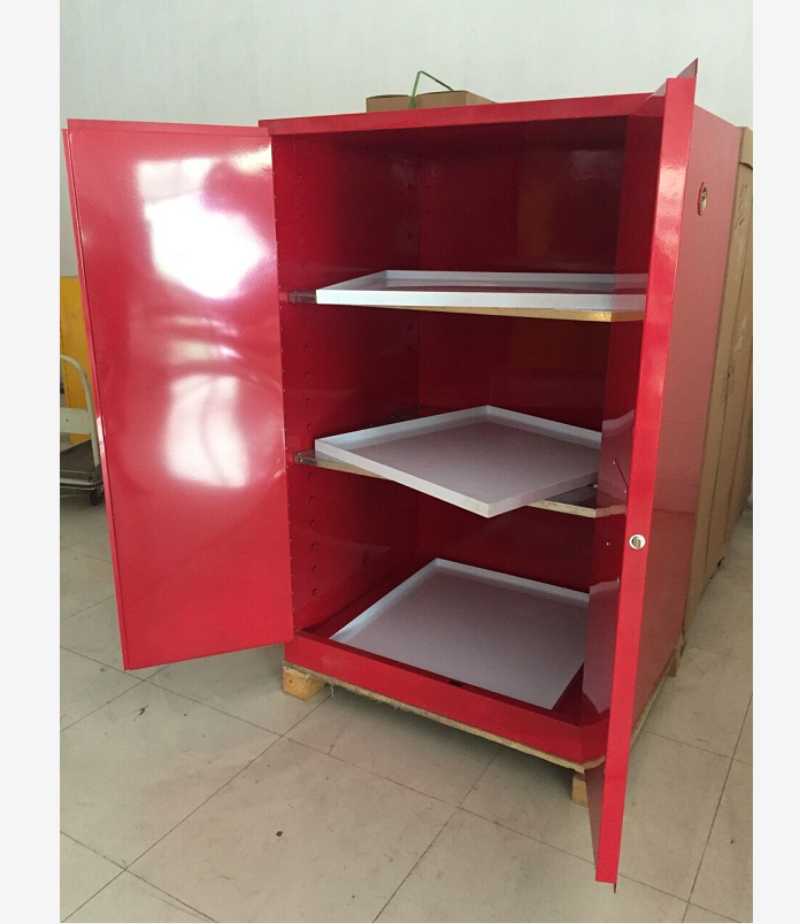
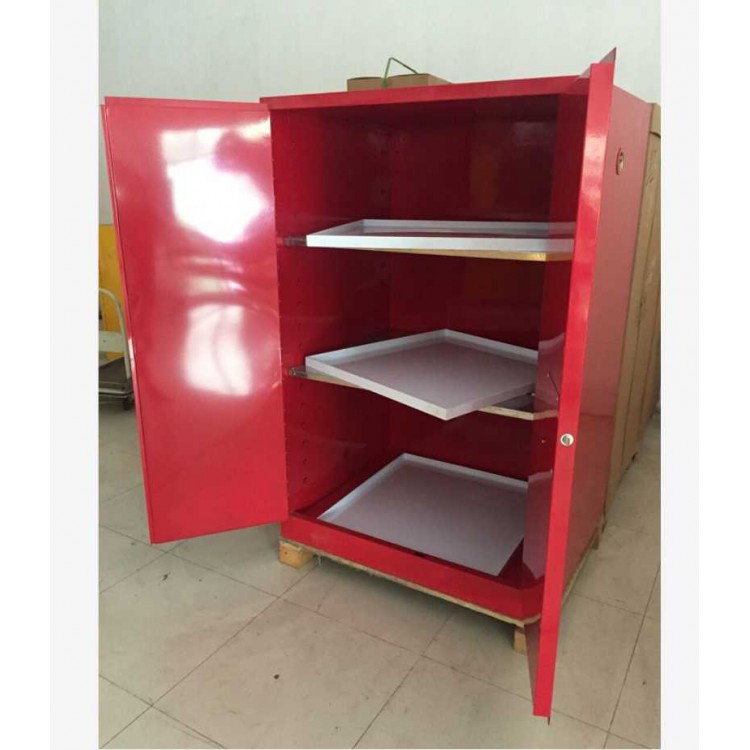
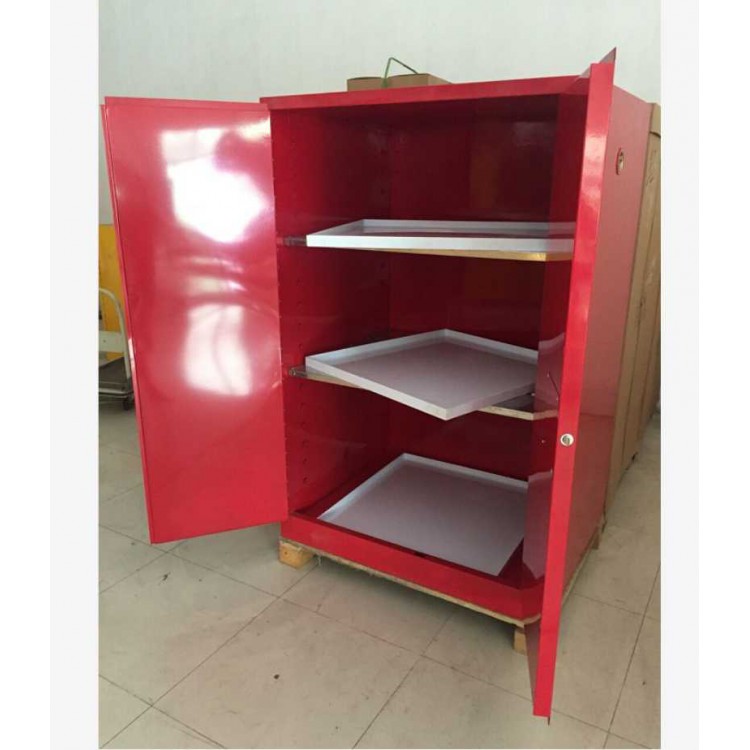
Safely store hazardous chemicals, reduce the occurrence of fire accidents, and protect personal and equipment safety Organized and organized separation of various hazardous liquids Store solvents nearby to improve your work efficiency Three point linkage lock enhances security To learn more, please enter the following extended reading A metal container used to improve local exhaust ventilation, protect steel cylinders from fires outside the cabinet, and protect surrounding objects from internal fires. There is a purging system, alarm, and exhaust hole inside the gas cylinder cabinet, usually with one, two, and three cylinder positions The control system is divided into four keys: hour key, minute key, function key, and timer key
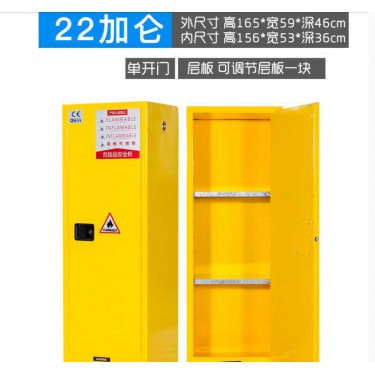
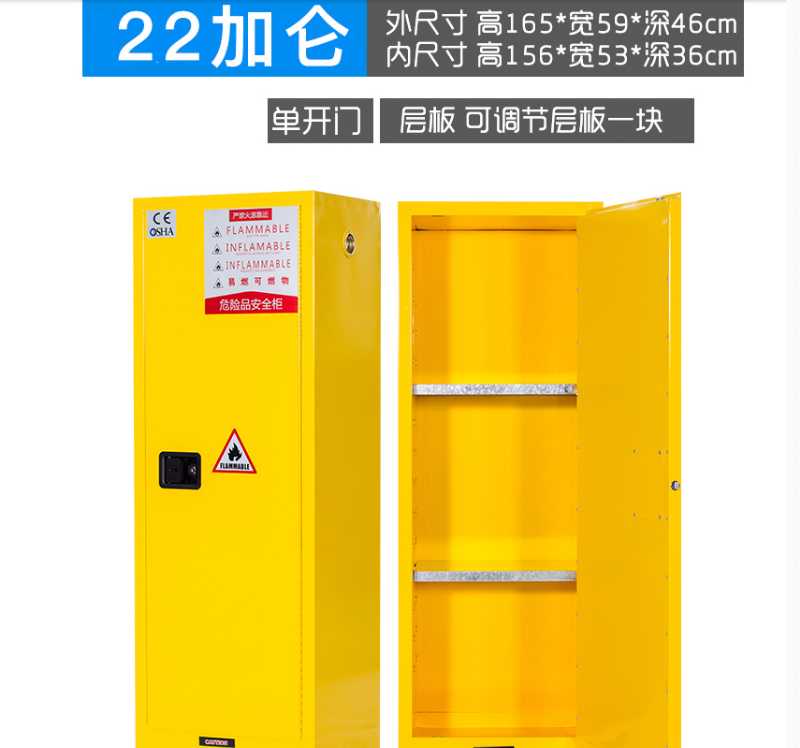
Types of chemical storage cabinets
After the device is powered on, the monitor is turned on. The time display starts working Hour key: The hour key is used to adjust the hour number. When the hour key is pressed, the time display starts flashing, indicating that the hour has entered the setting state. Press and hold the hour key, and the display hour setting can be adjusted from zero to twenty-four. Minute key: The minute key is used to adjust the minute number. When the minute key is pressed while the display is flashing, the time display starts flashing, indicating that the minute has entered the set state. Press and hold the minute key, and the display minute setting can be adjusted from zero to fifty-nine Function keys: Function keys can be used for three main settings. 1. It is the setting of the fan on time when an alarm is triggered. (0-59 minutes) 2. Set the running time of the fan to be turned on every day (0-59 minutes).
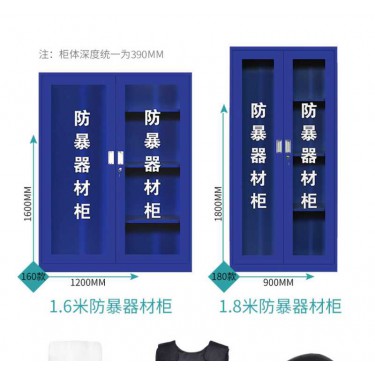
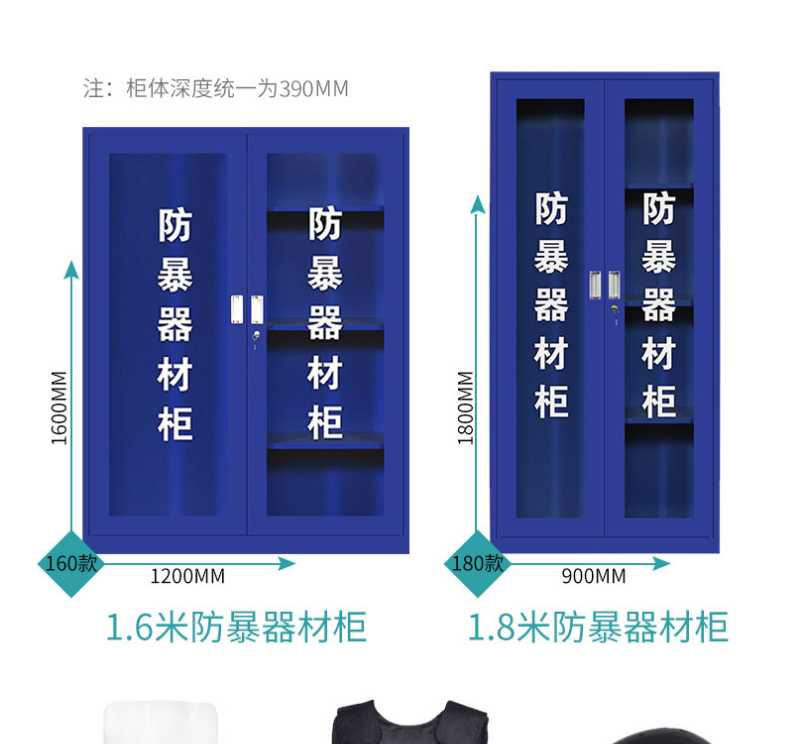
Chemical storage cabinet style
Daily automatic exhaust time setting When the function key is pressed again, the hour part of the time display shows 2 hours, entering the daily timed fan running time adjustment state. At this time, the fan running time can be set through the minute key (0-59 minutes can be set arbitrarily). Forced exhaust setting When the timer button is held down for 5-6 seconds, the fan will automatically turn on. After 30 minutes of automatic shutdown, this is the forced execution function of the fan. Timer button: The timer button is used to set the daily opening time of the fan. When the timer button is pressed, the time display starts flashing and the timer indicator light turns on. At this time, the daily fan running time can be set by pressing the hour and minute buttons. When the timer button is pressed again, the timer indicator light will turn off and the timer function will be disabled. Alarm button: used to eliminate the alarm button when the device encounters an alarm situation When an alarm occurs on the device, pressing any button can be used as a button to eliminate the alarm, and the alarm sound will stop But the fan continues to run The running time is based on the user's self set time