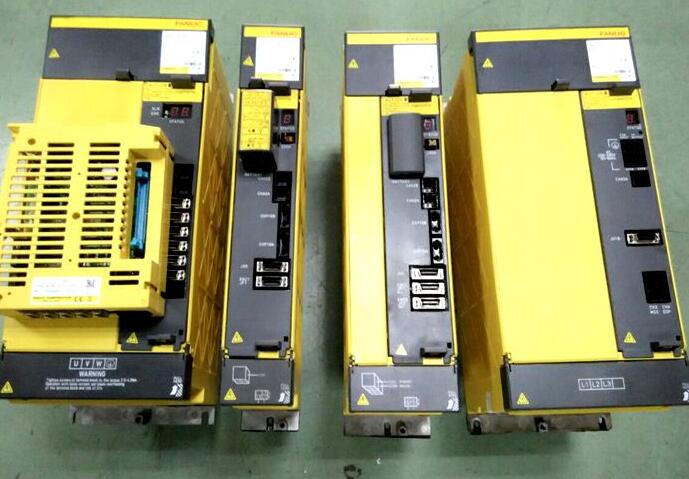

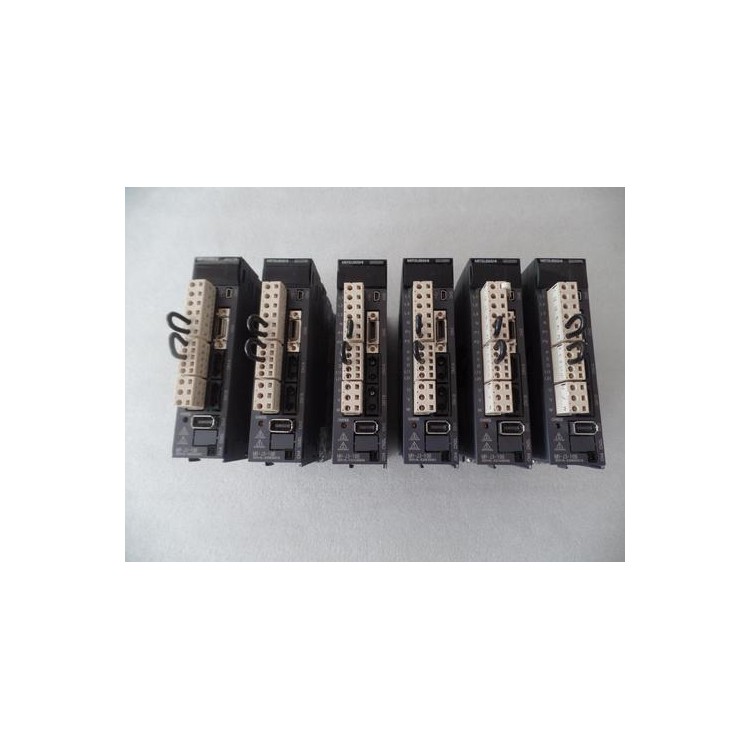
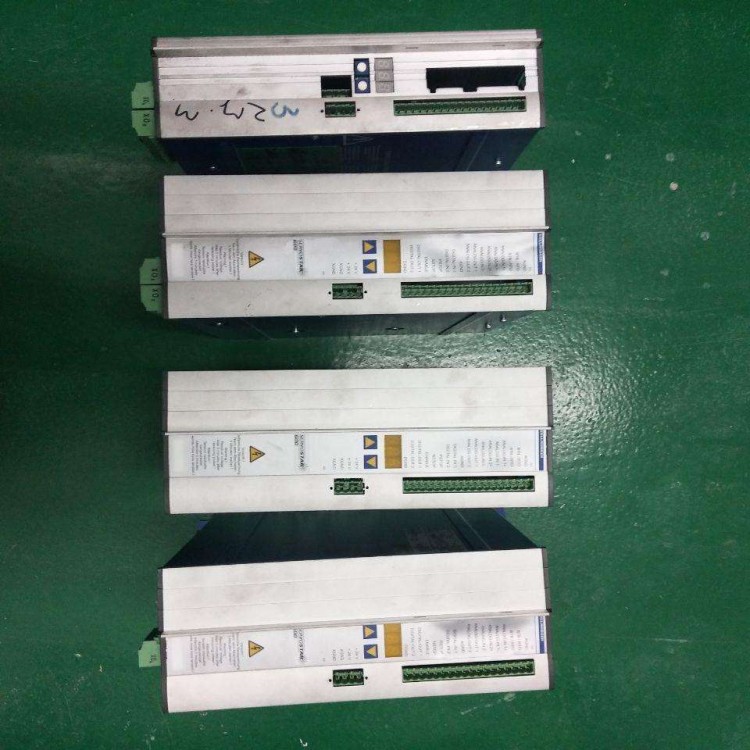
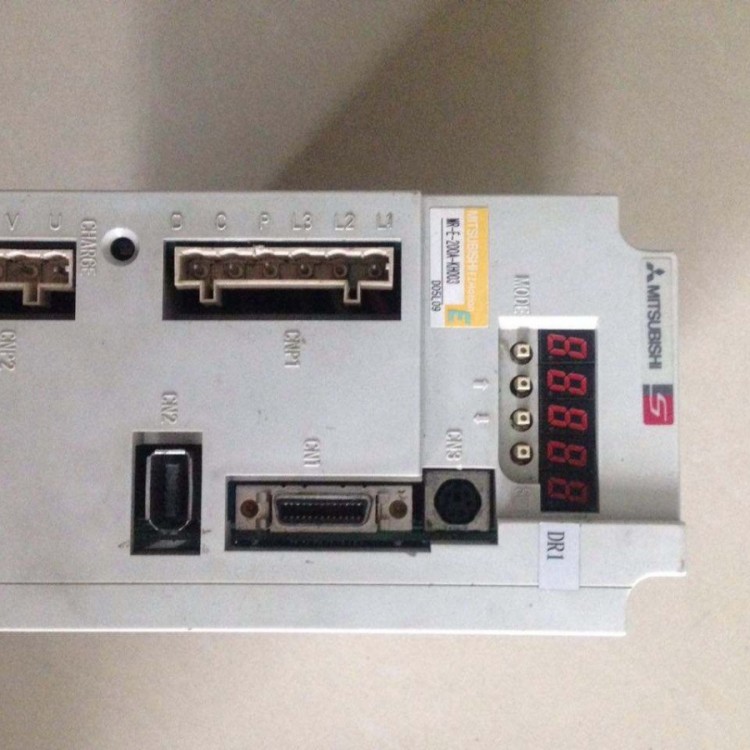
AB Servo Drive Repair Involves the Following Steps:
Troubleshooting: Firstly, it is necessary to troubleshoot the servo driver to identify the specific cause of the fault. The fault point can be determined by inspecting aspects such as power supply, cable connections, and control signals.
2. Maintenance Preparation: Prepare the required tools and spare parts based on the troubleshooting results, such as screwdrivers, multimeters, replacement resistors, etc.
3. Repair Procedures: Perform corresponding repair actions based on the specific cause of the fault. Possible repair steps include replacing damaged resistors, repairing soldering issues on the circuit board, and replacing damaged capacitors, etc.
4. Debugging and Testing: After the repair is completed, perform debugging and testing to ensure the servo driver operates normally. Testing can be conducted by connecting the controller, inputting control signals, and observing the output signals.
5. Maintenance Records: Document the repair process and results after completion for future reference and tracking.
Note that repairing AB servo drives requires a certain level of electronic repair knowledge and skills. If you lack relevant experience, it is recommended to contact a repair technician for assistance.
Opai servo drive repair primarily includes the following aspects:
Troubleshooting: For malfunctioning servo drives, a troubleshooting process is required to identify the specific cause of the issue. This can be done by checking if the power supply is normal, if the connection lines are loose, and if the control signals are correct, among other methods.
2. Maintenance Parts: In case a component of the servo drive malfunctions, it requires corresponding repair or replacement. Commonly faulty components include capacitors, resistors, relays, etc., which can be repaired or replaced based on the specific situation.
3. Software Tuning: Servo drivers typically require parameter setting and tuning via software. During maintenance, it may be necessary to reset the driver's parameters to ensure proper operation. Corresponding software tools can be used for parameter setting and tuning.
4. Cleaning and Maintenance: Regularly clean the internal and external components of the servo drive to prevent dust and debris from affecting its normal operation. Additionally, periodically inspect the cooling system and radiator of the drive to ensure proper functioning.
Be mindful that for complex malfunctions or when special parts are needed, it's advisable to seek professional repair services to ensure the servo drive operates normally.
If you need to repair a Meifu servo driver, here are some common repair steps and precautions:
Check power supply: Ensure the drive receives the correct voltage and current. Inspect the power lines and plug, ensuring they are securely connected.
2. Inspect Connections: Check the connection between the drive and the servo motor, ensuring it is secure and not loose. Inspect the connection wires and plugs to ensure they are properly connected.
3. Verify parameter settings: Check the driver's parameter settings to ensure they match the servo motor requirements. Reset parameters if necessary.
4. Check error codes: If the driver displays an error code, consult the user manual of the driver to find the meaning and solution for the error code.
5. Cleaning and Maintenance: Regularly clean the drive to ensure no dust or debris accumulate inside. Periodically inspect the drive's heat sink and fan to ensure they operate normally.
6. Replacement Parts: If certain components of the driver are damaged or worn out, replacement parts may be required. Please refer to the driver's repair manual or contact the technical support department of Meifu Company for information on replacement parts.
Please note that if you do not possess relevant repair experience or technical knowledge, it is recommended that you seek repair services or consult with Meifu Company's technical support department.