


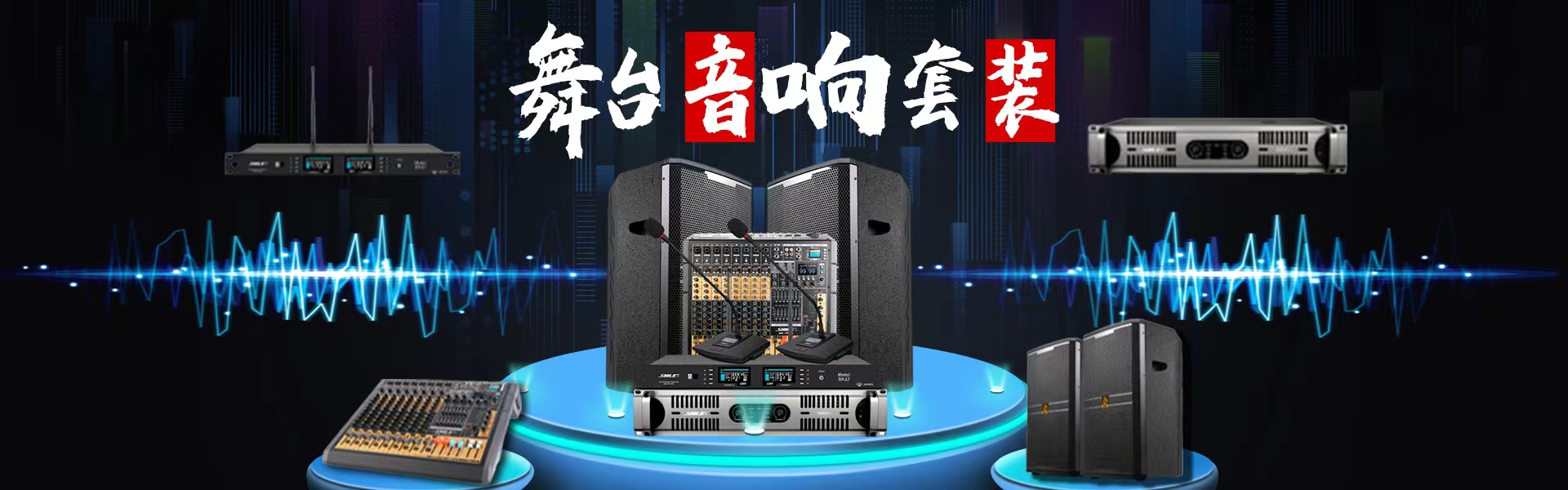




With the advancement and widespread use of wireless microphones, how to better leverage their superior functions is a key concern. In their operation and application, the following issues should be noted:
How to Choose Batteries for Wireless Microphone Transmitters
To ensure proper system operation without signal distortion or frequency interference, it is necessary to use a sufficient battery supply. If possible, opt for alkaline 9V batteries when making a purchase.
How to Avoid and Prevent Interference from External Sources to Wireless Microphones
Before purchasing non-frequency-modulated wireless microphones, it is crucial to first understand the transmission frequencies of local television stations. When selecting, ensure to avoid the transmission frequencies of television stations to prevent interference. When purchasing multiple wireless microphone systems, be mindful that the frequencies of each system should not repeat to avoid mutual interference during frequency stacking.
How to Eliminate External Interference in Wireless Microphones
The non-frequency-diversity wireless microphone system may experience external interference when the transmitter power is off (indicating the receiver is being affected by RF radio waves, AF audio, or DIVERSITY signals reaching either the A or B LED indicators on the receiver's display). To improve reception and reduce interference, adjust the SQUEECH squelch. The process involves properly positioning the antenna, keeping the transmitter off, turning off the receiver's volume output gain, and then adjusting the SQUEECH squelch clockwise until all interference signals disappear (at this point, the receiver should show no signals except for the power indicator). Turn it a little more clockwise and always use a non-magnetic screwdriver during the adjustment.
How to Properly Use Antennas to Ensure Signal Stability
When using multiple wireless microphone systems, if they are from the same series, it is advisable to use an antenna distribution system if available to minimize mutual interference between antennas. If an antenna distribution system is not available, the antennas of the wireless microphone receivers should first be positioned, then laid out in a straight line, maintaining appropriate spacing between each receiver (antennas on different receivers should not touch). This ensures optimal reception conditions between the receivers, improves the directional characteristics of the wireless receivers, prevents interference between frequencies, and achieves better wireless signals. Additionally, for large venues, extending antennas or using active amplification antennas can enhance reception quality.
How to Properly Identify Active Wireless Microphones
When using two or more handheld wireless microphones simultaneously during a performance, it is advisable to mark each microphone with a different color to avoid misoperation. The markings should typically be placed on the bottom of the handheld wireless microphones, in the central area that is not easily obstructed when holding the microphone. Additionally, corresponding channels on the soundboard should also be marked with the same color as the microphone or with a symbol. This way, if an actor mistakenly picks up the wrong wireless microphone, the operator can correct it promptly when the program director introduces the actor or before the song begins. Furthermore, using colored microphone dust covers as markers not only eliminates "puff" and "huff" sounds but also serves as a microphone identifier, achieving a two-for-one benefit. It is especially important to adjust the volume and tone of each microphone according to the color markers during duets or合唱 performances.
How to Maximize the Performance of a Wireless Microphone
To ensure the effectiveness of the wireless microphone, it is crucial to properly manage the relationship between the transmitter's output level gain, the receiver's output gain, and the mixing console's input gain. Improper handling may result in issues such as sound compression, lack of penetration, or distortion, even to the point of overdrive.
The correct procedure is to connect the wireless microphone to the receiver and audio system power supply, set the audio system level (0 dB or +4 dB), then turn up the power to the maximum output. Simultaneously, set the main output volume of the mixer to 0 dB, turn on the wireless microphone transmitter power, and adjust the audio output gain of the wireless microphone transmitter to 70% to 75%. Also, set the channel potentiometer of the wireless microphone input channel on the mixer to 0 dB. Carefully adjust the input gain of the mixer, and if necessary, slightly adjust the audio output gain of the transmitter until the microphone sound is satisfactory.
