
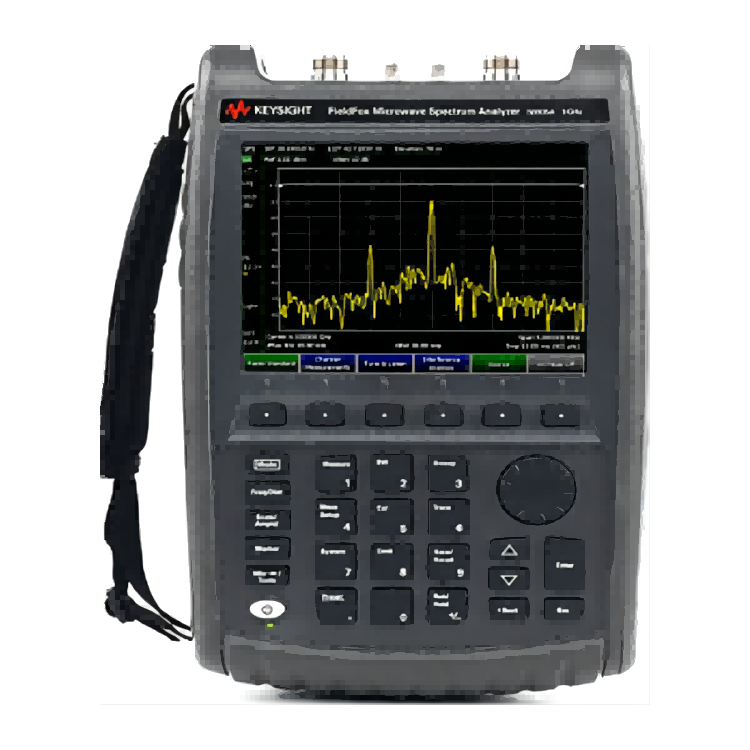
 Rohde & Schwarz Portable Spectrum Analyzer
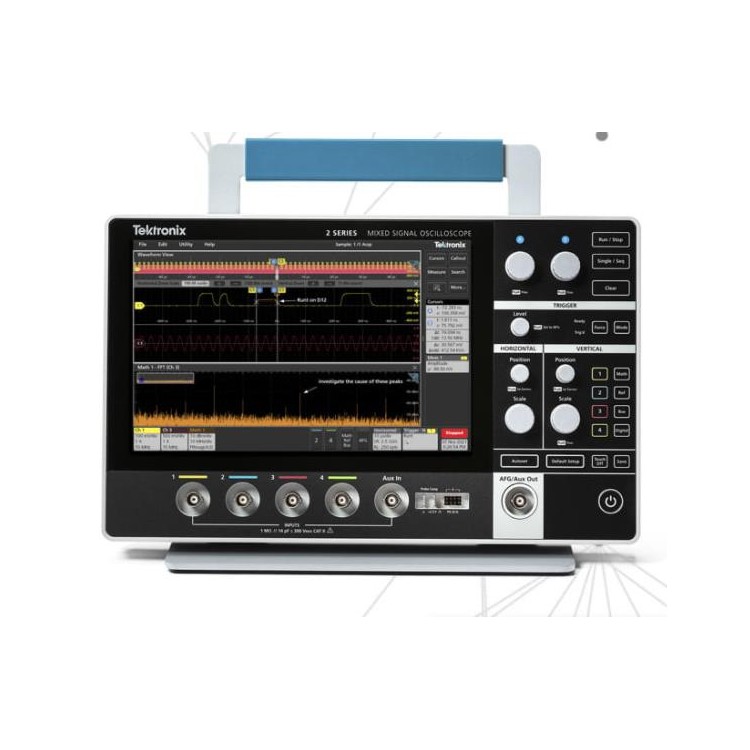 Tek Digital Storage Oscilloscope -- MSO22
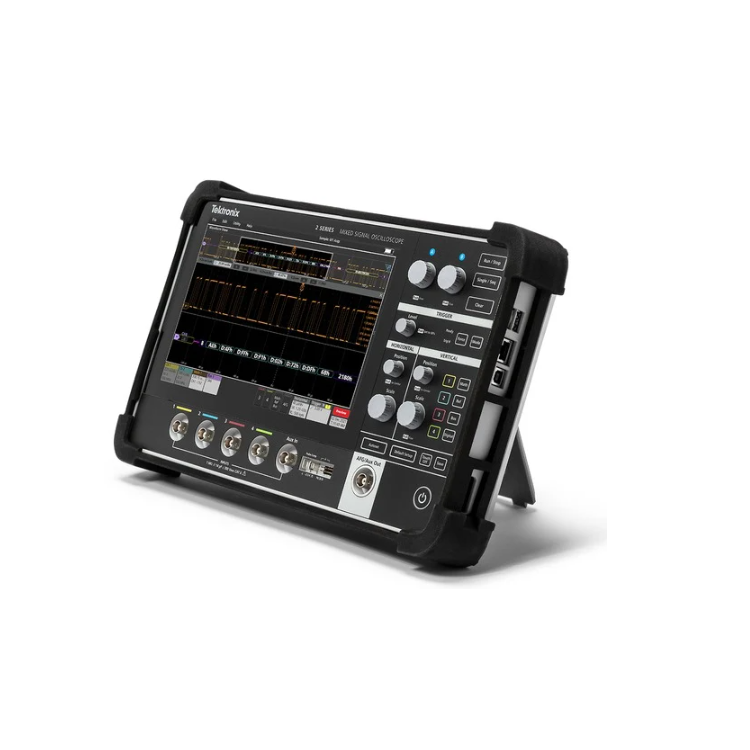 Tektronix MSO24
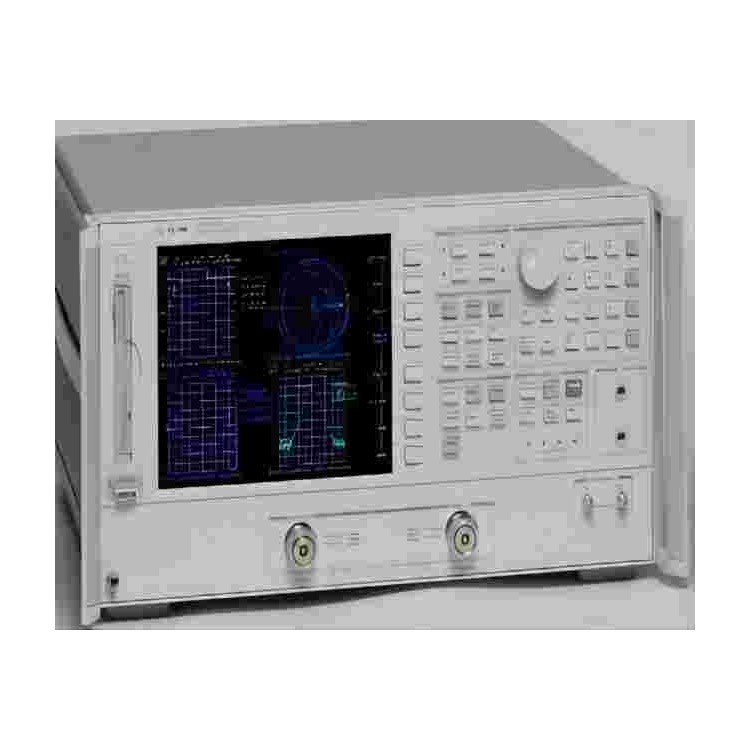 Rohde & Schwarz Impedance Analyzer E4490A
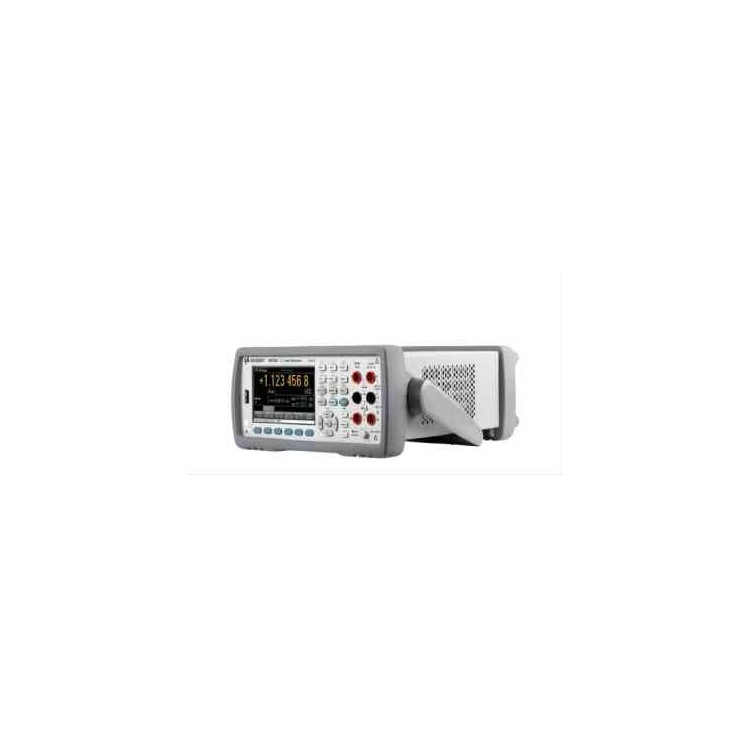 Isolation Transformer 34470A
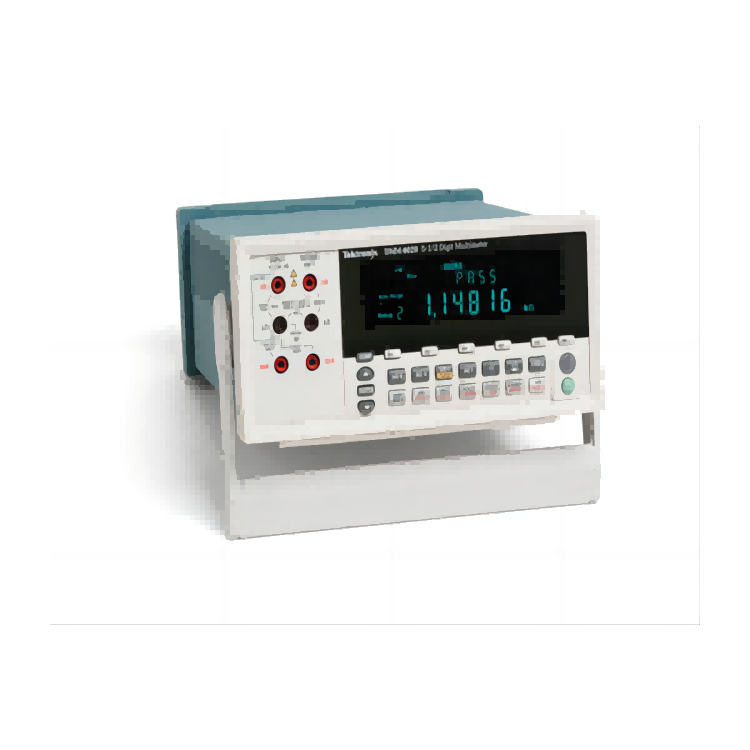 Tek Digital Multimeter 5.5-Digit DMM
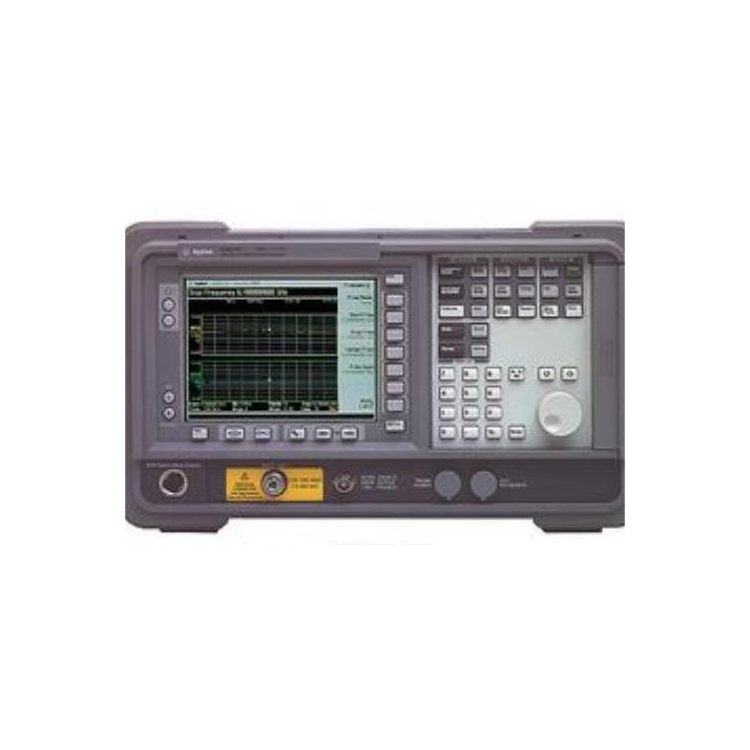 Rohde & Schwarz Noise Analyzer 10 Hz - 40 GHz
Product Details

Electrical instruments and electronic products

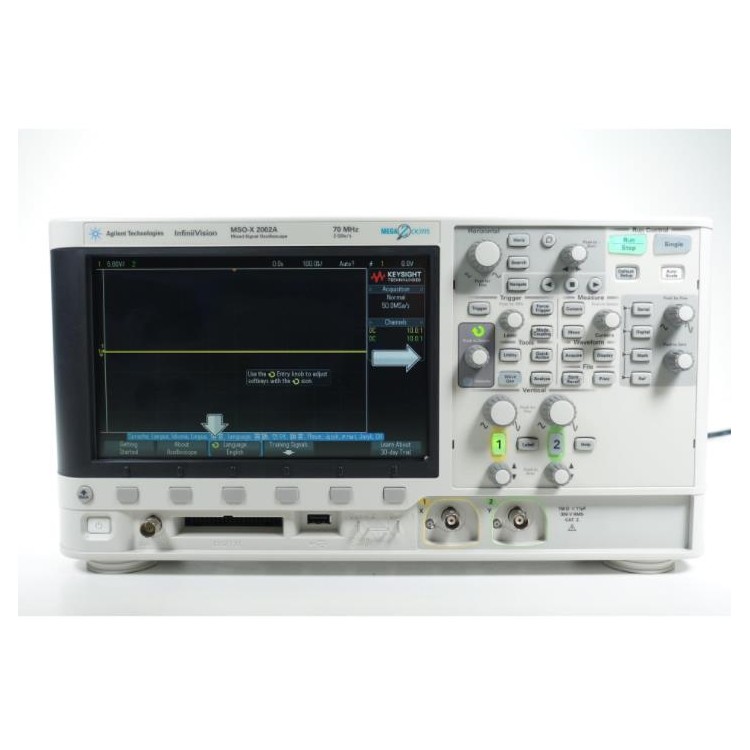
产品Price 6800.00/Tai
最小起订Quantity:1 Tai 供货总Quantity: 100 Tai


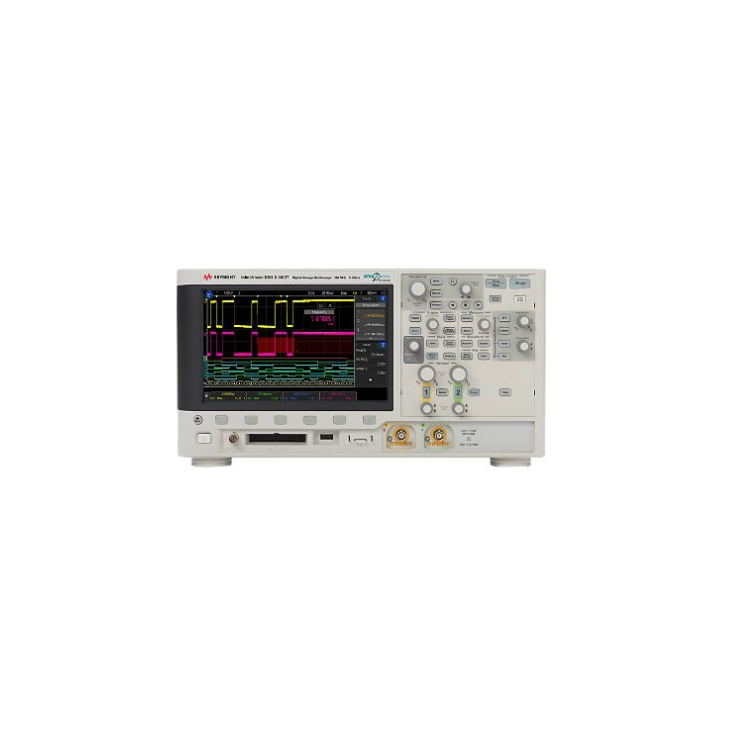
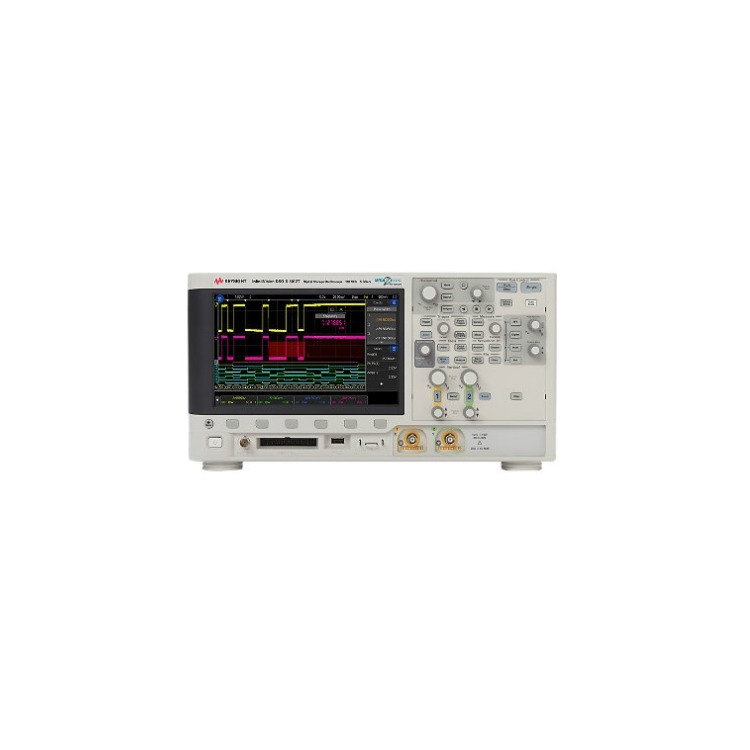
Feature Precise Test Waveform Press the [Wave Gen] button, and a corresponding menu will appear at the bottom of the screen, which can be adjusted using the soft keys below: To adjust the size, you also need to press the [Push to Select] knob in conjunction. Pressing the knob confirms the selection. For instance, to generate a sine wave, 1kHz, 1Vpp. Oscilloscope Display Function Display Channels: Yellow is Channel 1, Green is Channel 2. Note: The ratios of 1.00:1 or 5.00:1 behind refer to the proportion of the amplitude displayed on the oscilloscope to the actual amplitude. To change the ratio, press the corresponding "1" or "2" channel button, find the "Probe" menu, press the lower soft key to locate the corresponding soft key to change it. The observation data requires a ratio of 1.00:1. Measurement data shows: Channel 1 signal peak-to-peak value is 1.01V, frequency is 1kHz. Press the [Meas] (Measurement) button to add data such as Voltage or Time measurements. Data Reading: 1 horizontal cell is 0.5ms; 1 signal cycle is 2 cells. To change the value of each cell, adjust the coarse button at the [Horizontal] setting. Easy to use, quick and convenient reading of values!
②DSOX2022A Oscilloscope - A digital oscilloscope
③ Communication function with the outside world
④ Can provide detailed waveform analysis
⑤ File saving capability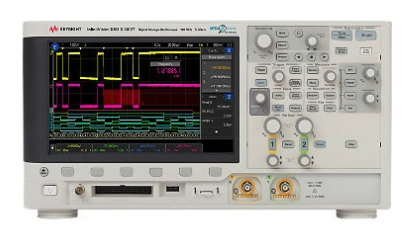

Phone Consultation