
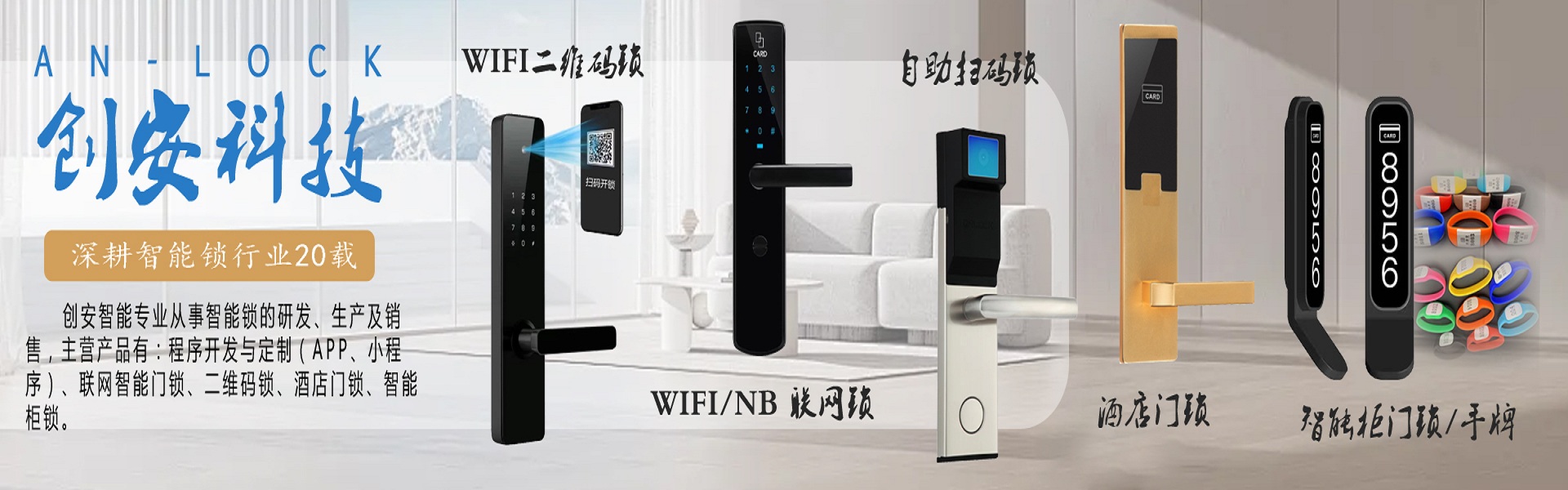

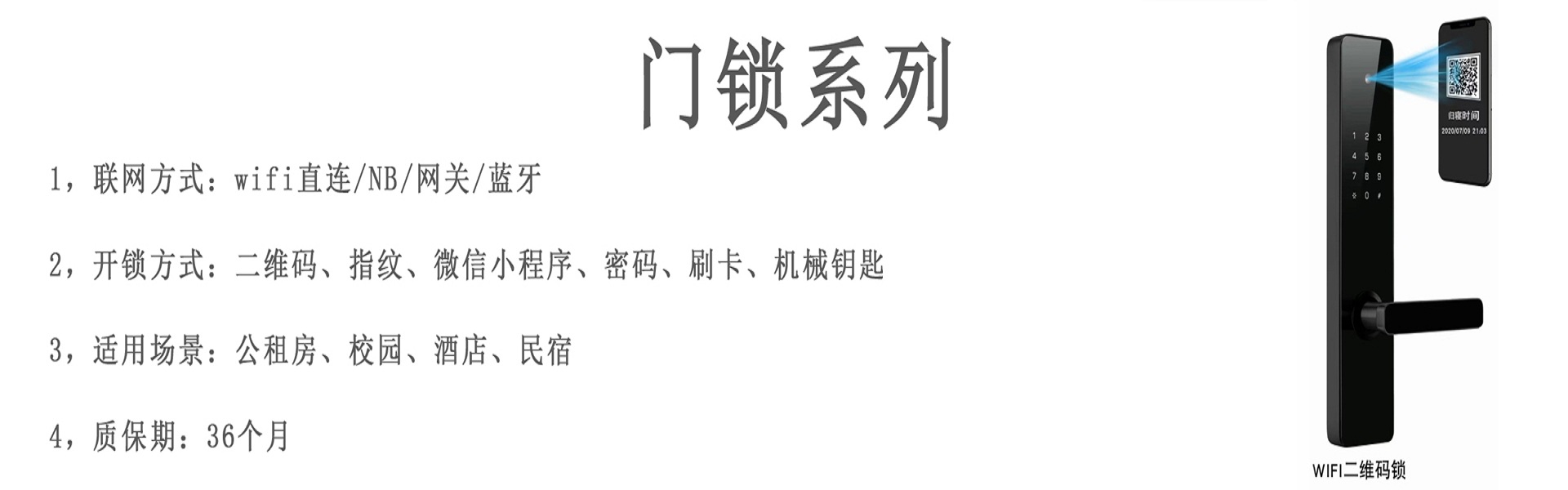
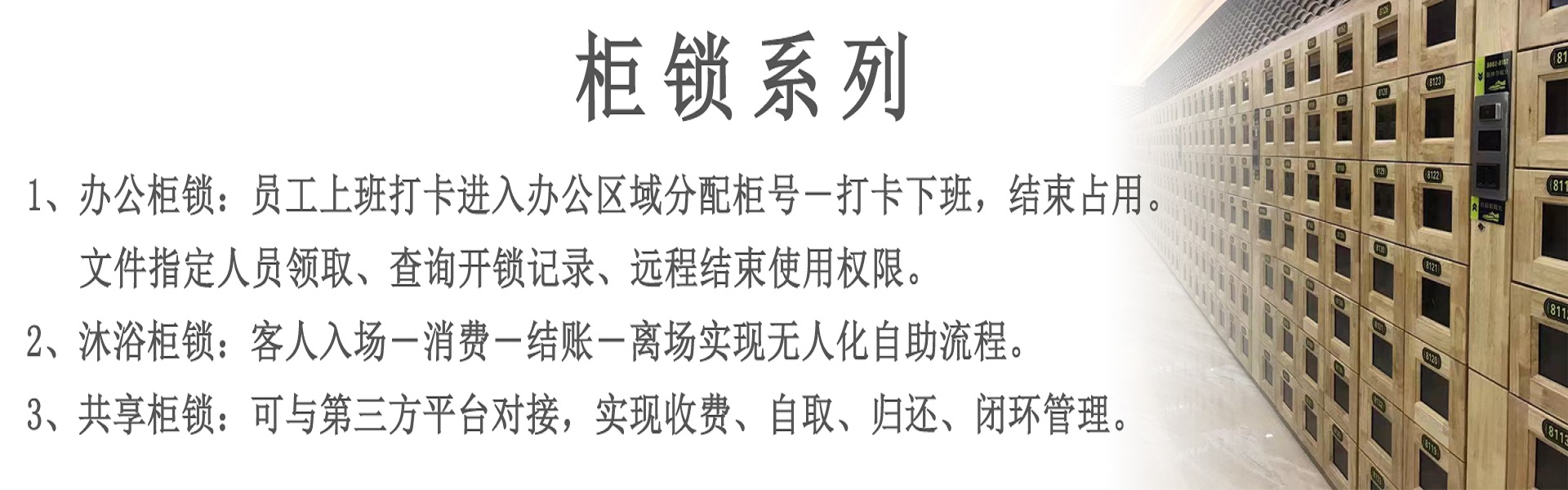

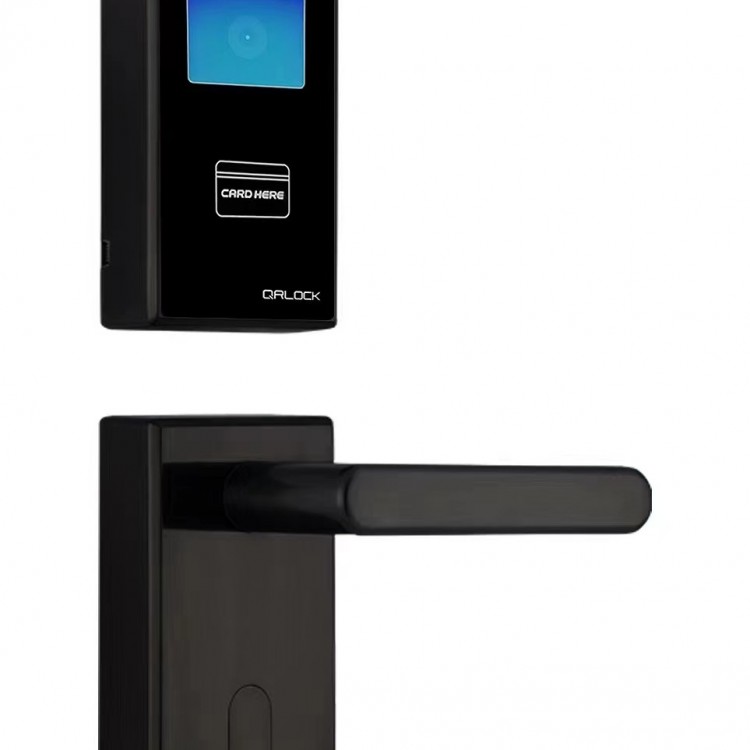
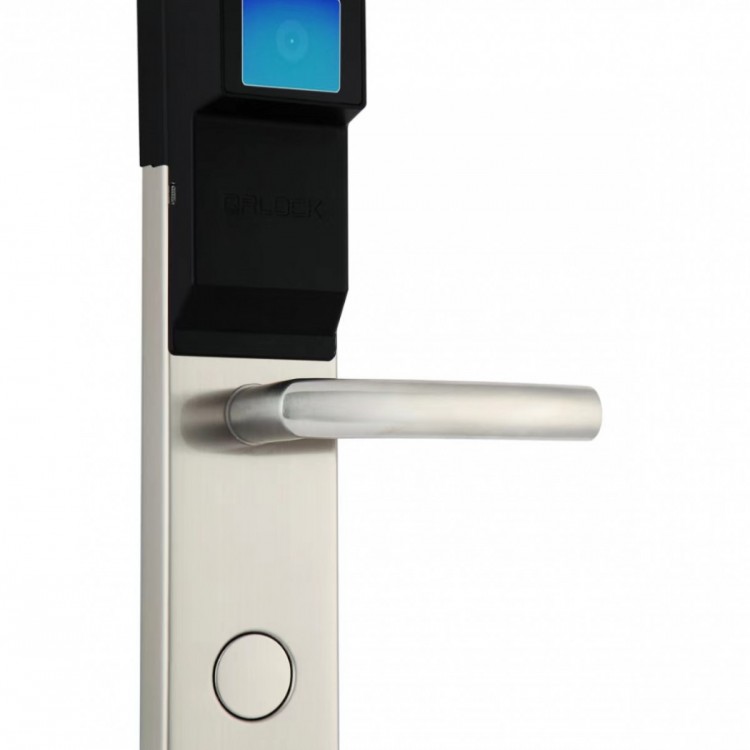
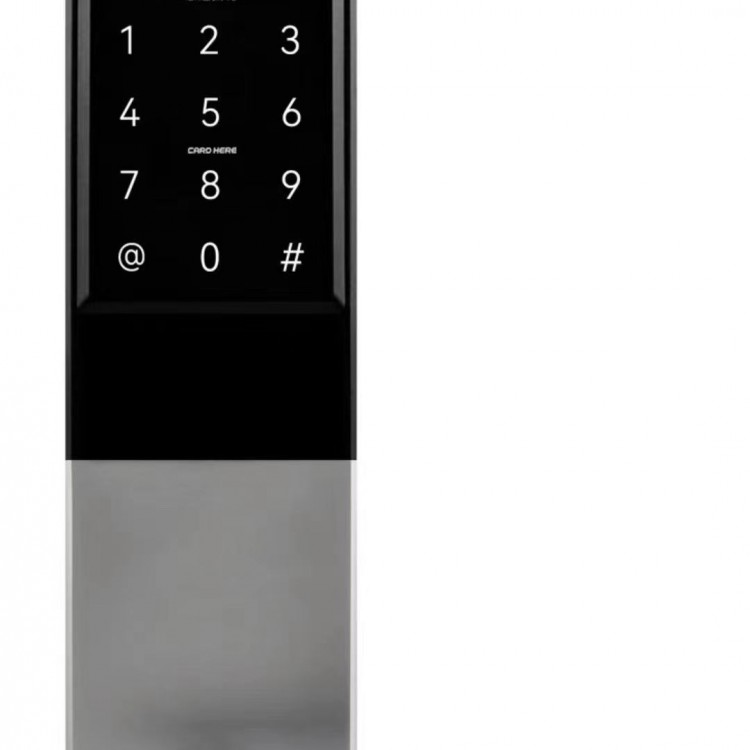

Door Lock Settings (for room number on door lock))
1. Navigate to the bottom right corner of the APP and select Settings. Go to Room Definition, then choose the building you need. Tap the three small dots in the upper right corner of the room number you want to set up, and select Add Device. Choose Protocol Type as WIFI and enter the on-site WIFI name and WIFI password (ensure no Chinese characters in the account and password).
2. Tap the authorization card for the door lock, click the purple device, and the APP prompts that the device has been added successfully, completing the door lock setup.
3. If the room number setting for the door lock is incorrect, tap the settings at the bottom right corner of the APP, go to Room Definition, enter the corresponding building, tap the three small dots at the top right corner of the room number to be reset, select Delete Device, and then tap to reset.
4. After setting up the door lock, please do not swipe the authorization card again.
