
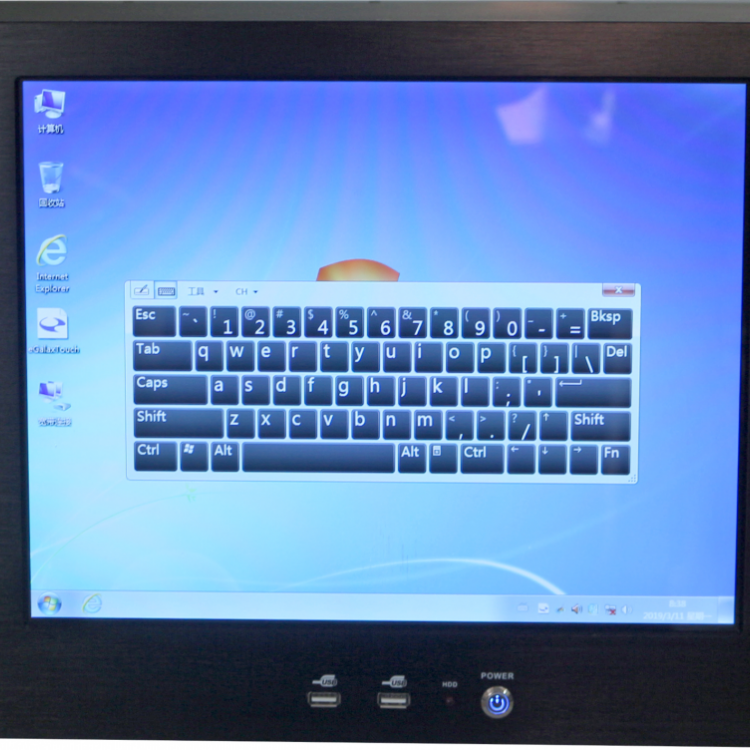
 PV-IP8000 Network Control Unit
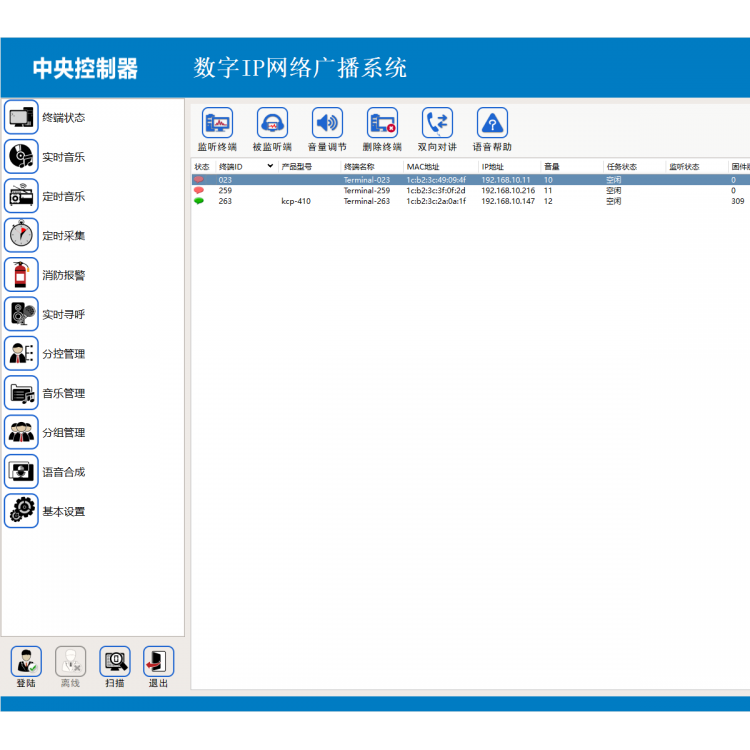 IP8000 Network Control Software
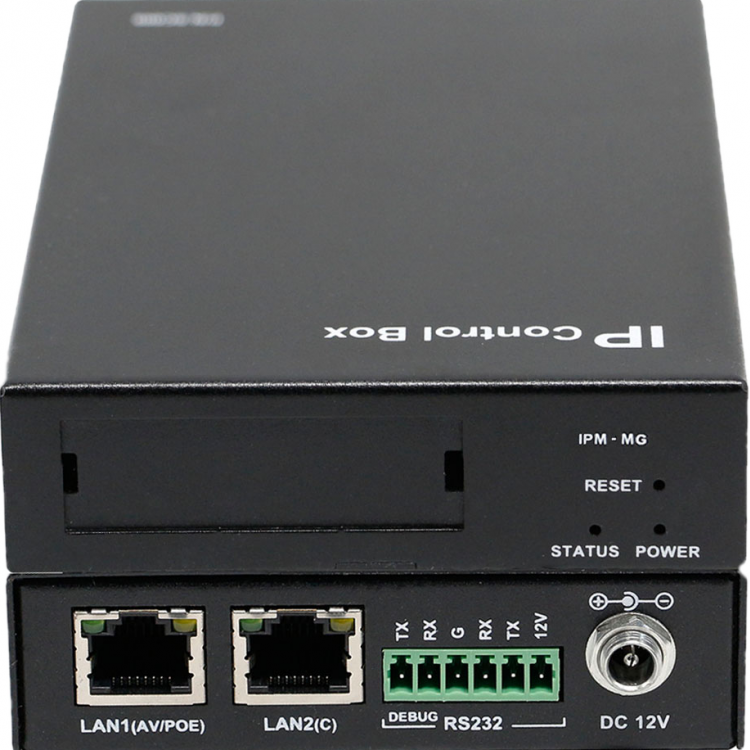 IP Management Host
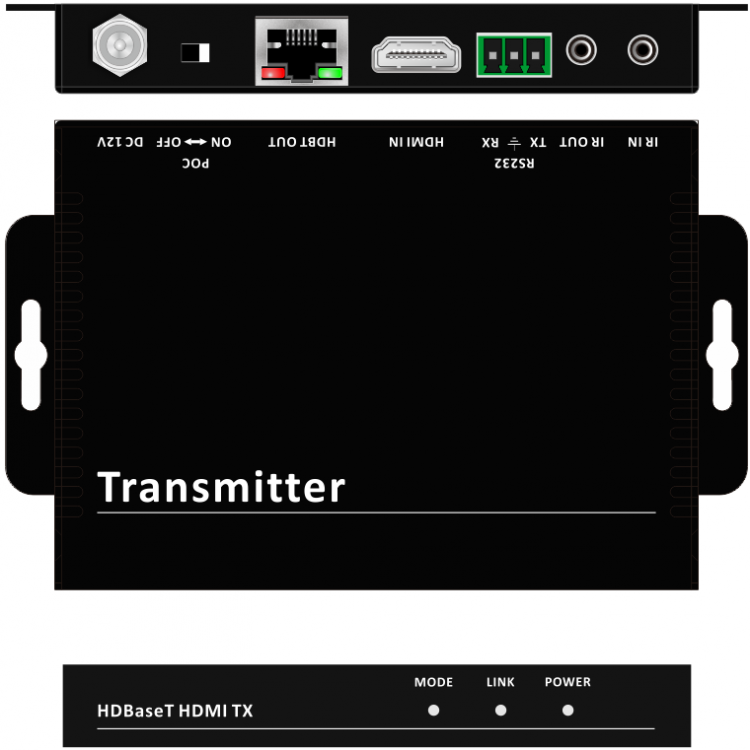 HDBT 70m HDMI Mini-Transmitter
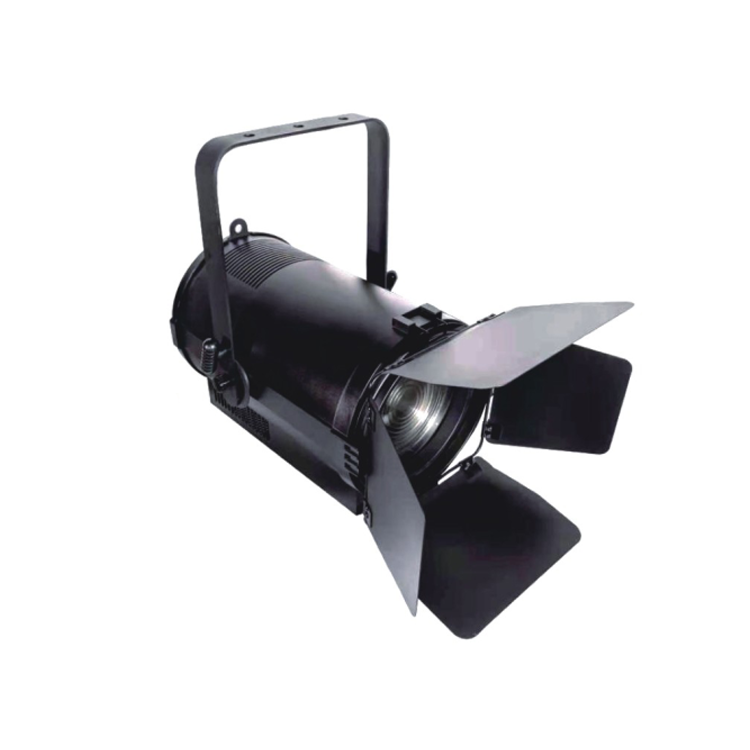 LED Zoomable Spotlight
 LED Multi-functional Cutting Light
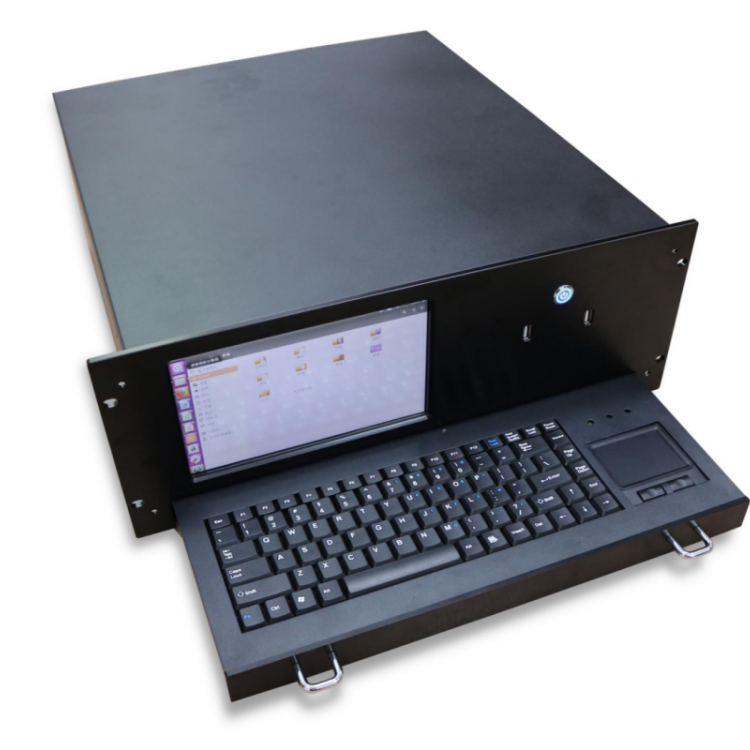 Paperless Conference Management Server
Product Details







产品Price 1450.00/Tai
最小起订Quantity: 供货总Quantity:


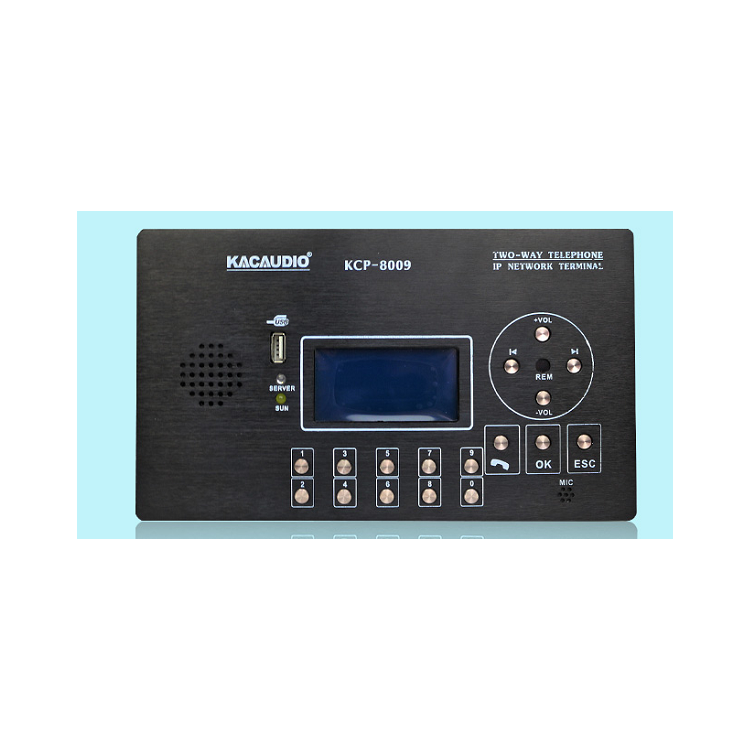
Product Introduction This main unit is an IP intercom terminal with a 10/100M Ethernet interface, receiving network audio through the network interface. Data, providing stereo audio output. This network intercom terminal can communicate via microphone or local input to the terminal. One-to-one unicast, one-to-many multicast, and whole-area broadcast are supported, and it can also be used for two-way communication with terminals that support intercom within the system. Towards the call. The network terminal is equipped with a 3.5mm interface input, enabling the intercom audio to switch to the普通话 microphone. This website The paging microphone is equipped with up to 16 keys, enabling system settings. This network paging microphone is primarily used in campuses and banks. Hospitals, prisons, and mines, among other locations, requiring broadcasting, intercom, on-demand, and monitoring capabilities. ◆ Product Features Standard RJ45 network interface, can be placed anywhere in the network system. Desktop or wall-mounted, sturdy and durable, anodized aluminum panel. Equipped with a 12864 LCD display and 16 keys. Equipped with high-quality microphone and a 3W speaker. Supports functions such as intercom, playback, monitoring, and on-demand. Provide a single-line input, a single-line output, and a relay output. Additionally, a 3.5mm jack is included for switching the intercom audio to the standard microphone. Hardware Installation ① Place the network intercom terminal on the desk or hang it on the wall for use. ② Connect the network microphone to the switch using a standard Ethernet cable. ③ Connect the network terminal to the power source using the random power adapter included, or use a different power source if preferred. Please check the power voltage is DC 12V. Parameters Setup Before using it officially, you need to set the terminal's parameters, including the IP address, subnet mask, gateway address, port, and input audio source. Please use the configuration software to set these parameters; for details, refer to the software's user manual.

Phone Consultation