

Product Details




价 格Negotiable
最小起订0 piece库存0 piece
 Business Card
Negotiable

Negotiable
Negotiable

Negotiable
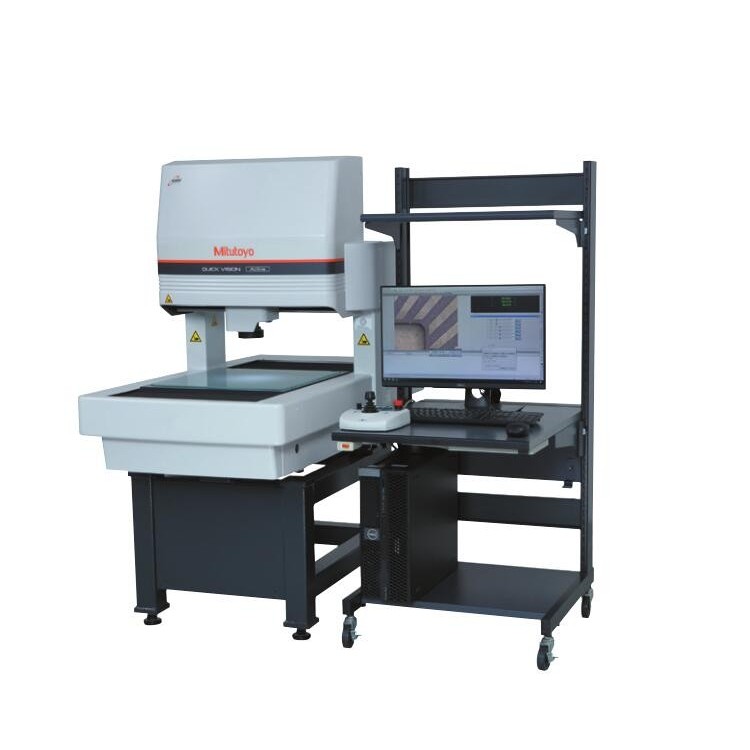 Mitsubishi CNC Image Measuring Ma
Negotiable
Mitsubishi CNC Image Measuring Ma
Negotiable
 Mitutoyo Sine Bar Micrometer 123-
Negotiable
Mitutoyo Sine Bar Micrometer 123-
Negotiable
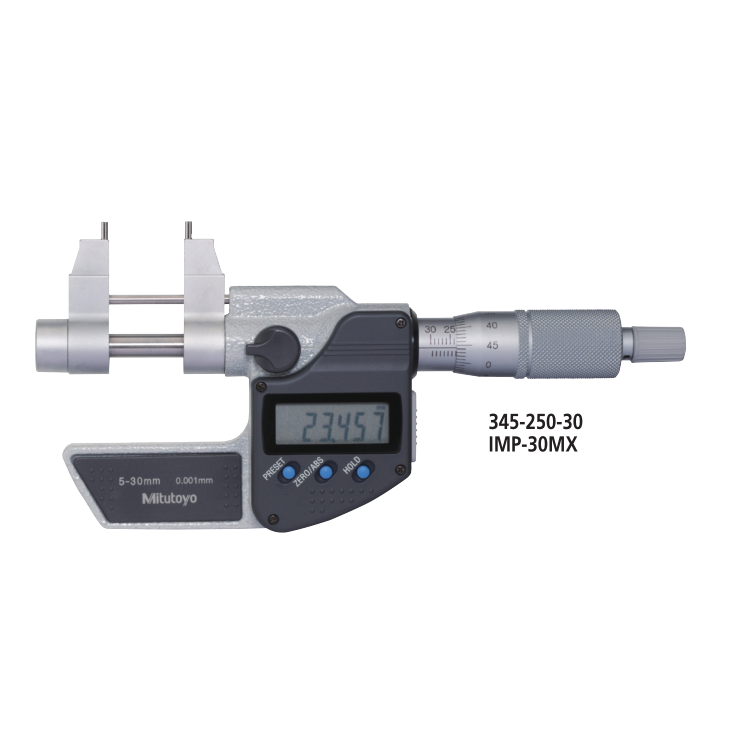 Mitutoyo 345-250-30 Caliper for M
Negotiable
Mitutoyo 345-250-30 Caliper for M
Negotiable
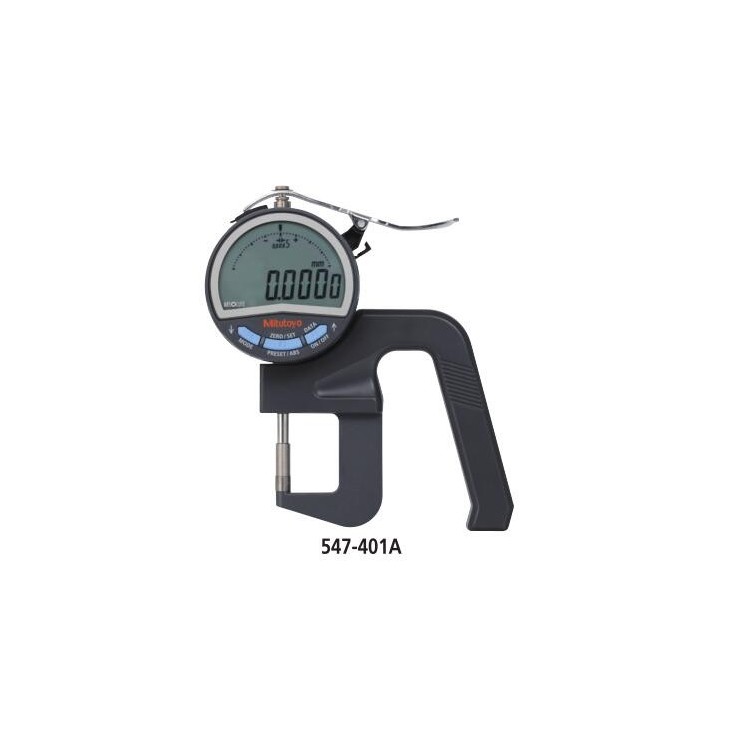 Mitutoyo's 547-401A Digital Depth
Negotiable
Mitutoyo's 547-401A Digital Depth
Negotiable
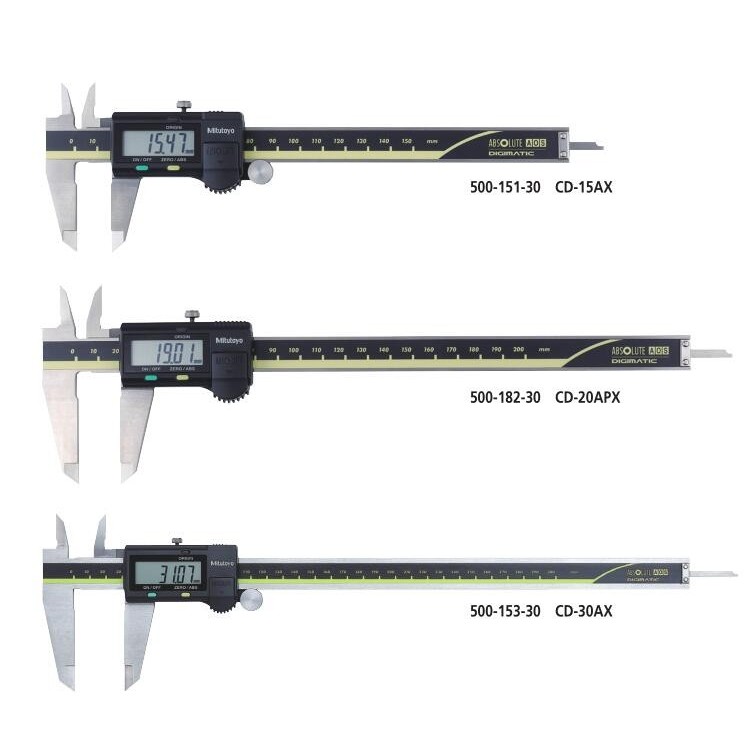 Mitutoyo 500-155-30 Digital Calip
Negotiable
Mitutoyo 500-155-30 Digital Calip
Negotiable
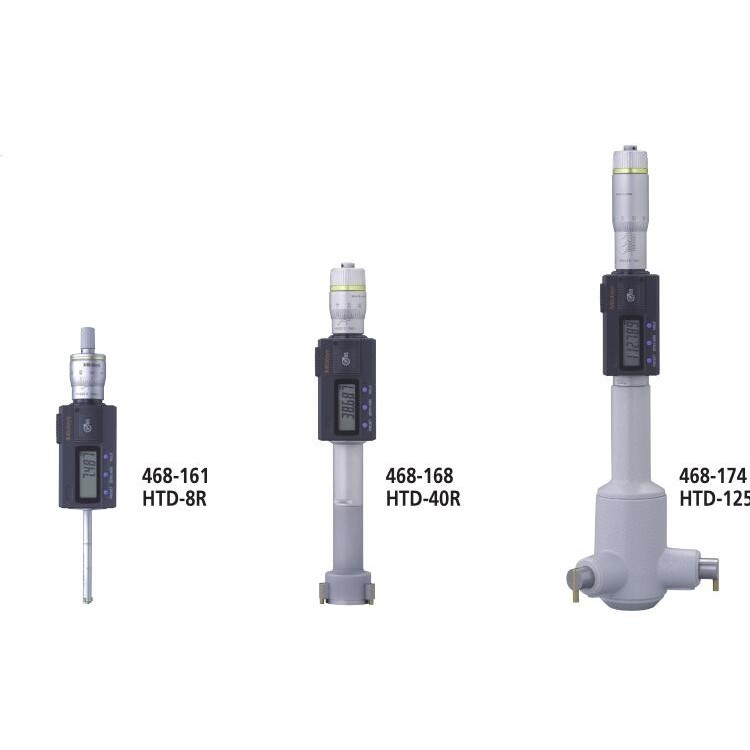 Mitutoyo Sanbon Seiki Three-Jaw B
Negotiable
Mitutoyo Sanbon Seiki Three-Jaw B
Negotiable
 Mitutoyo 3D Probing Card Caliper
Negotiable
Mitutoyo 3D Probing Card Caliper
Negotiable
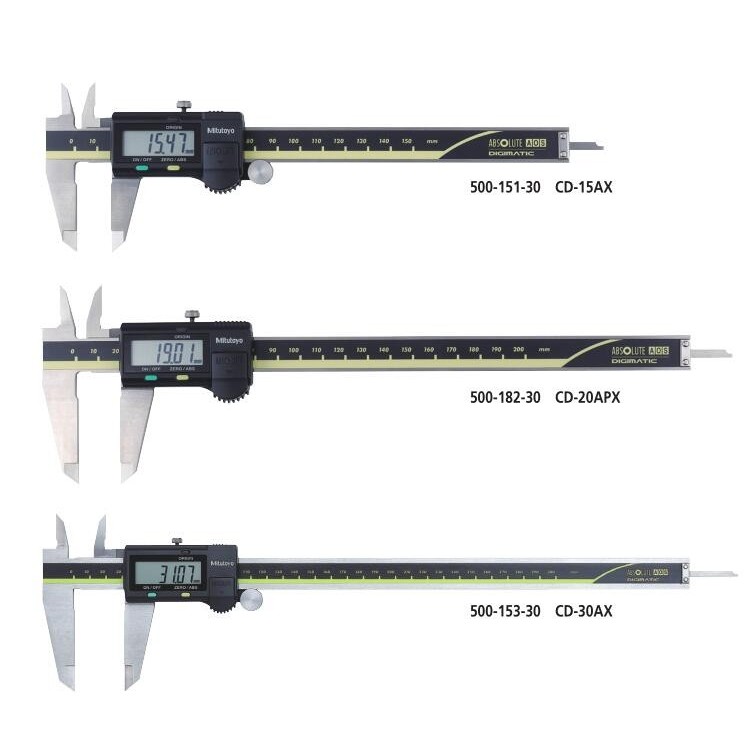 Mitutoyo 500-158-30 Digital Calip
Negotiable
Mitutoyo 500-158-30 Digital Calip
Negotiable
 Mitutoyo Saneyu Digital Indicator
Negotiable
Mitutoyo Saneyu Digital Indicator
Negotiable
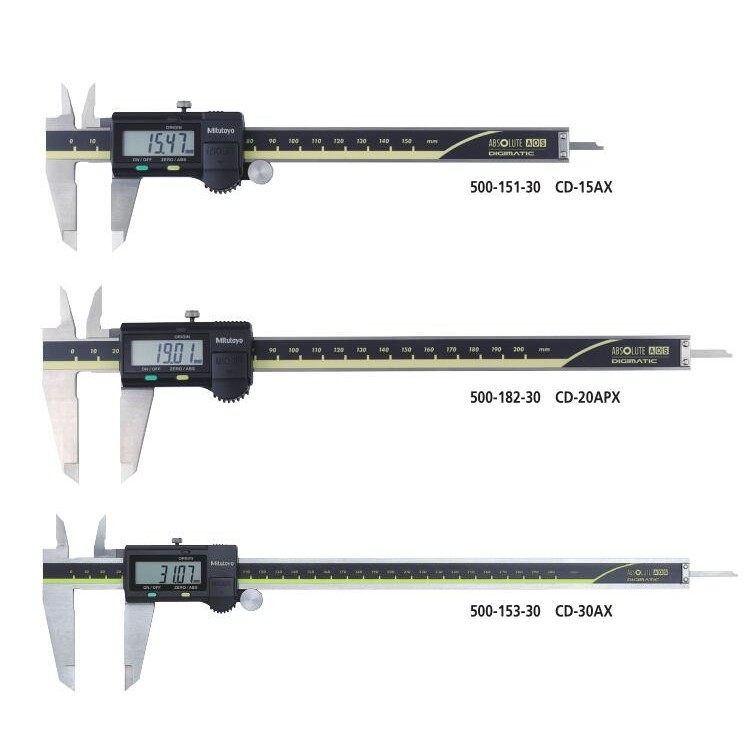
 Mitutoyo Caliper 500-153-30
Negotiable
Mitutoyo Caliper 500-153-30
Negotiable
Mitutoyo High-Precision Digital Caliper 293-141-30
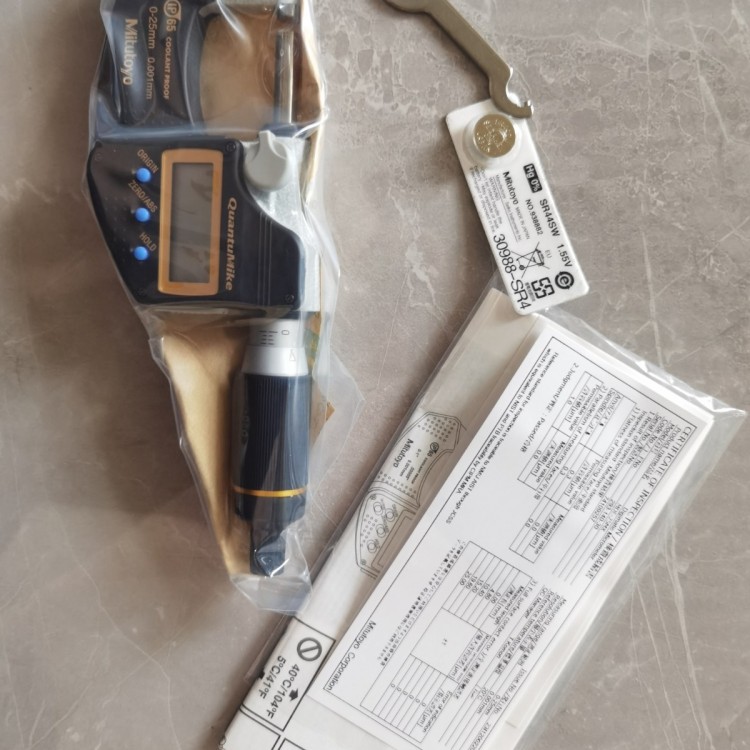
Achieved rapid measurement of 2.0mm feed per revolution of the micrometer screw. Increased thread pitch through high-precision thread processing and evaluation techniques with a spacing of 2.0mm.
● Operate with a single hand to calculate the measurement time for continuously measuring 6 sections of workpieces starting from a small diameter. Compared to traditional micrometers, the positioning and measurement times can be reduced by approximately 76%* and 58%*, respectively. *Survey of sampled operations.
● Utilizing a ratchet sleeve mechanism, even those not accustomed to single-handed measurements can achieve a reliable, stable measurement without fluctuations. Both the differential sleeve and the speed control device can be operated with a ratchet, ensuring stable measurements through the axial micro-vibration of the micrometer screw. The pressure state can also be confirmed audibly, and the ratchet on the speed control device facilitates rapid feeding of the micrometer screw.
■ Features
Origin Setting:
(ABS Measurement System)
Press the ORIGIN button, at the current micrometer screw position
Reset ABS origin. Can be set according to different sizes.
Origin Value.
Set to Zero
(INC Incremental Measurement System)
Briefly press the ZERO/ABS button, on the current micrometer screw
The location setting is displayed as zero, switch to incremental measurement.
Quantity Mode (INC), press and hold button to reset to ABS measurement
Pattern
Data Hold: Press the Hold button to freeze the current value on the display screen.
A feature for poor visibility conditions.
Prior to recording the reading, the instrument must be removed from the workpiece.
The measurement at the time of removal is very useful.
Feature Lock: This feature allows for locking the origin (origin setup) function
With Zero Point (Zeroing) Function, to prevent these points from being accidentally
Reset.
Automatic Power Supply
Open/Close
If not used for about 20 minutes, the LCD display will...
The reading on the display will disappear, but the origin is saved.
Adjust the micrometer screw, so that the reading on the LCD screen is
Reemerging.
Data Output*: Micrometers with this feature have an output port.
Used for transferring measurement data to statistical process control
(SPC) System.
* Applicable only to MDE-MX model.
Error Alert: If there is an overflow on the LCD screen or calculation
Error, error message appears on the LCD screen.
Measurement function has stopped. This will prevent the instrument from providing incorrect readings.
Misreadings. When the battery voltage falls below a certain level, measurements
Low battery voltage alert prior to normal quantity operation
The indicator will appear to remind users to replace the battery.


Phone Consultation